A strong Instagram Business Setup can make your Instagram Business account look like a real business, not a side project. If you want more leads, better visibility, and greater brand awareness, setup matters more than most people think.
The good news is that Instagram still makes this simple in 2026. You start with a personal account, then switch it to a professional account set to Business. After that, a few profile choices can make your Instagram Business account look polished and ready for traffic.
Start your Instagram Business Setup with the right account basics
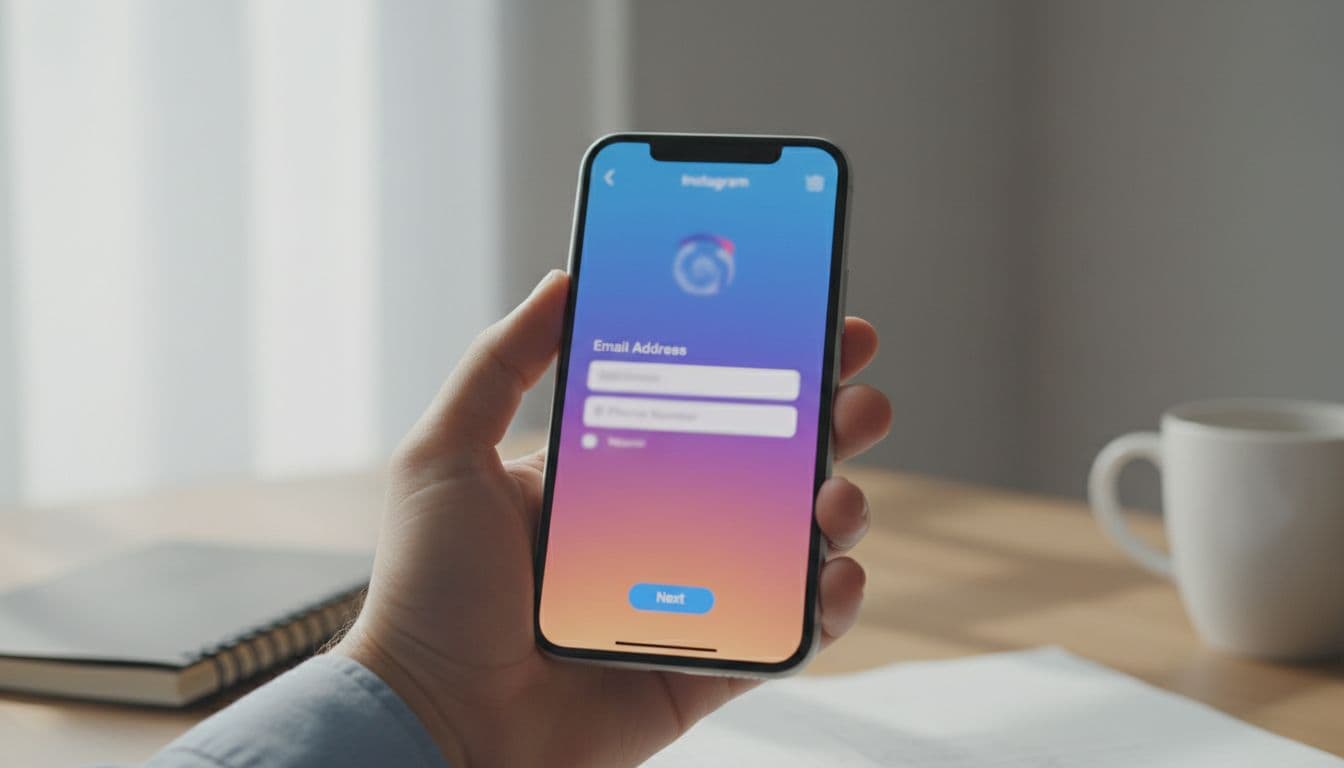
Start your Instagram Business account setup in the Instagram app, not desktop, for effective social media marketing. In 2026, that’s still the easiest place to create an account, confirm your details, and switch account types without missing menu options.
### Choose between a brand new account or converting a personal one
A fresh Instagram Business account makes sense if you’re launching a new brand, opening a new location, or separating business from personal content to better reach your target audience. It gives you a clean start, which is often easier for local companies, agencies, and ecommerce brands.
On the other hand, switching an existing personal account to an Instagram Business account is smarter if it already has followers, posts, or engagement. Why throw away social proof if the account already reflects your business? If the content is off-brand, archive old posts as part of your content strategy instead of starting over.
Complete sign up details without creating problems later
Pick a username that matches your business name as closely as possible. Short, clear, and easy to spell wins every time. If your exact name isn’t available, add a location or service, not random numbers.
Next, use a business email that your team can keep long-term. Don’t build the account around a staff member’s personal inbox. Also, set a strong password and store it in a shared password manager so access doesn’t disappear when roles change.
Instagram also asks for a birthday. That’s part of age confirmation, so use a date connected to the owner or account manager if needed. Then verify your email or phone number right away by completing the verification form. Without that step, recovery gets messy later.
Don’t create multiple new accounts in bulk from one device or IP if you can avoid it. That can trigger extra checks.
If you want a second walkthrough, Shopify’s 2026 setup guide gives a helpful outside reference.
Switch to a professional account and choose Business, not Creator
Once the basic account is live, switch it to a professional account. In most app versions, the path to activate your professional account is simple:
- Go to your profile.
- Tap the menu in the top-right corner.
- Open Settings and privacy.
- Tap Account type and tools.
- Select Switch to professional account.
- Choose Business, not Creator account.
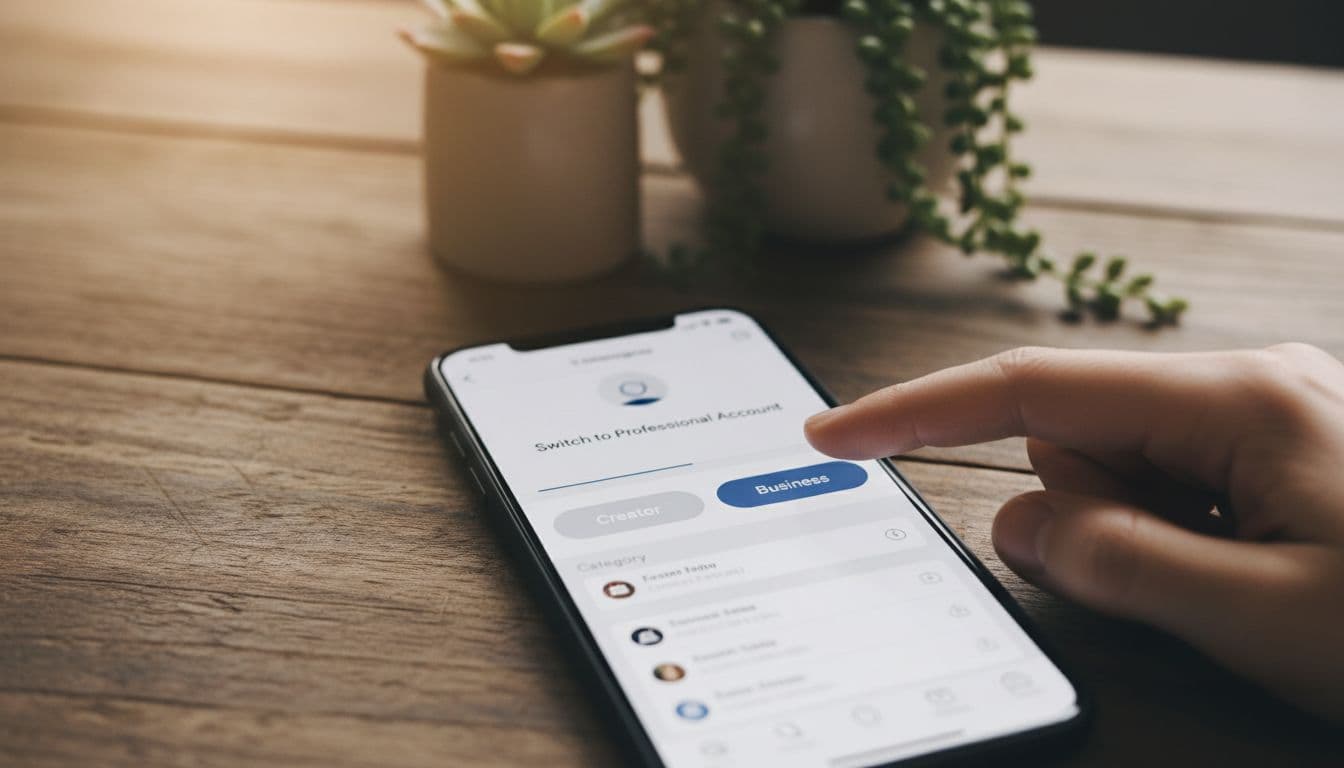
After the switch to an Instagram Business account, your account gets business-focused tools like contact buttons, promotions, and better profile controls. Instagram now gives public accounts some free scheduling and basic performance tools, but an Instagram Business account still makes more sense than a Creator account if you plan to advertise, sell, or route leads from your profile. Creator accounts suit influencers and personal creators well, but they lack the structure brands need for growth, while another Creator account option might tempt beginners who overlook long-term business goals.
Pick the best business category and contact options
Choose the Business category that matches what you do, not what sounds broad. A local service company should pick something close to Local Business, Home Service, or Consultant. An online store should use a retail or ecommerce option when available.
Then add your contact information. You can include email, phone, and address for contact information, and you can choose whether to show or hide them on the profile. For example, a local shop may want directions visible, while a remote agency may only show email.
If you want another plain-English reference for the switch, this quick start guide on changing to a business account lines up well with the current flow.
Connect a Facebook Page if you plan to run ads or sell products
This step is optional during setup, but it’s smart to do early. Connecting a Facebook Business Page makes Meta ad management easier with stronger advertising capabilities and supports shopping features if you plan to sell through Instagram later.
It also helps if more than one person manages the account. Access becomes easier to organize, and your business tools work together better inside Meta’s system, particularly a Facebook Business Page for advanced shopping features.
Set up your profile so visitors trust your business fast
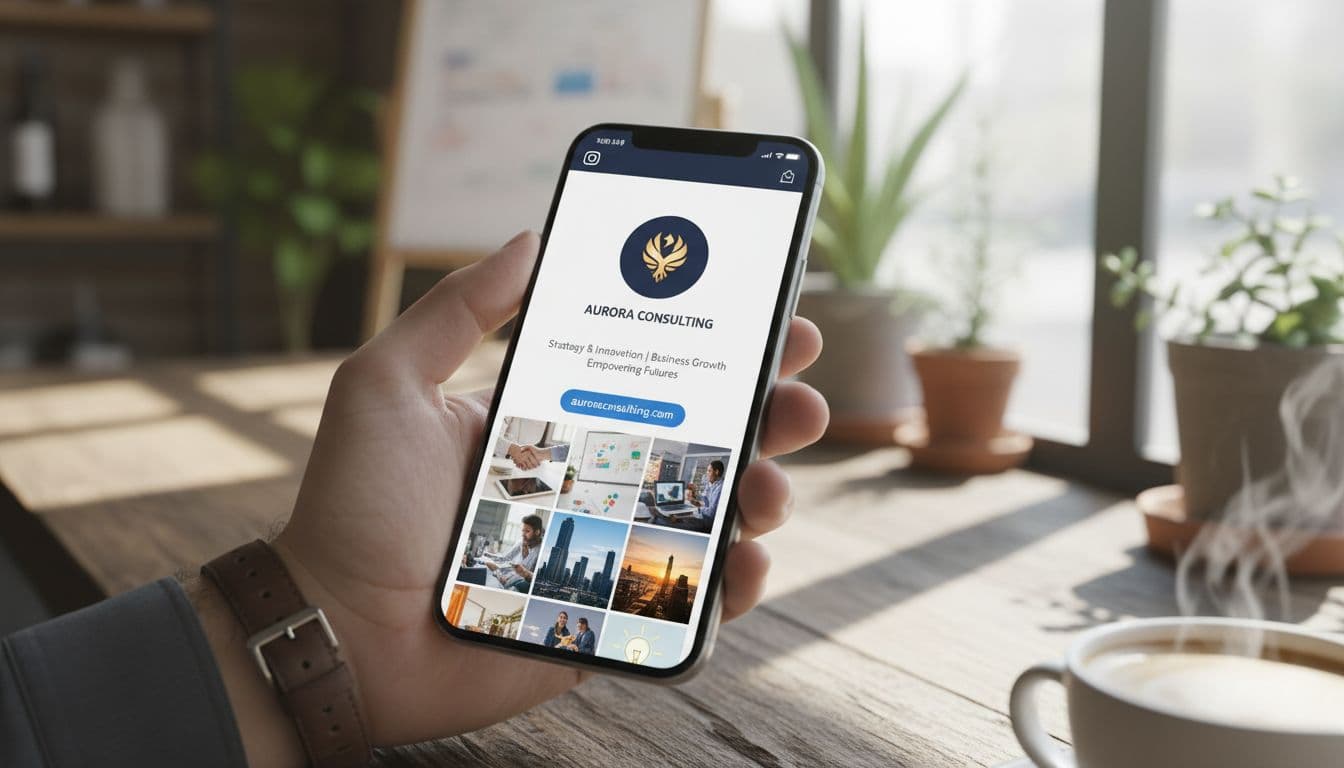
Once the account is switched to an Instagram Business account, your profile needs to pass a quick trust test. Think of it like a storefront window. People decide in seconds whether to follow, message, or leave.
### Use a clear logo, a short bio, and one strong link
Your Profile picture should be simple and easy to recognize at a small size. For most companies, that means a clean logo. If the business is built around a person, use a sharp headshot with a plain background.
Keep your bio short, direct, and useful. You have 150 characters, so say what you do, who you help, and why it matters. Skip buzzwords. A good bio sounds specific, not clever.
Use one main link in bio that matches your goal, along with call-to-action buttons to drive profile interaction. Send visitors to your website, a landing page, or a booking page via your link in bio. For a service business, a simple action like Schedule Call can move people from profile visit to real conversation fast.
For broader small business ideas, the US Chamber’s Instagram business guide is a useful outside read.
Turn on business tools and check Insights early
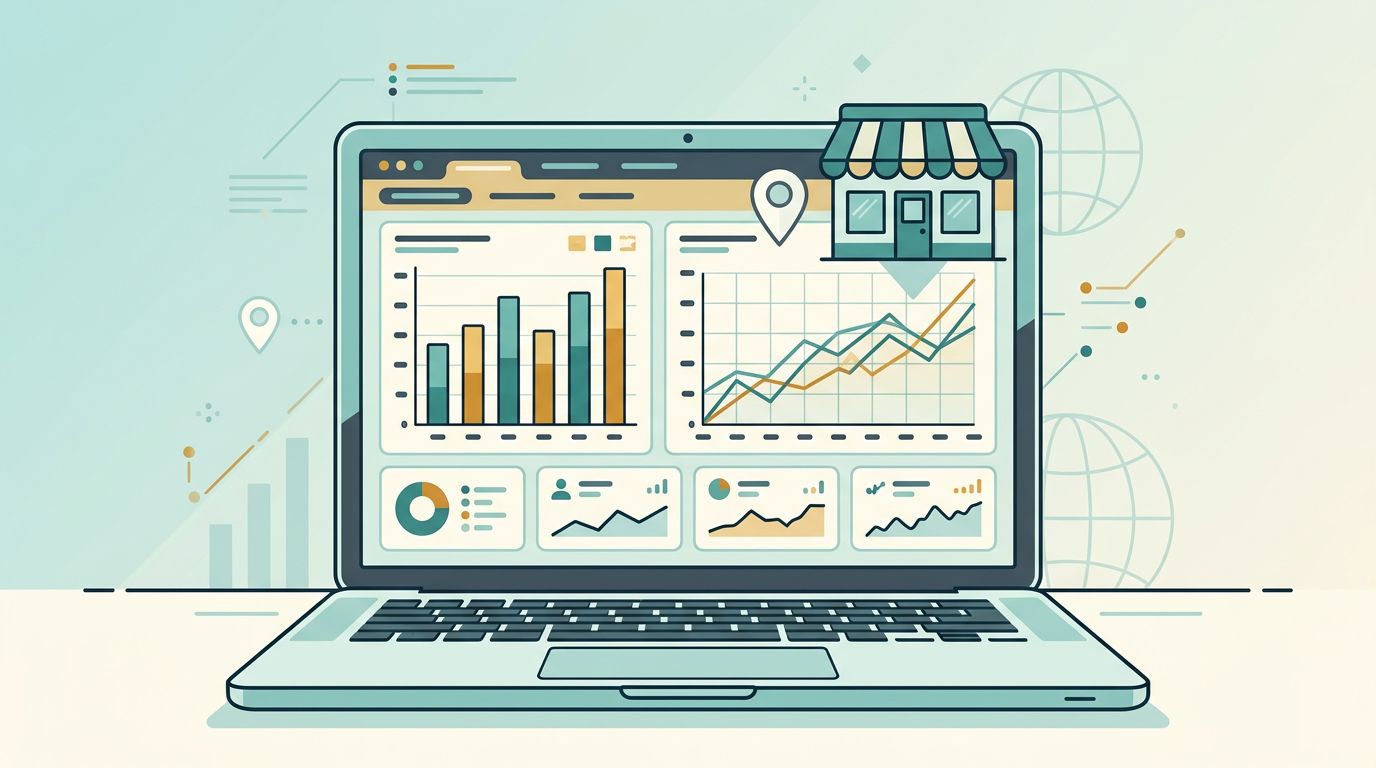
After you publish content like Instagram Stories, Instagram Reels, or carousel posts, start checking Instagram Insights within the first week. You’ll see early signs of what gets reach, saves, profile visits, and engagement from formats such as Instagram Stories and Instagram Reels. That helps you adjust before you waste time on weak content, including user-generated content.
Also, review promotional tools and content suggestions inside the app, plus shoppable posts for e-commerce. Even if you’re not running ads yet, the Instagram Insights data in the analytics dashboard can show what topics and formats get attention, along with follower demographics. For social media managers, this makes reporting easier when using Meta Business Suite for cross-platform management. For business owners, it helps turn posting into a repeatable process and boosts direct messages for customer communication.
A good setup gives you a strong start for lead generation, but your results come from what you do next. Create the account, switch it to an Instagram Business account, then polish the profile so it looks clear and credible with full contact information.
After that, post with consistency and check Instagram Insights often. An Instagram Business account that looks trustworthy on day one has a much better shot at earning clicks, messages, and leads by week two.