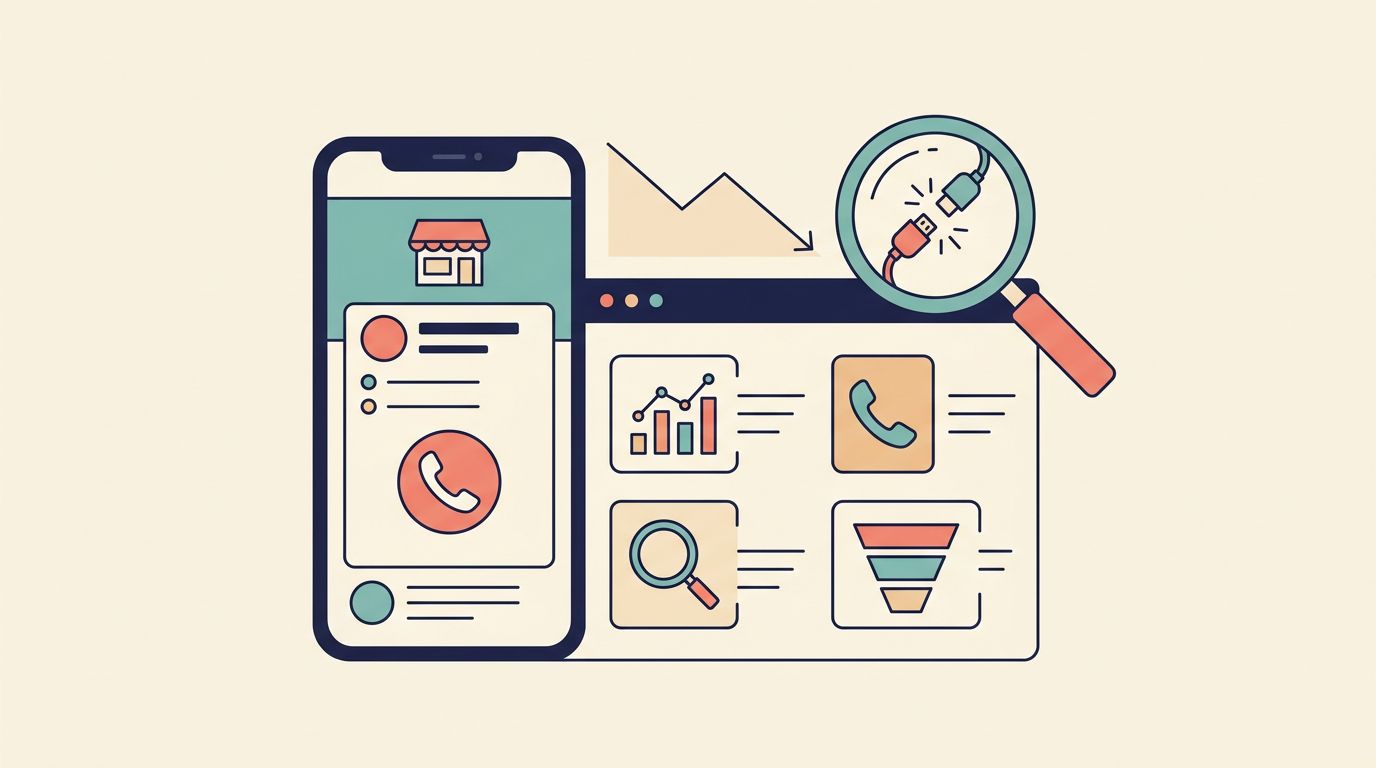
A missed call can cost more than a month of software. That is why understanding AI receptionist pricing deserves a closer look before you settle for the cheapest plan.
In 2026, most small businesses can add phone automation for far less than the cost of a front desk hire. However, the monthly fee is only part of the story. Call volume, booking needs, after hours coverage, and software integrations can cause the total virtual receptionist cost to climb quickly. For the average small business owner, minimizing missed calls is the primary driver for this investment, as every connection represents a potential sale. The goal is simple: pay for the features that protect your revenue, not the ones that just look good on a demo.
Key Takeaways
- Average Pricing Trends: Small businesses should expect to pay between $50 and $150 per month, with entry-level plans starting as low as $25 and premium solutions scaling up to $300.
- Cost Drivers: While base subscription fees provide a starting point, actual costs are heavily influenced by total call volume, integration requirements, the number of office locations, and the need for complex custom workflows.
- Pricing Models: Businesses can choose between predictable monthly subscriptions, per-call pricing, or per-minute models; choose the one that aligns best with your specific call patterns to avoid overage traps.
- ROI Over Expense: View AI receptionists as revenue protection rather than an overhead cost, focusing on how many missed-call leads are converted into billable work.
What small businesses are paying for AI receptionists in 2026
Most small businesses find that the typical AI answering service cost falls between $50 and $150 per month in 2026. Annual spend usually lands between $600 and $1,800, though starter plans can be lower and advanced enterprise setups often reach higher price points.
Public 2026 market data shows a consistent trend. Entry plans often start around $25 to $49 per month. Mid-tier plans generally sit between $60 and $150, while premium plans frequently run from $150 to $300.
Here is the simple pricing picture:
| Pricing model | Typical cost | Best fit |
|---|---|---|
| Monthly subscription | $25 to $300 per month | Businesses that want predictable billing |
| Per-call pricing | $0.75 to $2.40 per call | Low-volume or seasonal businesses |
| Per-minute pricing | $0.25 to $0.48 per minute | Short, simple call handling |
The table illustrates why the base sticker price can be misleading. A low-cost model sounds attractive until your call volume spikes. One busy month can turn a cheap option into a surprisingly expensive invoice.
Hiring a traditional human receptionist salary often costs between $44,000 and $60,000 a year once benefits, training, and overhead are included. While a specialized live answering service may offer human interaction, AI provides a highly scalable alternative. These tools allow small teams to handle higher call volumes, capture more leads, and manage appointment booking without increasing payroll expenses. Furthermore, the 24/7 call answering capability ensures that no customer inquiry goes unanswered, regardless of the time of day.
What you get at entry-level, mid-tier, and premium pricing
Not all plans are built for the same job. Some are simple call catchers, while others act more like trained front-desk assistants.
This side-by-side view helps set expectations:
| Tier | Typical monthly cost | What you usually get | Best for |
|---|---|---|---|
| Entry-level | $25 to $49 | Basic greeting, call answering, message capture, spam filtering, light scheduling | Solo operators and low-volume offices |
| Mid-tier | $60 to $150 | Calendar sync, 24/7 call answering, custom routing, booking logic, crm integration | Most service businesses |
| Premium | $150 to $300 | Multi-location routing, lead qualification, multilingual support, custom workflows, higher call volume | Growing teams and complex operations |
At the low end, you are often paying for coverage, not deep workflow logic. These plans are good for catching missed calls, answering a few common questions, and sending message details to your team. Most entry-level options also include spam filtering to keep your inbox clean and missed-call text back, which can be a strong add-on when callers will not leave a voicemail.
The middle tier is where most small businesses get the best value. This is where many AI voice receptionists start to feel useful instead of basic. You usually get robust calendar sync, reliable 24/7 call answering, and stronger after-hours handling. If your business relies on booking appointments, providing estimates, or managing service dispatch, this is often the sweet spot.
Premium plans are designed for complexity. A law office with multiple practice areas, a dental group with several calendars, or a home service company covering several cities may need that extra layer of automation. A recent AI receptionist cost guide and a general virtual receptionist cost overview both point to the same idea: you pay more when the system has to perform complex lead qualification and navigate through more branches, rules, and destinations.
What makes the price go up fast
Call volume is the biggest driver of your monthly expense. If you answer 20 or 30 calls a month, a starter plan may work. However, if your SEO, social media, and Google Business Profile bring in a steady stream of leads, usage-based plans can quickly turn into an overage fees trap. For businesses with high activity, choosing a plan with unlimited calls often provides better cost predictability than a capped alternative.
The cheapest monthly plan often becomes the most expensive when you hit the limit every week.
The number of locations matters too. One office with one calendar is simple, but managing two or three locations with different staff, hours, and routing rules adds complexity. Premium pricing often starts when you need location-based greetings, branch-specific scheduling, or separate reporting for different sites.
Integrations add cost because they save labor. Syncing with Google Calendar or Outlook is common in mid-tier plans, but a robust CRM integration often requires a higher tier. While this adds to your monthly bill, it frequently pays for itself by removing manual data entry and reducing scheduling mistakes.
Bilingual support can also raise the price in a hurry. If you truly need English and Spanish call handling, it may be worth every dollar. If only a small slice of callers need a second language, ask whether that feature is included full-time or priced as an optional upgrade.
Then there are custom workflows. Simple examples include screening new patients, qualifying legal leads, collecting service addresses, or setting up emergency routing for after hours. Each branch in that logic adds setup work. Some vendors charge this as a one-time onboarding fee, while others bake it into a higher monthly tier.
If texting is part of the package, read the details carefully. Some systems include confirmations and missed-call follow-up, but marketing texts and promotional outreach often carry separate rules and costs. Make sure the vendor supports clear opt-in and opt-out language whenever SMS is part of your communication workflow.
How to budget for ROI instead of chasing the lowest price
The best way to judge the virtual receptionist cost is to tie it directly to missed revenue. You can use a simple ROI calculator to weigh the monthly subscription against the potential for recovered sales. Start with a simple question: how many calls does your business lose each month, and what is one recovered customer worth?
Say your office deals with 15 missed calls a month. If the AI receptionist recovers only 20 percent of those leads, and your average booked job is $250, that equals three jobs and $750 in revenue. A $99 monthly plan easily covers itself in that scenario.
This math matters even more if your marketing already works. When your SEO brings search traffic, your social media campaigns generate demand, and your Google Business Profile drives map calls, phone coverage becomes part of conversion, not overhead. A strong ad or local search result means little if the caller reaches voicemail and moves on. By minimizing missed calls, you ensure your marketing budget works as hard as possible.
The same logic applies to after-hours demand. Many service-based businesses get high-intent calls at night, on weekends, or during lunch rushes. Using automated answering ensures these callers reach a professional system rather than a dead end. Furthermore, 24/7 call answering protects the leads you already paid to attract, ensuring no opportunity is lost regardless of the time of day.
Budget with some room to grow. If your current average is 80 calls a month, don’t buy a plan capped at 85 and hope nothing changes. Leave space for seasonal spikes, promotions, and better visibility. If you want help comparing plans against your real call patterns, you can Schedule Call before locking into annual billing.
How to avoid paying for features you won’t use
Buying the wrong plan usually happens for one reason: the demo looked impressive. As a small business owner, you do not need every feature available. You need the right set of tools that align with your specific call flow.
Ask these questions before you buy:
- What is our average monthly call volume, and how many inquiries come in after hours?
- Do we truly need full appointment booking, or will simple message capture and routing suffice?
- Is a basic calendar sync enough for our needs, or do we require integration with multiple staff schedules?
- Would we benefit from advanced crm integration, or are basic email call summaries sufficient for our record-keeping?
- Should we prioritize spam filtering to prevent wasted time, or are we paying for multilingual support and custom voices we will never use?
A simple service business often gets more value from reliable booking and missed-call handling than from fancy dashboards. A company spending heavily on marketing may also benefit from combining phone automation with website chat bots, so web and phone leads do not land in separate silos. If you are comparing web tools as well, this guide to customer service chatbot tools is a useful companion read.
Watch bundled offers closely. Some platforms package phone AI with review tools, inbox features, or broader marketing add-ons. Those can be helpful, but only if your team will actually use them. Do not pay extra for tools that duplicate systems you already have.
One more practical point: ask about setup fees, onboarding help, and cancellation terms. A low monthly number paired with a large implementation fee can wipe out your first-year savings. If several vendors look similar on paper, a short No-cost discovery call can help sort out which one fits your specific needs and workflow.
Frequently Asked Questions
How can I determine if I should choose a per-call or subscription-based plan?
Per-call or per-minute pricing is typically best for businesses with highly seasonal or unpredictable call volume where you only want to pay for active usage. If you have a steady, predictable volume of inquiries, a flat-rate monthly subscription is usually more cost-effective and simplifies your recurring budget.
Do AI receptionists truly provide 24/7 coverage?
Yes, unlike human staff, AI systems do not require breaks, sleep, or time off, allowing them to provide consistent, around-the-clock service. This ensures that after-hours leads, weekend inquiries, and holiday calls are captured and handled according to your pre-set business rules.
What hidden costs should I look for in an AI receptionist contract?
Be wary of onboarding or setup fees that can inflate the first-year cost, and check for additional charges related to CRM integrations, bilingual support, or SMS marketing features. Always clarify if the plan has a strict call cap to avoid surprise overage fees if your business experiences a sudden increase in leads.
Will an AI receptionist replace my existing scheduling software?
Most modern AI receptionist services are designed to sync directly with popular platforms like Google Calendar, Outlook, or industry-specific booking tools. They act as a front-end interface that populates your existing system, meaning you typically do not have to abandon your current software to implement AI automation.
Choose the plan that fits the call flow
For most small businesses in 2026, the best fit is not necessarily the cheapest plan or the most advanced one. It is the one that aligns with your specific call volume, booking requirements, and after-hours demand. Ultimately, achieving reliable 24/7 call answering is the primary goal for companies looking to scale their operations efficiently.
A good AI receptionist should protect the leads your marketing efforts already generate. If the solution integrates seamlessly with your team, your calendars, and your existing processes, the monthly expense usually pays for itself quickly. When evaluating your options, remember that the right investment is one that answers the phone, books the work, and remains simple enough for your team to use consistently. By carefully weighing the AI receptionist pricing against your actual operational needs, you can easily justify the virtual receptionist cost as a valuable asset for your business growth.