Author: Marvin Drobes, Owner of EarningCoach Marketing, Lakewood, NJ
Date: May 2026
In 2026, AI empowers small business owners to save time, reduce repetitive tasks, and improve customer responsiveness without requiring big budgets or technical expertise. By automating routine work like emails, chat support, and marketing drafts, AI frees owners to focus on growth and relationships, while maintaining human oversight to protect their unique brand voice.
Artificial intelligence used to sound like a tool built for giant companies with giant budgets. In 2026, it is much more practical. A local shop, service business, agency, sole trader, or solo owner can use it to save hours every week.
That matters because most small businesses run lean. The primary benefits of AI for small business often show up in ordinary work, faster replies, easier marketing, fewer manual tasks, and less stress at the end of the day.
Once you see where it fits, AI stops feeling abstract and starts feeling useful.
Key Takeaways
- Focus on repetitive tasks: AI is most effective at handling time-consuming, low-value administrative work like drafting emails, summarizing meetings, and routine data entry.
- Improve customer responsiveness: Using AI-powered chatbots allows small businesses to provide instant support and capture leads after hours, preventing potential customers from turning to competitors.
- Enhance marketing without burnout: Tools can generate high-quality drafts for social media and advertising, helping small business owners maintain a consistent brand presence even when they are busy with operations.
- Maintain human oversight: While AI accelerates work, human review is essential to ensure accuracy, protect your unique brand voice, and manage sensitive customer interactions with the necessary empathy.
Why small businesses are turning to AI now
Small business owners across the US are under the same pressure to do more work, reply faster, and keep costs under control. That is why AI has moved from “maybe later” to “let’s try this now.” Recent 2026 reporting shows many smaller firms now use several AI tools together for marketing, admin, sales, and forecasting, rather than relying on one giant system.
How AI helps owners reduce repetitive tasks
Small teams lose a lot of time to tiny tasks. Drafting emails, writing meeting notes, sorting form submissions, updating records, and juggling calendars can eat up hours before the real work even starts.
AI helps by creating first drafts, summarizing calls, and implementing workflow automation to pull action items from notes and handle routine scheduling. You still make the decisions. However, you stop wasting energy on blank-page work and copy-paste tasks. That gives owners more room to focus on customers, staff, and growth.

### AI can stretch a small budget further
Cost reduction is a primary goal for many growing firms, and AI helps achieve this by managing workloads without the immediate need for hiring additional full-time staff. AI can cover part of the gap by helping with first-pass marketing copy, basic support replies, admin work, and simple data tasks.
It does not replace a strong employee. Still, it can reduce how much low-value work lands on your team. A chatbot can answer routine questions at midnight. A writing tool can draft tomorrow’s email in minutes. A meeting assistant can turn a long call into clear notes. That broader shift lines up with Workday’s overview of how small businesses benefit from AI, which highlights improved business operations, faster work, and smarter decisions as the main reasons adoption continues to grow.
The biggest ways AI helps small businesses every day
The best AI tools fit into work you already do. They do not need to be flashy. They need to save time, reduce missed opportunities, and make daily operations easier.
Customer service that answers faster, even after hours
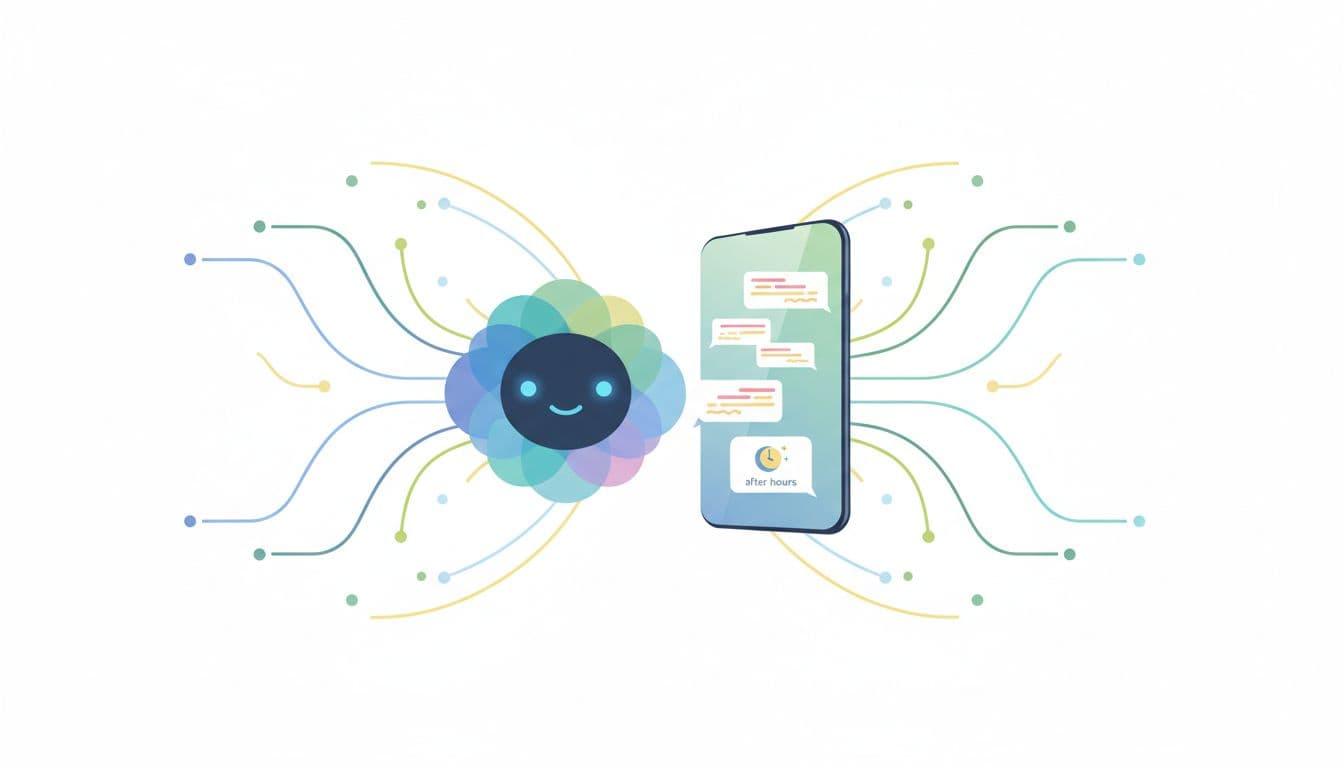
One of the most useful upgrades is better response speed. If someone lands on your site at 9:30 p.m. and wants your hours, prices, or booking options, automated chatbots can answer right away. This approach to customer service keeps a lead warm instead of sending them to a competitor, which significantly improves the overall customer experience.
For a salon, that might mean handling appointment questions after closing time. For an HVAC company, it might mean collecting service details before the office opens. For a local agency, it could mean qualifying a lead before anyone checks email in the morning. Faster replies often mean fewer missed leads and less pressure on your staff.
### Marketing content that gets created in less time
Marketing often slips when the day gets busy. That is normal. Small business owners have invoices, team questions, customer issues, and sales calls competing for attention.
AI helps by speeding up the content creation process. It can generate high-quality marketing materials, including social media posts, email subject lines, ad copy, blog ideas, and product descriptions. That does not mean your brand voice should disappear. You still choose the offer, the tone, and the final wording. However, starting with a rough draft is much easier than starting from zero. If you want a broader look at AI tools for small business growth, Microsoft’s guide gives a useful overview.
Sales support that helps follow up and close more deals
Leads go cold fast. A small team can lose business simply because nobody followed up soon enough. AI helps by flagging warm leads within your CRM, suggesting reply drafts, and reminding your team when to reach out.
That support is especially helpful for consultants, home-service companies, and B2B firms with longer sales cycles. A quick follow-up often matters more than a perfect one. When AI keeps your pipeline organized inside your CRM, interested buyers hear from you faster.
Office tasks and planning that feel less overwhelming
Back-office work is where many owners feel buried. Scheduling, project management, data entry, and meeting summaries pile up fast. AI can take a lot of that weight off your desk.
It also helps with research and planning. Modern tools offer real-time transcription and automatic meeting summaries, ensuring that key action items are never lost. You can use these insights to organize customer feedback and spot patterns in past sales. In 2026, more small businesses are also using AI for sales forecasting and pricing support, because it can scan trends and surface useful starting points. You still make the final call, yet the planning process gets easier when the first pass is already done.
How to use AI without losing your brand voice
Speed feels great, but trust matters more. AI works best when it supports your business and your judgment stays in charge.
Keep the human touch in customer conversations
AI is great for first contact and routine questions. It is not the right fit for every conversation. If a customer is upset, confused, or sharing something personal, a human should step in.
That balance protects relationships. Use AI to answer the common stuff, collect details, and move simple requests forward. Then let your team handle the moments that need empathy, flexibility, or real problem-solving. Customers remember how you made them feel, not how fast a bot answered a billing dispute. As you integrate these tools, prioritize data privacy and the ethical use of customer information to ensure that sensitive details remain protected and handled with professional care.
Review and edit AI output before publishing
Generative AI can write smooth copy while still getting details wrong. That is why every draft needs a human review. Think of these tools as a writing assistant that requires your oversight. Check facts, pricing, tone, names, dates, and promises before anything goes live.
This matters for blog posts, emails, ads, service pages, and customer replies. Your business has a voice, and people can tell when language feels stiff or generic. For more real-world examples of AI in small businesses, Sigma Technology has a helpful breakdown of common use cases and benefits.
The best use of AI is the work your team already wishes would disappear.
Start with one problem, not every tool at once
A lot of frustration comes from trying too much at the same time. If you adopt a new tool for content, a new tool for chat, a new tool for sales, and a new tool for notes all at once, your team will quickly feel overwhelmed.
Start with one repeated pain point. If after-hours questions slip through the cracks, begin with chatbot support. If email writing slows your team down, start there. If follow-up is the problem, fix that first. Simple wins build confidence, and they keep you from paying for software you never use well.
Simple first steps for putting AI to work in your business
You do not need a massive rollout. Start small, watch what happens, and build from there.
Choose one task that slows your team down
Look for work that repeats often and steals attention. Common starting points are customer questions, content drafts, scheduling, and lead follow-up. If several people touch the same task, that is often the best place to begin because the time savings add up fast.

### Test one tool and track the results
Run a short test to see how a tool improves your operational efficiency, then compare the before and after results. This approach allows you to make data-driven decisions about whether a specific tool deserves a permanent spot in your tech stack. You do not need complex software to monitor performance; using basic data analytics in a simple spreadsheet works fine to track time saved, response speed, booked calls, or follow-up rates.
After two to four weeks, the pattern is usually clear. If the tool saves time and improves output, keep it. If it creates more cleanup than value, drop it and try something else.
Get help building the right AI setup
Once you find an early win, the next step is connecting tools in a way that fits your workflow. A website chatbot, an email assistant, and follow-up automation can work together without making your business feel robotic.
If you want help choosing the right mix, Schedule Call and talk through your goals. If you want a low-pressure way to sort through options, a No-cost discovery call is a simple place to start.
Frequently Asked Questions
Do I need to be tech-savvy to start using AI tools?
Not at all. Many of the most effective AI tools today are designed with user-friendly interfaces that integrate directly into the apps you already use, like your email or CRM. You can start by choosing one simple task to automate, which keeps the learning curve manageable for you and your team.
Will AI make my business feel robotic to customers?
Only if you let it. AI is excellent for handling initial inquiries and routine information, but human team members should always step in for complex issues or emotional situations. As long as you review automated content and use it to augment—rather than replace—the human touch, your customer relationships will remain strong.
How can I make sure AI doesn’t get facts wrong?
Generative AI tools can sometimes produce “hallucinations” or minor inaccuracies, which is why a human-in-the-loop approach is vital. Always review, edit, and fact-check any AI-generated drafts, data summaries, or responses before you publish them or send them to a client.
Is it expensive to implement AI in a small business?
Many AI tools offer affordable monthly subscriptions or free tiers, making them accessible even for small teams with limited budgets. By focusing on tools that solve specific, high-impact problems, you can achieve a quick return on investment through time saved and increased productivity.
AI works best when it gives time back
A small business does not need AI for everything. Instead, it needs AI for the work that steals hours, slows down client replies, and keeps talented team members stuck in administrative tasks. This is where the real payoff shows up: better service, stronger marketing, and more space to focus on the people who matter most.
Large language models serve as the engine behind these time saving tools, allowing you to automate workflows that once took hours. From streamlining customer communication to assisting with video production for your social media strategy, AI can handle the repetitive lifting so you do not have to.
When AI takes over the busy work, your team can put more energy into building trust, deepening relationships, and driving growth. If you want help turning these technologies into real business results, book a No-cost discovery call.