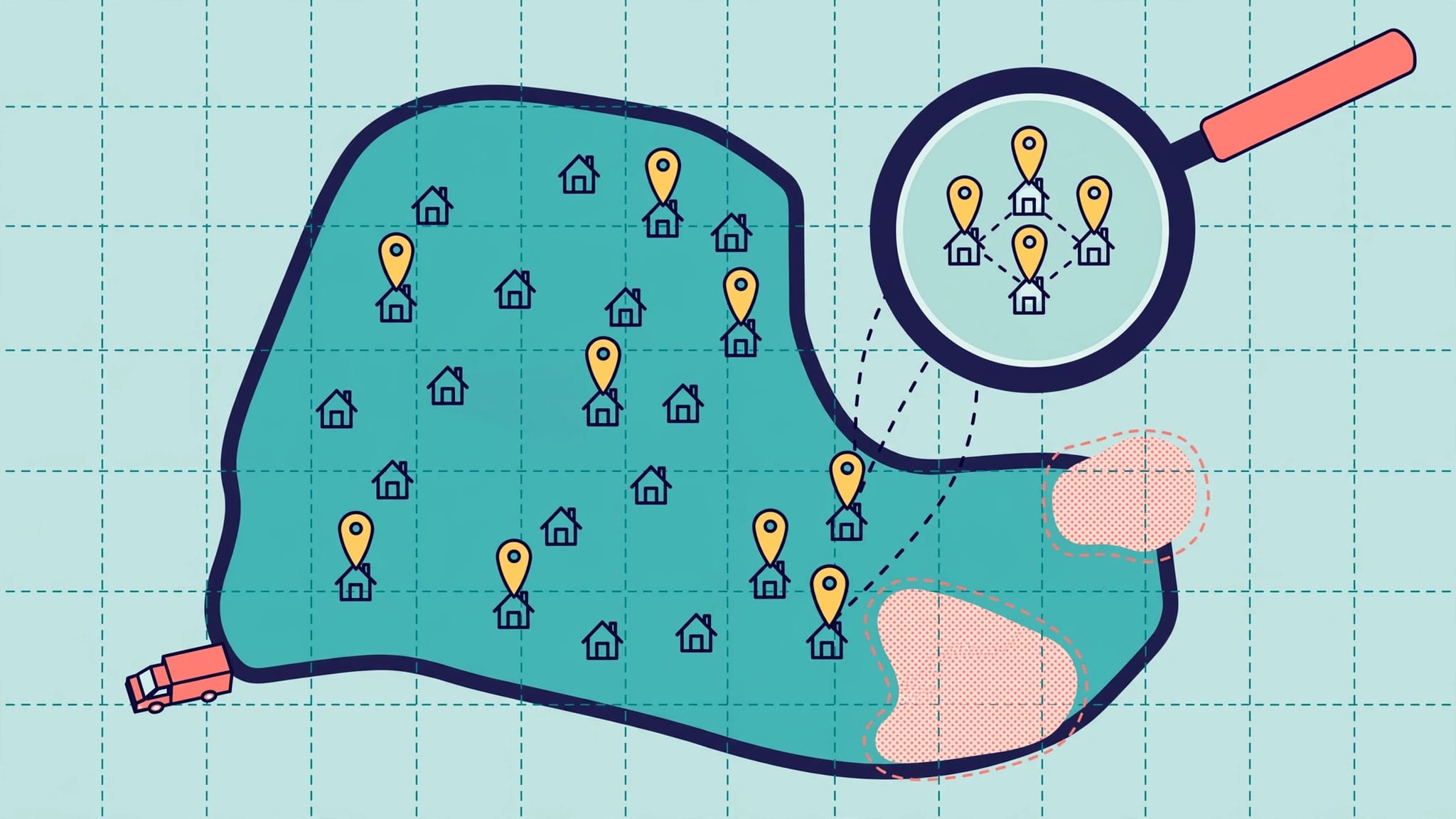
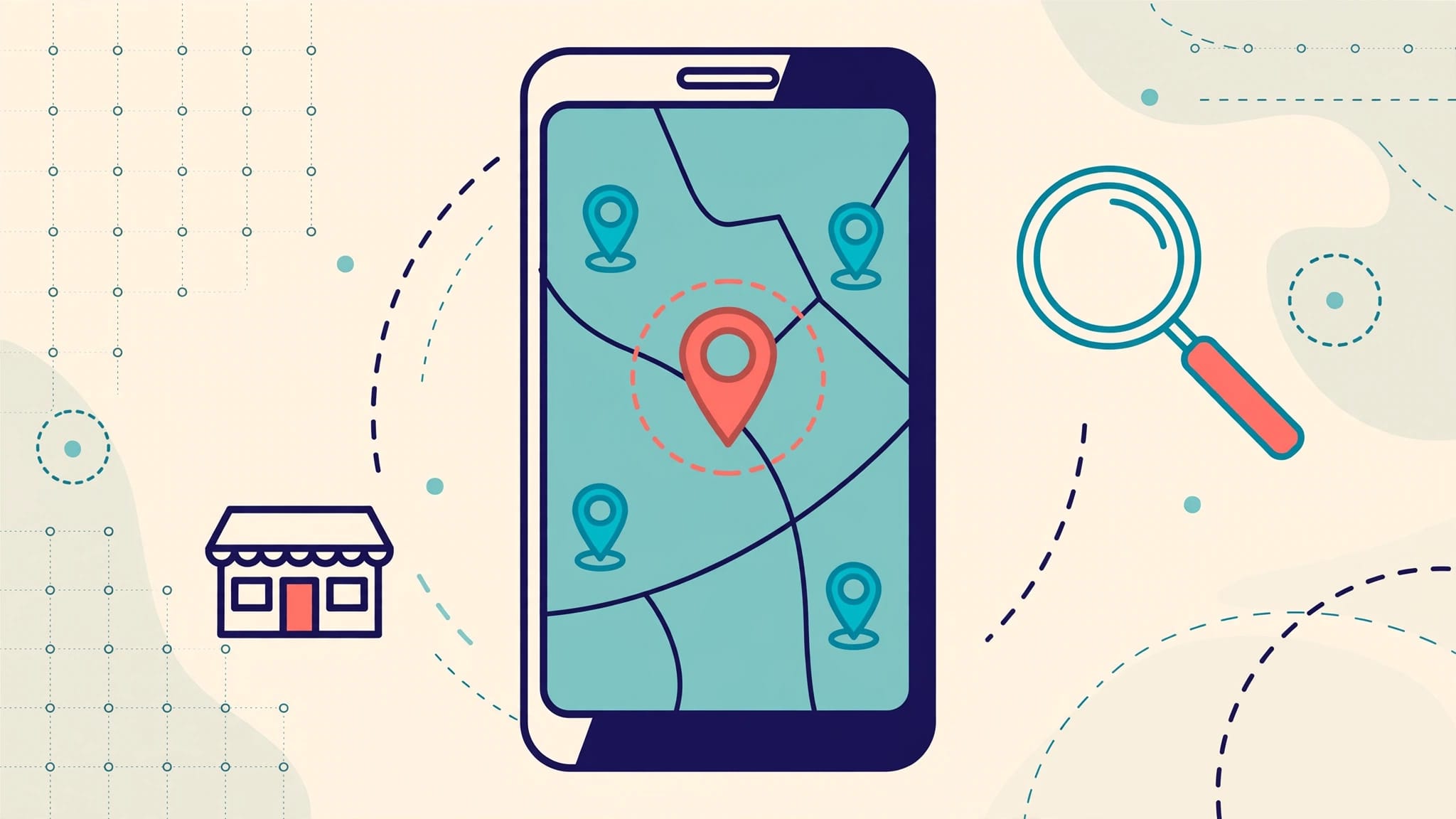
Most local service companies spend all their energy on Google and leave Bing open for competitors. That is a mistake. Bing Places for Business is free, it still drives local searches, and in 2026 it also helps your business show up in Bing Maps and Microsoft Copilot results.
If you run a plumbing company, HVAC shop, roofing business, cleaning service, or locksmith company, a weak listing can cost phone calls you never knew existed. The good news is that Bing Places optimization is usually simpler than fixing a broken website or rebuilding a full local SEO campaign.
Key Takeaways
- Bing Places for Business is still a vital marketing channel because it powers search results, Bing Maps, and visibility within Microsoft Copilot.
- Service area businesses require a precise setup, accurate categories, and a hidden address for situations where customers do not visit the physical office.
- Your listing performs significantly better when your business information consistently matches your website, customer reviews, local citations, and your Google Business Profile data.
- High-quality photos, updated hours, detailed service descriptions, and regular announcements all help build local trust and improve your click-through rates.
- AI tools, chatbots, and automated voice receptionists can help you capture and manage leads after your listing drives new traffic to your business.
Why Bing Places still matters in 2026
Bing Places for Business is Microsoft’s primary local listing platform, and it maintains significant reach in today’s digital landscape. Bing commands a substantial audience of approximately 126 million unique monthly users. For many service businesses, tapping into this consistent source of organic traffic represents an essential opportunity to capture local demand that competitors might be overlooking.
Beyond simply placing a pin on a map, your listing significantly influences how your business appears across local search results. When your profile is incomplete, unclaimed, or inconsistent, you become invisible when Microsoft surfaces recommendations. This visibility is becoming even more critical as AI-driven discovery through Microsoft Copilot and integration with platforms like ChatGPT change how users find local providers.
This remains a vital channel for companies that win work through direct inquiries. A plumber, electrician, or garage door company does not necessarily need thousands of website visitors; instead, they need to appear during the right search at the right moment.
Bing Places is also highly functional for service area businesses. If you operate from a private office but travel to customer locations, you can hide your street address while displaying only your city and ZIP code. This setup provides necessary privacy for contractors, cleaners, and mobile repair professionals.
Many marketers treat Bing as a quick win because the initial setup is less time-consuming than other local channels. Furthermore, the relationship between Bing Places and broader local visibility continues to grow, as evidenced by this look at Apple Maps and Bing Places local visibility.
Claim and set up the right listing first
Before you edit anything, search for your business on Bing Maps. Many listings already exist because Bing pulls data from business databases and other web sources. If you create a new profile when one already exists, you can trigger a duplicate problem and slow down approval. To save time, you can often use the import from Google feature to sync your existing data directly into Bing Places for Business.
Search Bing Maps first, then claim the existing profile if it is already there.
Once you claim the listing, check the business name, address, and phone number against your legal documents and website. Keep the name clean. Do not add business name keywords like “best plumber in Dallas” or “cheap HVAC repair.” Bing wants the real-world business name, not ad copy.
If you operate as one of many service area businesses, choose the correct setup. Use a real office address, not a PO box, virtual office, or mailbox shop. Then manually hide the address if customers do not visit you in person. In 2026, Bing still requires that extra step.
The verification process is faster than it used to be. Some businesses can verify by phone or email right away, while others still need postcard or mobile app verification. Either way, finish it, as an unverified listing has limited value.
Pay close attention to your business categories. Bing lets you choose one primary category and several additional ones. Pick the closest core service first, then add supporting services. A primary category of “Plumber” with extras like drain cleaning or water heater repair is stronger than a vague category that tries to cover everything.
Complete every field that helps you rank and convert
A claimed profile is only the start of your journey. The real gains in Bing Places optimization come from filling in the details many service businesses skip.
Start with the basics, such as your hours, service area, website, photos, and business description. Hours matter more than people think. Bing may show default availability if you leave fields blank, which creates poor expectations for potential customers. If your emergency line is 24/7 but office staff answers only during business hours, make that distinction clear.
Photos help both trust and conversion. Add photos of your trucks, team, storefront, equipment, and finished jobs. Skip the stock art. A homeowner comparing two local roofers will trust the company showing real crews and authentic project results. Bing recommends solid image quality, and 480 x 360 pixels is a practical minimum.
Use the business description to explain what you do, where you work, and what makes you a good local choice. Keep it readable. Mention your core services, specific neighborhoods, and your response style. Do not turn this field into a keyword dump.
Bing also provides an announcement feature. Use Bing announcements for seasonal offers and timely service messages. An HVAC company can post AC tune-up availability in the spring, while a roofer can mention storm damage inspections after heavy weather.
If you manage several branches, Bing supports bulk edits for common fields. This is particularly efficient for multi-location brands or regional field service teams. To manage these updates at scale, you can use a bulk upload file to ensure consistency across all your service areas.
For a practical look at ongoing listing management, this Bing business listings guide covers several issues that also affect service businesses, including hours and NAP accuracy.
Tie Bing Places to your website, reviews, and follow-up systems
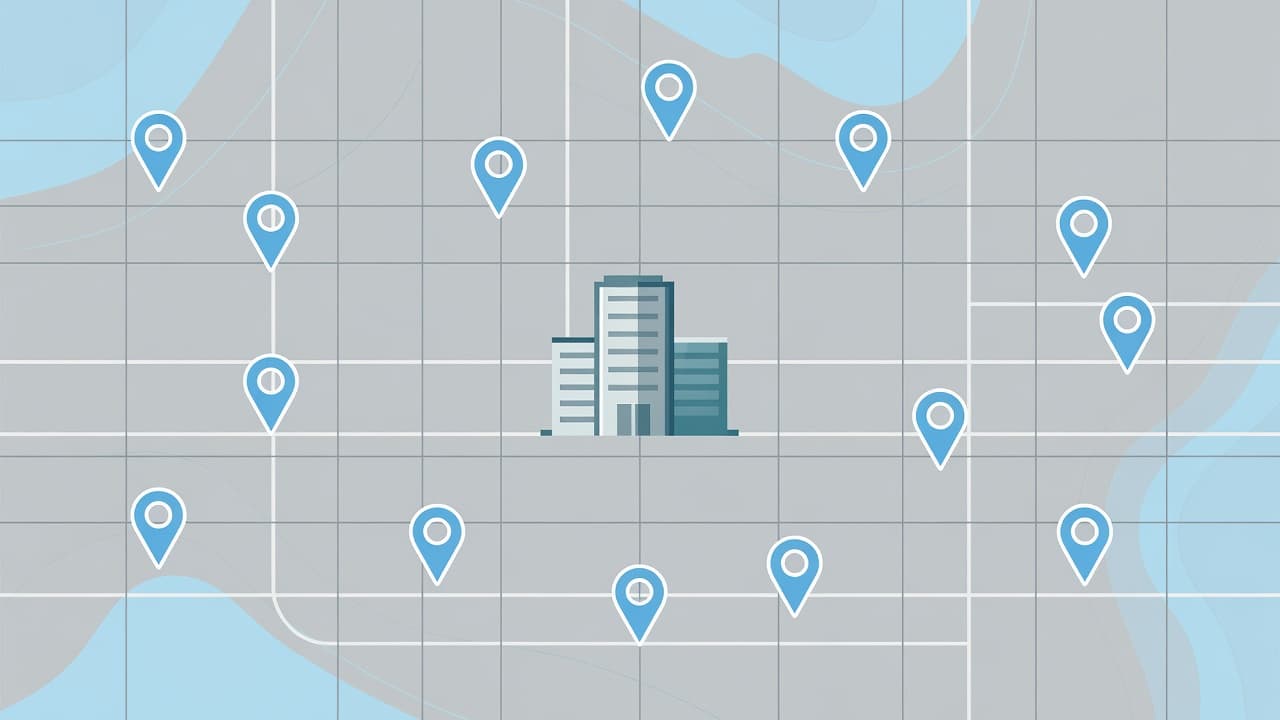
Bing Places does not work in a vacuum. It performs significantly better when your entire local SEO strategy is cohesive and well-maintained.
Start by ensuring your website and your listing share consistent NAP data (Name, Address, and Phone number). If your website displays Suite 200 while your listing says Suite B, search engines may struggle to trust your information. Keep your primary service pages mobile-friendly and fast, as listing traffic will not convert into leads if a page fails to load or hides your contact information. You should also connect your site to Bing Webmaster Tools to monitor how your pages perform in local search results.
Your Google Business Profile should also align perfectly with your Bing presence. Think of these platforms as two primary storefronts that must present identical business facts. Using mismatched categories, outdated hours, or conflicting phone numbers creates confusion for both users and algorithms. Because you can no longer rely on automated syncing, it is vital to review your Bing listing manually to ensure it matches your Google Business Profile.
Reviews are a critical component of your reputation. Bing pulls signals from various platforms, including Yelp reviews, Facebook, and TripAdvisor, so your local digital footprint is not limited to just one site. Ask for honest feedback after every job and respond to comments consistently. This builds trust and provides Bing with better context about the quality of your services.
This is also where modern follow-up tools become essential. You can use platforms like ChatGPT to help you draft professional review responses, sort leads, or identify gaps in your local citations. Many small businesses are already using AI to compete in local search without needing a massive marketing team.
Once a customer clicks through to your site, tools like chatbots and virtual receptionists can help capture leads after hours or recover missed calls. While these tools will not fix an inaccurate listing, they prevent a well-optimized presence from leaking opportunities. Complement these systems with regular social media activity. Posting fresh local photos, responding to reviews, and sharing service updates reinforces that your business is active and credible.
If you want professional help aligning your listings, website pages, and lead capture processes, a No-cost discovery call is a practical next step.
Common mistakes to avoid, plus a quick checklist
The most common Bing Places mistake is creating a duplicate listing instead of claiming the existing one. Another frequent error is sloppy NAP data, as inconsistent information across the web can hurt your visibility. Beyond simple errors, treating your profile as a static asset rather than an active component of your entity management strategy is a mistake. If your team updates office hours, adds a new service area, or launches a new website, your listing must reflect those changes immediately. Treat this platform with the same rigor you apply to your Google Business Profile to ensure your local search presence stays accurate.
Use this short checklist to maintain your presence:
- Claim the existing listing in Bing Maps before creating anything new, and consider using the import from Google feature to streamline your setup.
- Complete the verification process quickly and keep your business name identical to your real-world signage.
- Hide your physical address if you operate as a service area businesses where customers do not visit your office.
- Select the most accurate primary category and add relevant business categories to help Bing understand your industry.
- Match your NAP, hours, and website URL across Bing, your official site, and other online citations.
- Upload authentic photos of your trucks, staff, completed jobs, and physical locations.
- Write a professional business description and keep customers informed by posting Bing announcements when your service offerings change.
- Monitor your reputation by checking Yelp reviews and social media comments, then respond to them consistently.
- Test your landing page on a mobile device and ensure your contact forms remain short for higher conversion rates.
- Audit your profile quarterly, or immediately following any significant changes to your business operations.
If your profile suffers from duplicates, weak categories, or inconsistent location data, you can Schedule Call (https://calendly.com/mdrobes) to get professional support. Effective local SEO and proactive listing management are essential to ensuring your business stays ahead of the competition on Bing.
Frequently Asked Questions
Is Bing Places for Business really necessary if I already have a Google Business Profile?
Yes, it is essential. While Google holds the majority of search traffic, Bing still powers millions of searches, Microsoft Copilot results, and Bing Maps, meaning an ignored listing leaves leads on the table. Treating both profiles with the same level of accuracy ensures you don’t miss out on customers using Microsoft’s ecosystem.
Can I hide my home address if I run a service business from a residential location?
Absolutely. If you operate as a service area business and do not see clients at your office, you can choose to hide your street address while still displaying your city and ZIP code. This protects your privacy while ensuring your business remains discoverable in local search results.
How often should I update my Bing Places profile?
Your listing should be treated as a living asset rather than a static page. You should audit your NAP (Name, Address, Phone) data quarterly or immediately following any changes to your hours, service offerings, or physical location to prevent customer confusion.
Does using the ‘Import from Google’ feature actually work well?
It is a highly efficient way to sync your core business data, but it should not be considered a ‘set it and forget it’ solution. After importing your data, you should manually review your categories, photos, and service descriptions to ensure everything remains accurate and perfectly formatted for the Bing platform.
Final Thoughts
Bing Places optimization is no longer a side task. For local service businesses, it remains one of the most effective ways to improve visibility in search, maps, and AI-driven results without adding a complex project to your weekly schedule. By investing time in Bing Places for Business, you are building a foundational pillar for your broader local SEO strategy.
The businesses that succeed in this space usually get one thing right: accuracy. Maintaining clean data, selecting strong categories, uploading high-quality photos, and managing a consistent follow-up system will turn a basic listing into a reliable lead source. Ultimately, this commitment to accuracy is exactly what helps you climb the rankings and stand out in local search results.