Author: Marvin Drobes, Owner of EarningCoach Marketing
May 2026
Local SEO success for small businesses means tracking actions that lead to real customers—not
just impressions. Focus monthly on Google Business Profile metrics like phone calls, direction
requests, and website clicks, alongside Google Analytics data for organic traffic and
conversions. Tie these insights directly to lead counts, appointments, and revenue to make
smarter decisions that grow your business.
More visibility in local search results sounds good. More calls, booked appointments, and walk-ins are better.
That’s the difference between busy-looking reports and useful ones. The best local SEO KPIs tell you whether search is bringing in real business, not only more impressions on a chart, but a strong return on investment.
If you review the right numbers once a month, patterns get easier to spot, and decisions get easier to make.
Key Takeaways
- Focus first on Google Business Profile actions like phone calls, direction requests, and website clicks—these direct customer actions show real intent that can turn into revenue.
- Use Google Analytics to track organic traffic to local pages, key events (like form submissions or bookings), and landing page conversion rates, not just visits.
- Treat visibility metrics like search views, rankings, and reviews as context only; they matter but leads and revenue are the finish line.
- Connect local SEO to real business results by asking new leads how they found you and tracking lead count, appointments, close rates, and search-driven revenue monthly.
- Stick to a simple monthly KPI checklist from GBP, GA4, and your CRM to spot patterns and make decisions without complex dashboards.
Start with Google Business Profile actions
For most small businesses, the first place to look is Google Business Profile. If you want a clean starting point for local SEO, this is it. Google explains the available numbers in its GMB Insights.
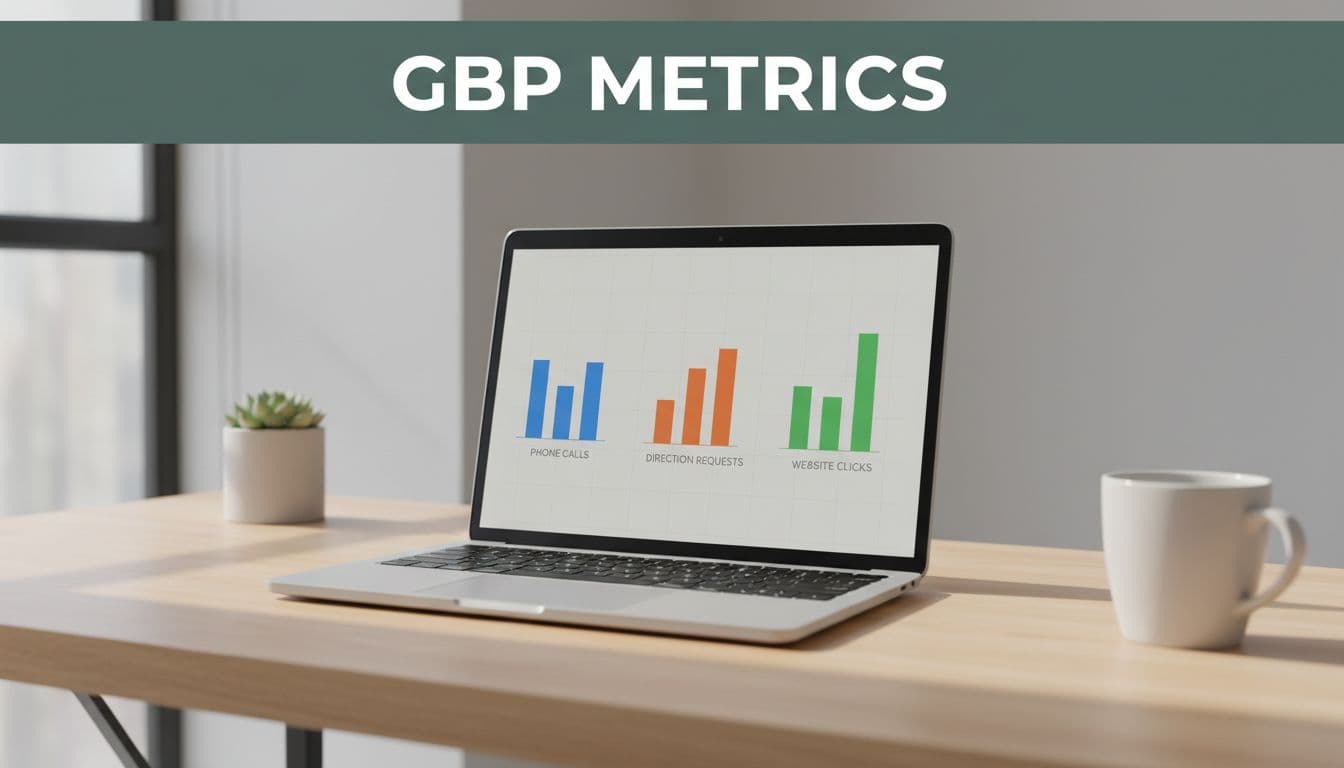
Three metrics deserve monthly attention right away: phone calls, website clicks, and direction requests. These are customer actions. They show that someone saw your listing and did something that could turn into revenue.
Phone calls matter most for plumbers, dentists, law firms, and other service businesses where the first step is often a conversation. If phone calls go up, check call handling before you celebrate. Are calls being answered? Are they turning into appointments? If phone calls drop, review your primary category, service areas, hours, reviews, and recent photos. Also check whether a competitor is showing more often in the Local Pack.
Direction requests matter more for salons, restaurants, clinics on Google Maps, and any business that depends on foot traffic. Rising direction requests usually mean stronger local intent. If they fall, look at proximity, Google Business Profile completeness, and whether your address, hours, or holiday schedule is confusing people.
Website clicks often sit in the middle of the funnel. A law firm or dentist may get fewer calls at first, but strong website clicks can still be a good sign if those visitors become form fills or bookings later.
A simple rule helps here: if your Google Business Profile actions rise together, local visibility is probably moving in the right direction. If views rise but actions stay flat, you may have a listing problem, not a reach problem. This GBP metric breakdown gives a useful plain-English view of how those numbers fit together.
Use Google Analytics to measure leads, not only visits
Google Business Profile shows intent. Google Analytics shows what happened after the click.
In 2026, Google Analytics still trips people up because it gives you a lot of data. Don’t chase all of it. Focus on three things each month: organic traffic to local pages, key events, and landing page performance. If you want examples of where to look, these GA4 dashboards for local SEO are a helpful reference.
Start with organic traffic to your service pages and location pages. A plumber might track visits to “emergency plumbing” pages by city. A salon might watch traffic to service pages for balayage, color correction, or bridal styling. In Google Analytics, look at Acquisition reports and landing page reports to see which pages bring in search visitors.
Next, review key events from organic traffic. Google Analytics now uses the term “key events” for the actions that matter most (such as form submissions, phone-click events, appointment requests, online orders, or directions clicks from your site), which drive organic conversions. If you haven’t set those up, do that first. Without key events, SEO traffic is only traffic.
Then look at key event rate by landing page. This is where a lot of local businesses find the real issue. If traffic is up but your conversion rate is flat, your page may be ranking for the wrong intent, loading too slowly on mobile, or asking too much in the form. Law firms often see this when a page attracts visits but doesn’t make the next step clear. Restaurants see it when menu pages get traffic but reservation clicks stay weak.
When the numbers go up, look for the page, city, or service line behind the increase and build on it. When they go down, don’t guess. Check page speed, bounce rate, user engagement, mobile layout, internal links, calls to action, and whether the page still matches the searcher’s need.
Keep visibility metrics in their place
Search visibility metrics still matter. They just shouldn’t run the report.
Monthly local SEO KPIs should include views, search queries, rankings, and reviews, but as context, not the finish line. These numbers tell you whether demand and visibility are moving before leads do.
Search views and discovery searches in Google Business Profile can show whether more people are finding you through non-branded traffic. That’s useful because it shows reach beyond people who already know your name. Google Search Console adds another layer by showing the actual queries that brought visitors to your site, helping track search visibility trends. A dentist might find growth around “teeth whitening near me.” A law firm may see more searches for “personal injury lawyer” than for its own brand name.
Keyword rankings also matter, but local keyword rankings are messy on Google Maps. They change by zip code, street, and device. Check your core terms monthly in the areas you care about, using tools like geogrid to monitor average rank position, and don’t panic over every fluctuation. A trend across several months matters more than one shaky snapshot.
Google reviews belong in this section too. Track Google reviews count, average star rating, and review velocity. A salon with ten fresh 5-star Google reviews often earns more trust and a higher click-through rate than one with the same average star rating but no new feedback in months. If reviews increase and calls rise with them, that’s a healthy pattern. If Google reviews drop or your rating slips, respond quickly and look for service issues before you blame SEO.
If search visibility rises but leads don’t, the problem is often the offer, the page, or the intake process.
That is why vanity metrics can’t stand alone.
Connect local search to real revenue
This is the section many monthly reports skip, and it’s the one owners care about most.
Ask every new lead, “How did you hear about us?” Then track the answer in your CRM, front desk sheet, intake form, or POS. This simple habit connects local search to real customers. These monthly measurement basics explain why that low-tech step still matters.
Once you have that data, review four business numbers next to your SEO numbers: lead count, booked appointments, close rate, and revenue from search-driven leads. For digital intake, UTM tagging provides a technical way to track sources and confirm attribution. A restaurant may care about reservations and online orders. A plumber may care about booked jobs and average ticket size. A law firm may care about qualified consultations, not raw form fills.
This is also where channel overlap matters. A strong social media push can increase branded searches. Offline referrals can lead people to Google your name. That’s fine, but don’t give all the credit to SEO if another channel started the interest.
There is another blind spot here: response speed. Some businesses improve rankings, get more calls, and still don’t grow because nobody answers after hours. That’s why more local teams now use ai, voice receptionists, and website chat bots to capture leads when staff is unavailable. Tools like AI receptionists and chatbots can help plug that gap, especially for plumbers, med spas, and law firms that get urgent inquiries outside business hours.
If your tracking is spread across too many places, a No-cost discovery call can help you map the numbers into one monthly report.
A simple monthly KPI checklist
A small business doesn’t need a 20-tab dashboard. One monthly sheet is enough if it includes the numbers that affect leads and revenue.

Here is a simple format to use every month with data from Google Business Profile and other sources:
| KPI | Why it matters | Where to find it | What to do if it changes |
|---|---|---|---|
| Phone calls | Shows high-intent demand | GMB Insights | If up, check answer rate; if down, review categories, reviews, and hours |
| Direction requests | Shows visit intent | Google Business Profile | If up, staff for traffic; if down, verify address details and local relevance |
| Website clicks | Shows research interest | Google Business Profile | If up but leads lag, improve landing pages |
| Organic traffic | Shows lead actions from SEO | GA4 | If down, audit forms, phone-click tracking, and mobile UX |
| Top local landing pages | Shows which pages pull weight | GA4 | Expand winning pages; fix weak pages with high traffic and low conversion |
| Reviews and rating | Affects trust and click-through rate | Google Business Profile | Ask for new reviews; respond to negative feedback fast |
| New customers from Google | Connects SEO to revenue | CRM, POS, intake logs | Compare against calls and form leads to spot drop-offs |
Review these month over month, then compare against the same month last year. Seasonal businesses, especially restaurants and home services, need both views. If the numbers are moving in the right direction but intake is weak, fix operations. If intake is strong but visibility is flat, focus on NAP citations, backlink metrics, and share of local voice.
If you want help building that reporting setup, Schedule Call.
Frequently Asked Questions
What are the top local SEO KPIs for small businesses to review monthly?
Prioritize Google Business Profile actions like phone calls, direction requests, and website clicks, plus Google Analytics metrics for organic traffic, key events, and landing page performance. Track reviews and revenue attribution as context and outcomes. Use a simple checklist to compare month-over-month and year-over-year for clear patterns.
Why focus on phone calls and direction requests from Google Business Profile?
These are high-intent customer actions that directly signal revenue potential—calls for service businesses like plumbers or dentists, directions for foot-traffic spots like restaurants or salons. If they rise together, visibility is improving; if views increase but actions don’t, fix your listing details like categories, hours, or photos.
How does Google Analytics help measure local SEO beyond traffic?
Look at organic traffic to service and location pages, key events like form fills or bookings, and event rates by landing page to spot conversion issues. Traffic up but events flat often means slow mobile loads, mismatched intent, or weak calls to action. Build on winning pages and audit underperformers.
How do I connect local SEO efforts to actual revenue?
Ask every new lead “How did you hear about us?” and log it in your CRM, POS, or intake sheet, then review lead count, booked appointments, close rates, and revenue from search next to SEO metrics. Use UTM tags for digital tracking and tools like AI receptionists to capture after-hours inquiries. Compare against other channels to avoid misattribution.
What if search visibility rises but leads stay flat?
The issue is likely your offer, landing pages, or intake process—not reach. Check page speed, mobile UX, forms, and CTAs, plus ensure calls get answered and reviews stay strong. Visibility metrics provide context, but always tie back to actions and revenue for real decisions.
Final thoughts
Good local reporting is simple. It follows the path from visibility in local search results to action to revenue.
When you track local SEO KPIs that connect to calls, visits, bookings, and sales, the report stops being noise. It becomes a tool for better decisions, month after month.