A Google Business Profile (GBP) is what shows up when someone finds you on Google Search or Google Maps. For many local businesses, it’s the first impression, before a customer ever reaches your website.
When your profile is managed well, it can drive calls, direction requests, website clicks, messages, and bookings. When it’s neglected, it quietly leaks money. Wrong hours send people to a locked door. An unanswered 1-star review scares off the next ten buyers. A missing category makes you invisible for “near me” searches.
This guide breaks Google Business Profile management into three parts: getting the setup right, doing simple weekly upkeep, and tracking results (so you know what’s paying off in 2026).
Build a profile Google trusts and customers choose
Most GBP problems aren’t “marketing” issues, they’re basics issues. Google has gotten stricter about accuracy, and customers have less patience than ever. Think of your profile like a sign on the busiest road in town. If the sign has the wrong phone number, the best service in the world won’t help.
Start by completing every field you can, even the ones that feel optional. Complete profiles tend to earn more trust, show up more often, and give customers fewer reasons to bounce. In 2026, profiles with consistent details, fresh activity, and clear services also tend to feed Google’s AI-driven summaries and highlights more cleanly, which can shape what searchers see first.

Claim, verify, and lock down your basics (name, address, phone, hours)
First, claim your profile and complete verification in the Google Business Profile dashboard. Verification isn’t just a box to check, it’s what lets you fully control edits, reduce surprises, and protect your listing from incorrect changes.
Then lock down your “NAP” details (name, address, phone) and make them match everywhere.
Use your real-world business name only. Don’t add extra keywords like “Best Plumber in Dallas” to the name field. Google has been cracking down harder on keyword-stuffed names, and it can lead to edits, ranking drops, or suspensions.
Use a local phone number when possible, and make sure it matches your website and other listings. Set regular hours and add holiday hours ahead of time. Wrong hours are one of the easiest ways to lose ready-to-buy customers.
If you have multiple locations, create a separate profile for each physical location. If you’re a service-area business, follow Google’s rules on showing or hiding your address, but keep your service area and contact info accurate.
Choose the right categories, then sell with services, description, and attributes
Your primary category is one of the biggest ranking signals you control. Pick the category that best matches your main service, not a “close enough” option. Secondary categories can help you show for more searches, but don’t stuff them with unrelated choices.
A practical way to validate categories is to search Google Maps for your main service (“roofer near me,” “family lawyer near me”), open a few top competitors, and note the category patterns. Use that as inspiration, not a reason to copy irrelevant categories.
Next, write a short business description that answers three things fast: what you do, who you help, and what makes you different. Keep it natural, like you’re talking to a customer on the phone.
Then add services (and products or menu items where they apply). Give each service a 1 to 2 sentence explanation so people know what to expect. If pricing is standard in your industry, include it. If it varies, say what affects the range.
Finally, fill out attributes that matter to real buyers, like wheelchair accessibility, women-led, pet-friendly, Wi-Fi, or outdoor seating. These can help you appear in filtered searches, and they remove friction for customers who need specifics before they call.
Weekly GBP upkeep that turns views into calls and bookings
A good Google Business Profile isn’t “set it and forget it.” It’s closer to keeping your storefront clean. You don’t need hours every day, but you do need a rhythm. In 2026, Google tends to reward active, complete profiles, and customers trust listings that look current.
Plan for one short weekly block. The goal is simple: give Google fresh signals and give humans a reason to choose you.
Post updates and add real photos that prove you’re active
Aim to publish a post at least once per week. Posts commonly have a short shelf life (often around 7 days), so consistency matters more than writing a masterpiece. Treat each post like a mini update, about 150 to 300 words, with one clear point and one clear action.
What should you post? Useful, real-world content wins:
- A quick tip that prevents a common mistake
- A before-and-after (with a short explanation)
- A seasonal update (hours, availability, specials)
- A new arrival or a popular service add-on
- A short FAQ you answer every week
Pair each post with a real photo, not a stock image. Add fresh photos to your profile, too, like your storefront, your team, your work in progress, your tools, your finished projects, or your best-selling products. Fresh visuals are a strong “we’re open and serving customers” signal, and they help buyers feel confident before they reach out.
Get more reviews and respond in a way that wins the sale
Reviews are your closer. A steady stream of recent reviews, plus thoughtful owner responses, builds trust faster than another paragraph in your description.
Use a simple system:
- Ask right after the job or purchase, when the win is still fresh.
- Send a short message with your review link and a clear request.
- Make it easy, one link, one minute, no awkward follow-up.
When you respond, keep it human. Thank them, mention what they bought or what you helped with, and avoid copy-paste templates. People can smell a script.
For negative reviews, stay calm. Address the issue, apologize once if it’s fair, and invite them to contact you so you can fix it. You’re not only replying to that reviewer, you’re showing future customers how you handle problems when things go sideways.
Measure what’s working, avoid common penalties, and know when to get help
Management without measurement turns into busywork. The good news is GBP gives you enough data to make smarter choices without becoming an analyst.
Track leads with GBP Insights and UTM links so you can prove ROI
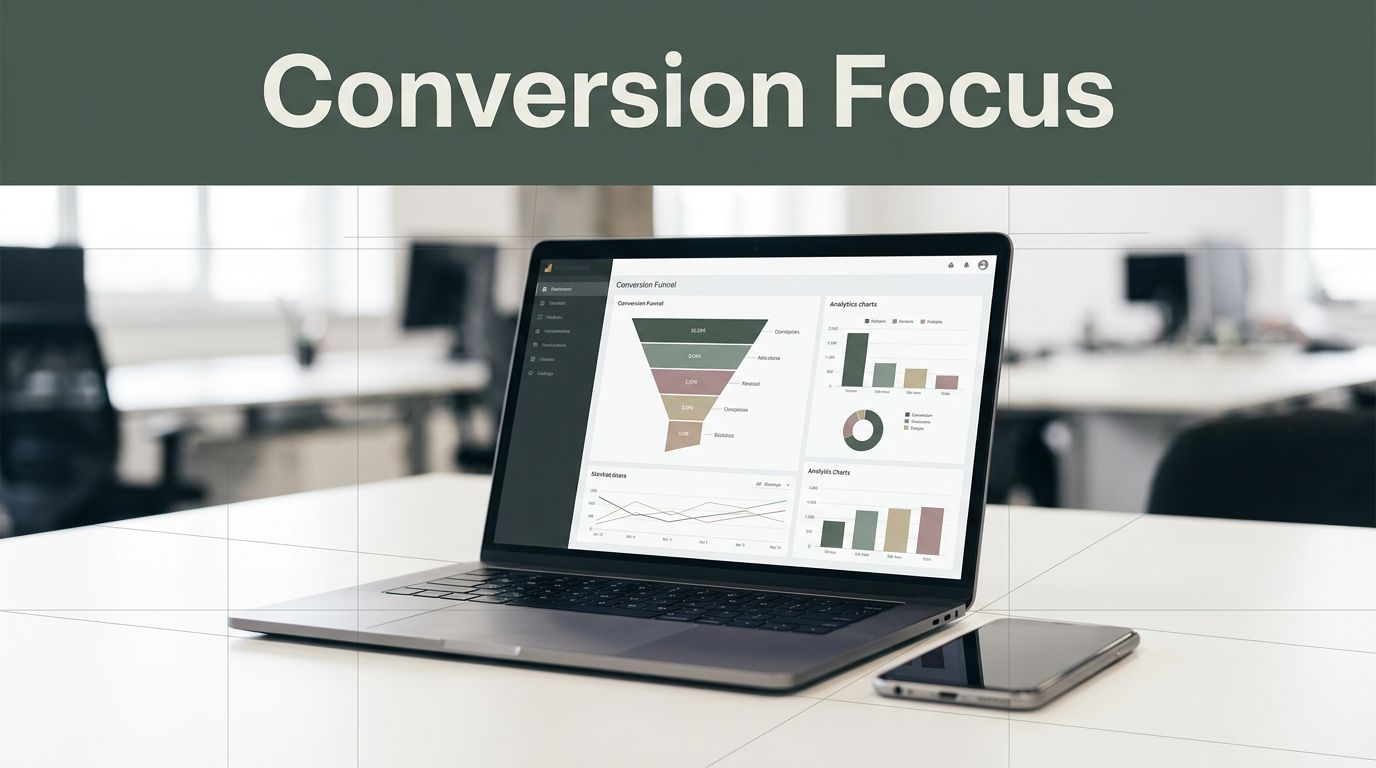
Inside your profile, use Insights to watch the actions that map to revenue: views, calls, direction requests, website clicks, and messages (if you use them). Don’t just look at totals. Look for trends month over month.
Add UTM parameters to your website link, appointment link, and menu link (if you have one). That way your traffic shows up clearly labeled in analytics, and you can connect clicks to real outcomes.
Once a month, do a quick check: which search queries drove activity, which photos earned the most views, and which posts led to actions. Then do more of what’s working.

Avoid the mistakes that tank rankings (and when a manager makes sense)
A few common issues can drag down visibility or trigger edits and suspensions:
- Keyword-stuffed business names
- NAP mismatches across your website and directories
- Blank fields (services, attributes, hours)
- Outdated hours, missing holiday hours
- Ignoring reviews or responding with generic scripts
- Using stock photos instead of real photos
- Irrelevant categories that don’t match what you sell
Hiring help can make sense if you manage multiple locations, compete in a dense market, deal with repeated suspensions, don’t have time for weekly updates, or need geo-grid tracking across a wide service area.
Conclusion
Google Business Profile management comes down to three habits: a solid setup, weekly activity (posts, photos, reviews), and simple tracking so you can see what produces leads. Do those well, and your profile stops being a listing and starts acting like a sales page that works 24/7.
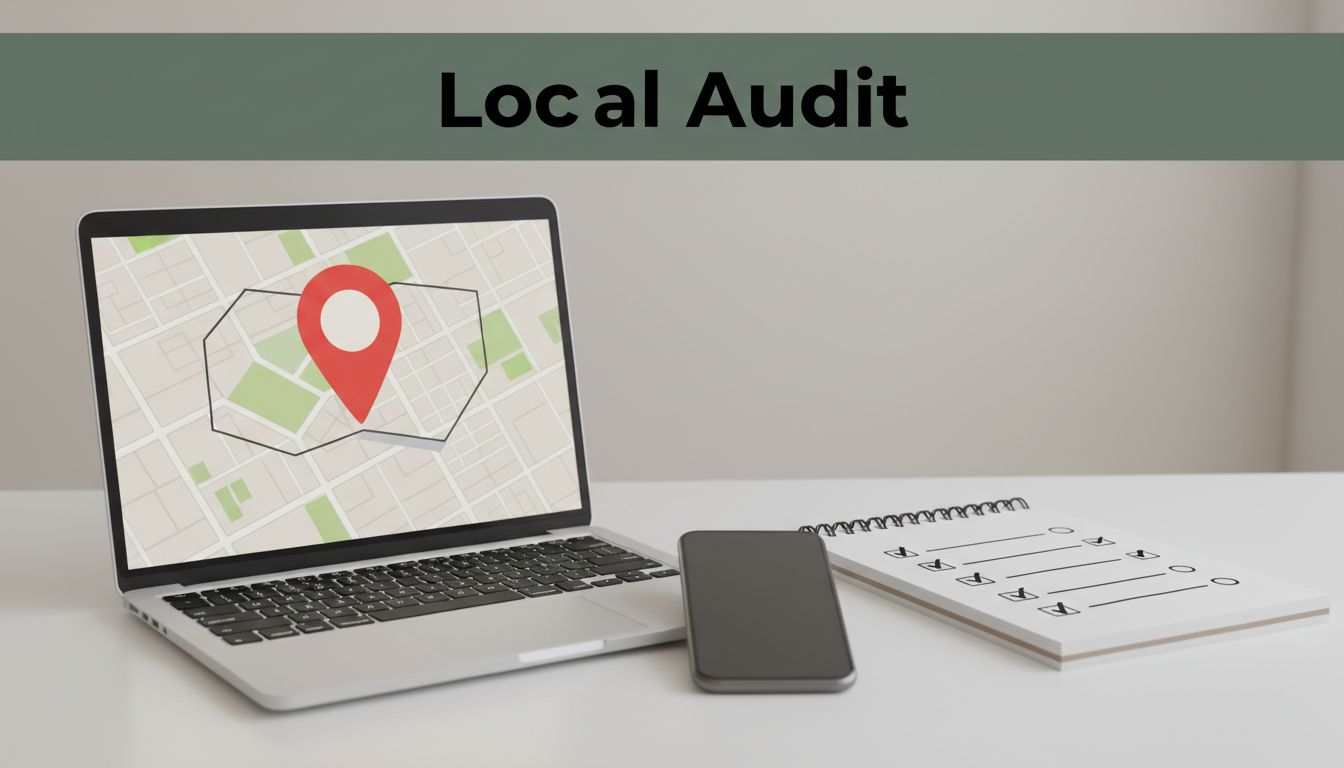
Do a 15-minute audit today: check hours (including holidays), categories, services, recent photos, your last post, and your last review response. Then schedule a weekly 20-minute block to keep your Google Business Profile current. That small routine is often the difference between being “nearby” and being chosen.