A website redesign for conversions should do more than a simple website refresh that updates colors, fonts, and brand identity; it should be a strategic move to boost your bottom line by winning more leads, calls, and sales. When you approach a website redesign, you ensure every pixel serves a purpose in moving the user toward your business goals, while incorporating search engine optimization to maintain or improve rankings.
In 2026, smart redesigns focus on conversions, not trends alone. When those pieces work together, more visitors turn into customers, specifically by focusing on:
- Fast load times
- Mobile-first layouts for superior user experience
- Personalization
- Trust signals
Key Takeaways for a Website Redesign for Conversions
- Focus website redesigns on conversion rate by auditing current bounce rate, exit pages, and user behavior data first to identify lead-losing problems like slow pages or vague CTAs.
- Build simpler user paths with clear page goals, intuitive navigation, short forms, and trust signals like testimonials placed near calls to action to reduce friction and boost actions.
- Prioritize 2026 best practices like page speed under two seconds, mobile-first layouts, strong contrast UI for better user experience, and helpful personalization without flashy effects that hurt performance or search engine optimization.
- After launch, track form submissions, booked calls, scroll depth, and bounce rates, then refine through a/b testing and usability testing for ongoing conversion improvements.
Start Your Website Redesign with the Conversion Problems Your Current Site Already Has
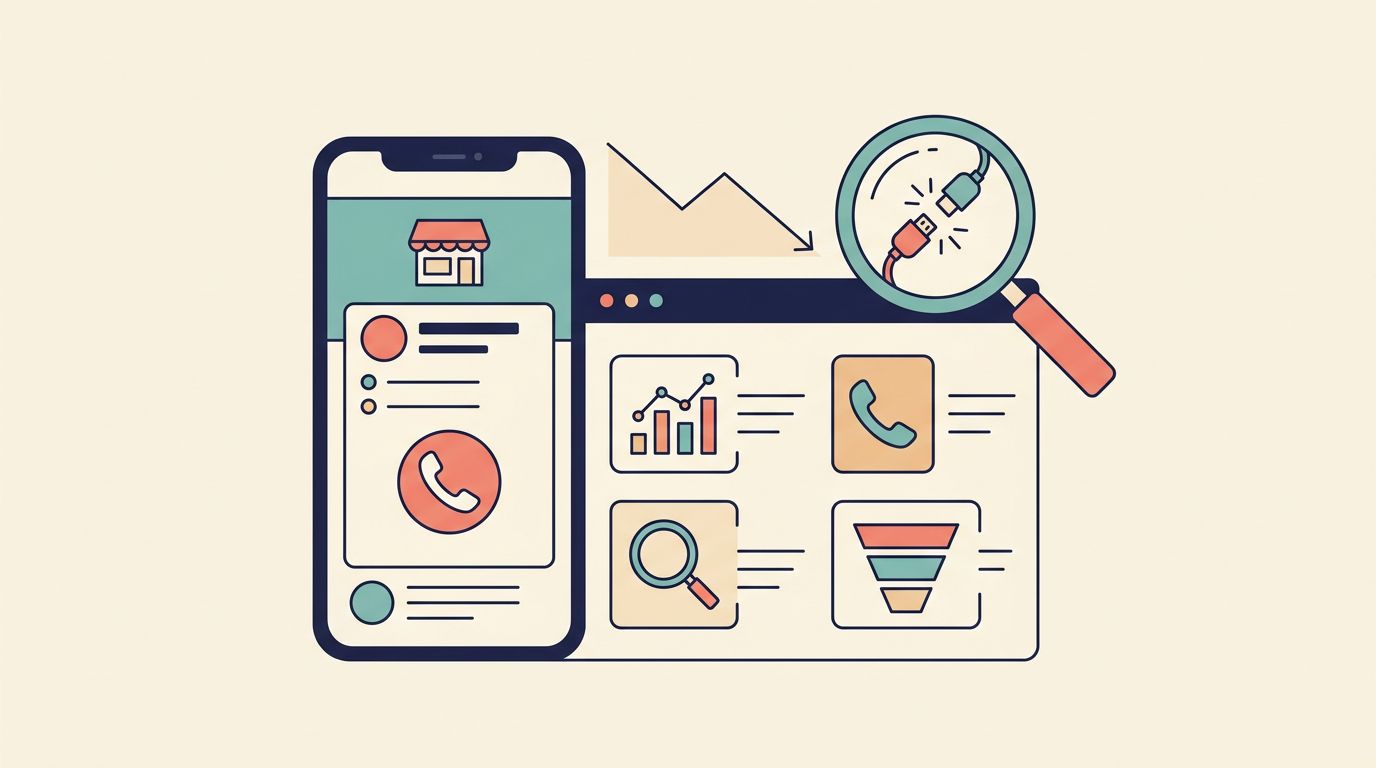
Before changing the design, start your website audit by finding the pages that already lose leads. Check bounce rate, form fills, mobile behavior, and exit pages. Heat mapping and analytics, along with competitive analysis, help you spot interruptions in the user journey, where people hesitate, stop scrolling, or leave without taking action. These tools reveal key friction points in lead generation.
For service businesses, the biggest problems are often simple. Slow pages, weak page structure, and poor information architecture make it harder for people to contact you when they’re ready, hurting lead generation.
Know Which Pages Lose Leads and Why
Your homepage might have a polished user interface but still confuse visitors. Common culprits include:
- Service pages that hide the real value
- Long, tedious forms
- Vague buttons that don’t explain the next step
Base redesign choices on user behavior and data, not internal opinions.
Build a simpler path for your website redesign for conversions
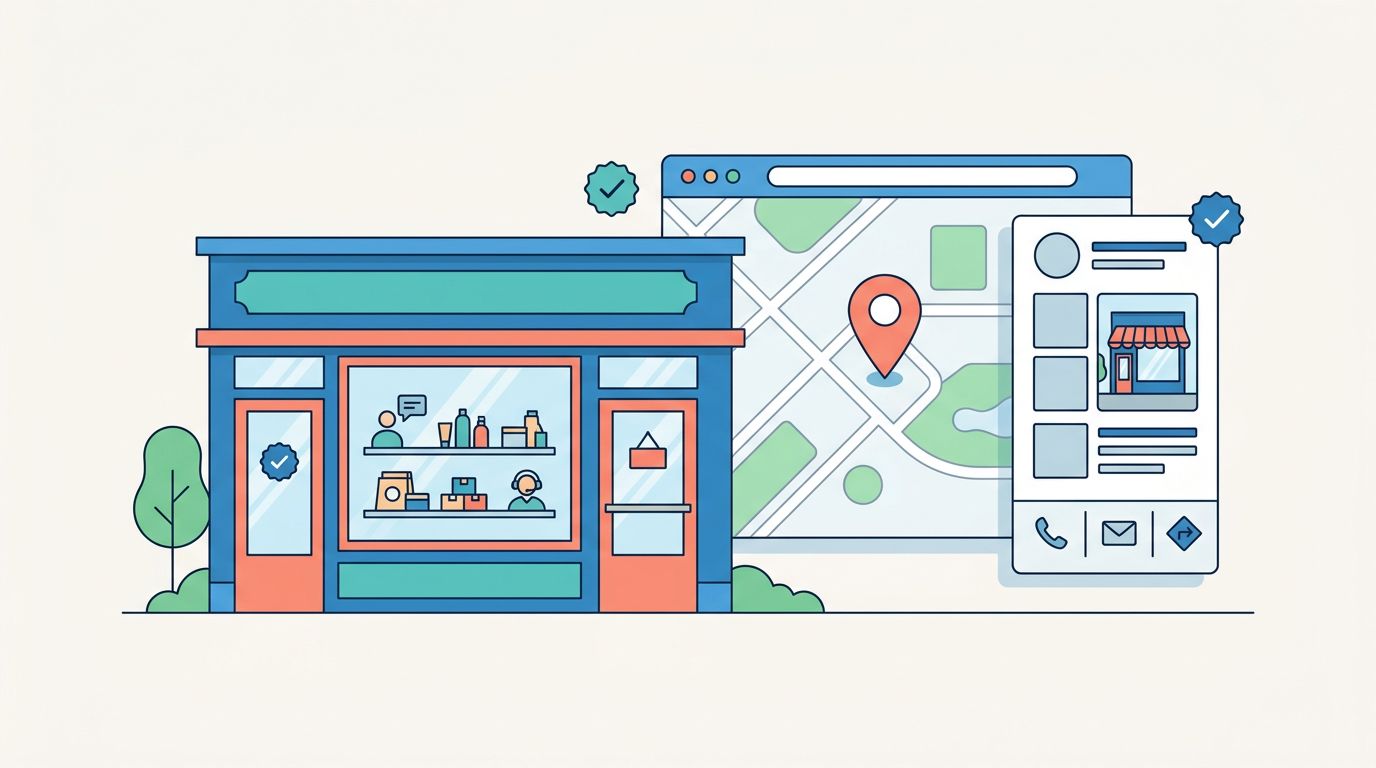
Treat your website as your digital storefront where a good redesign removes friction by building a clear conversion path. Each page should have one clear goal, whether that’s a call to action for booking a call, requesting a quote, or filling out a short form. Clear navigation, stronger headlines that create visual hierarchy, better spacing, and shorter forms improve the user experience and make action easier.
Trust also needs to show up at the right moment. Put testimonials, reviews, proof, and clear service benefits close to your call to action. The best redesigns guide visitors forward with intuitive navigation, one step at a time, instead of dumping everything on one page.

### Use calls to action that match what visitors are ready to do
Not every visitor is ready to commit right away. High-intent users may click Schedule Call from a service page. Others may respond better to a lower-pressure No-cost discovery call. Wording and placement affect conversion rates more than many teams expect.
Use 2026 website redesign for conversions best practices
Modern features should support conversions, not distract from them. For 2026 redesigns, page speed and site performance serve as key technical drivers alongside strong user interface principles. Essential requirements include:
- Page speed under two seconds for optimal mobile responsiveness
- Readable user interface layouts with strong contrast
- Tap-friendly, mobile-friendly buttons
- Useful personalization (e.g., local details or AI chat)
- Clear accessibility labels
Modern design works best when it feels helpful, not flashy
Small animations and bold visuals can guide attention without hurting page speed. Heavy effects often slow pages, degrade site performance, and harm search engine optimization, since page speed and mobile responsiveness drive higher ranking factors. For most service businesses, your website serves as the primary digital storefront, so clear beats clever, particularly with site performance that ensures adaptability across all devices.
Frequently Asked Questions
How do I start a website redesign for better conversions?
Begin with a data-driven audit using analytics, heatmaps, and competitive analysis to spot pages with high bounce rates, poor mobile behavior, confusing navigation, or confusing structures. Identify specific issues like slow load times, vague buttons, or hidden value on service pages. Base all changes on user behavior rather than internal opinions to ensure every update in your website redesign drives leads and sales.
What makes a CTA effective in a redesign?
Effective CTAs match visitor readiness, like ‘Schedule Call’ for high-intent users or ‘No-cost discovery call’ for others, with clear wording and strategic placement near trust signals. Pair them with visual hierarchy, bold buttons, and short forms to guide users without overwhelming them. Test variations through a/b testing to optimize click-through and conversion rates.
Why prioritize page speed and mobile responsiveness?
Page speed under two seconds and mobile responsiveness prevent user drop-off, especially for service businesses where hesitation kills leads. They also support search engine optimization rankings and adaptability across devices. Avoid heavy animations that slow performance, focusing on tap-friendly buttons, intuitive navigation, and strong contrast for a helpful, fast experience.
How do I measure redesign success post-launch?
Implement 301 redirects and update your sitemap before launch to preserve SEO, then track core metrics like form submissions, booked calls, bounce rates, scroll depth, and exit points. Run a/b testing on headlines, buttons, and navigation, plus usability testing to refine weak spots. Steady iterations based on data lead to higher conversion rate and ROI over time.
Should redesigns chase trends or focus on clarity?
In 2026, smart website redesigns emphasize clarity and conversions over flashy trends, using subtle animations and personalization that enhance user experience without slowing pages. Clear navigation, strong headlines, and trust elements guide users intuitively. Modern features work best when they feel helpful, supporting search engine optimization and mobile performance for real business results.
Measure the redesign after launch so conversions keep improving
Launch day is the starting line. Before going live, implement 301 redirects for old URLs and update your sitemap to preserve SEO value. Track these core metrics right away to monitor your conversion rate:
- Form submissions
- Booked calls
- bounce rate
- Scroll depth
- Exit points
Then run a/b testing on headlines, buttons, and navigation, plus usability testing on layouts to improve weak spots. Compare results against your original wireframes. A redesign works best when you keep refining it through ongoing testing. A higher conversion rate and better return on investment, particularly in achieving your initial brand identity goals, usually come from steady changes to structure, speed, messaging, navigation, and trust, not one big reveal.