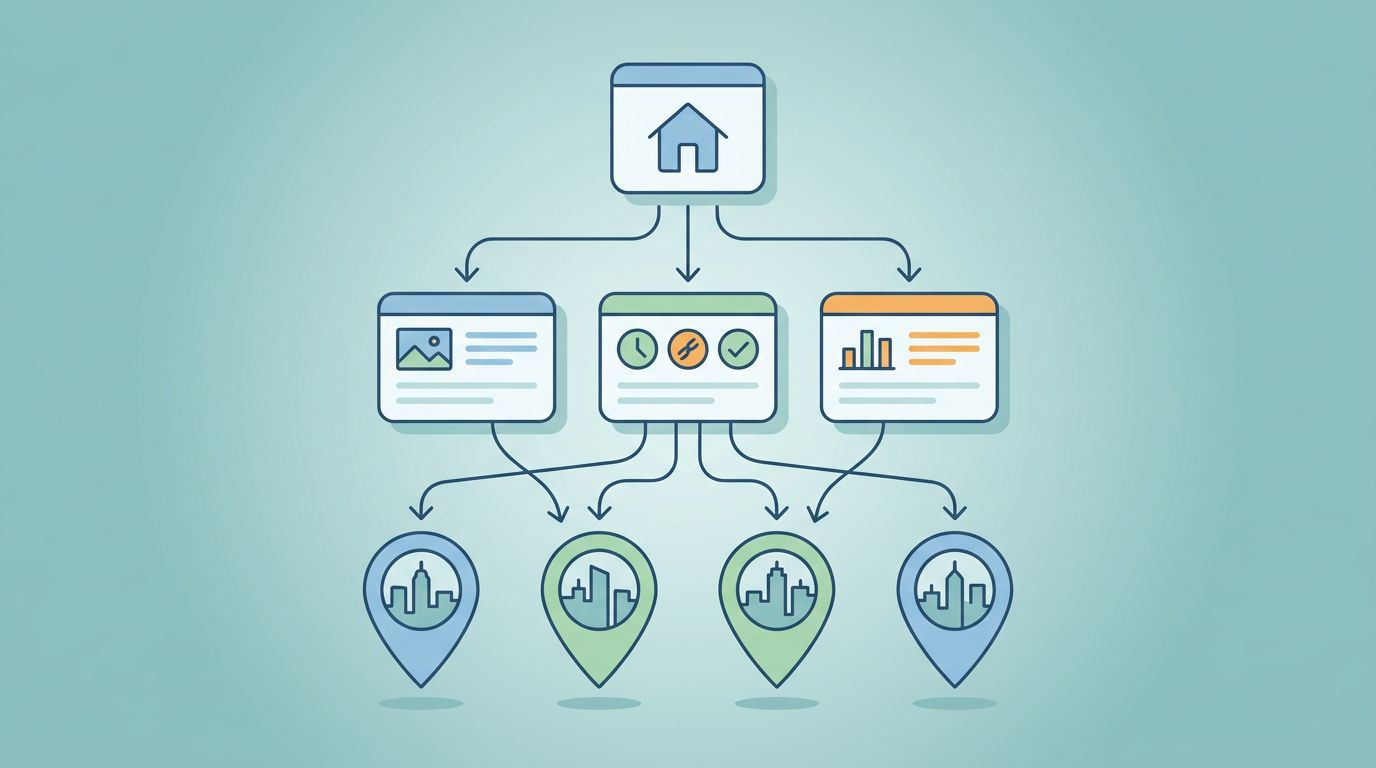
Automating YouTube video production streamlines repeatable tasks like scripting, editing prep, and publishing without sacrificing quality or brand voice. By using the right combination of tools and clear workflows, teams can produce consistent content faster while maintaining strategic control. This approach saves time, reduces bottlenecks, and scales your channel effectively without bloating costs or complexity.
Author: Marvin Drobes, Owner of EarningCoach Marketing
You don’t need a bigger team to publish more on YouTube. You need a system that stops every video from starting from scratch.
Channel automation is simply that system. It uses tools, templates, and handoffs to handle repeatable work inside YouTube video production, while your team keeps control of strategy, message, and quality. Done right, it makes your channel more consistent. Done badly, it fills your pipeline with generic content and weak videos.
If you’re ready to buy smarter, save time, and scale faster, this is the part that matters. Below, you’ll see what to automate, which tools are worth paying for, what setups usually cost, and what kind of results are realistic. If you want help choosing the right stack, Schedule Call.
What you can automate on a YouTube channel without hurting quality
Smart automation removes drag. Lazy automation removes judgment, and that is where channels fall apart.
The safe zone is the repeatable stuff: topic clustering, research collection, first-draft outlines, edit prep, captions, descriptions, upload fields, scheduling, clip extraction, and content repurposing. Think of automation as the production line inside YouTube video production, not the creative lead.
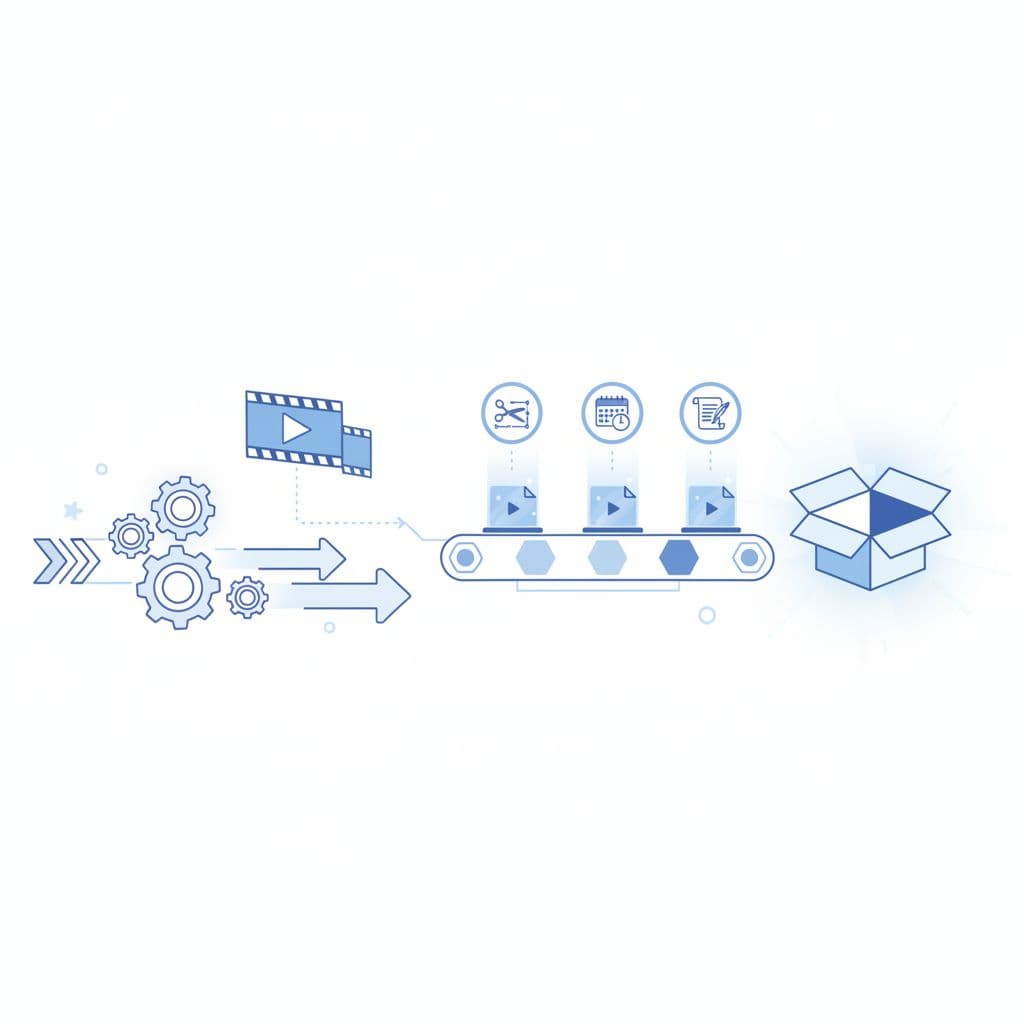
Automate the repeatable work. Keep the judgment in human hands.
That means research can be systemized, but not the final angle. Editing can be accelerated, but not the last approval. The rule is simple: automate tasks, not taste.
Tasks that save the most time right away
The fastest wins are usually boring. Uploading files, filling in metadata, moving scripts to editors, creating caption files, clipping short moments, and scheduling posts eat more hours than most teams admit.
These tasks are the best place to start because they happen on every video. Once they’re templated, your team stops re-making the same decisions. A clean handoff also cuts revision time, because the title options, thumbnail notes, call to action, and publishing checklist all live in one place.
Where human input still matters most
Don’t hand your brand voice to a tool and hope for the best. Final script approval, offer positioning, fact checking, story selection, thumbnail direction, and quality control still need a person who knows the audience.
That doesn’t slow you down. It protects watch time and trust. When the human role is clear, automation becomes support. When the human role disappears, the channel starts to sound like everyone else.
The best tools for automating YouTube content in 2026
Most buyers don’t need more software. They need the right few tools for the job, the budget, and the team they already have.
A two-person team does not need the same stack as an in-house media department. Buy for your bottleneck, not for someone else’s workflow. Too many subscriptions create their own mess.
Planning, scripting, and idea generation tools
Use AI writing tools and research platforms to speed up topic discovery, outline drafts, and script first passes. Tools like ChatGPT, Claude, Gemini, vidIQ, TubeBuddy, Notion, or Airtable can help you spot gaps, group topics, and keep ideas tied to audience pain points.
The catch is simple: these tools are only as good as the brief. If your message is vague, the output will be vague too. Good planning tools also create consistency. They keep hooks, offers, proof points, and CTAs from changing with every draft.
Editing, captions, and repurposing tools
Editing software with AI features can save hours on cleanup. Descript, Premiere Pro’s automated tools, CapCut, and similar platforms can remove filler words, create captions, detect clips, and speed up rough cuts.
Repurposing tools matter even more if long-form content feeds Shorts, Reels, and LinkedIn clips. A repeatable YouTube video production workflow should make one core video do more than one job. Thumbnail tools and Canva templates can also speed up variations before publish.
Publishing, analytics, and workflow automation tools
Scheduling and reporting are where teams lose momentum. YouTube Studio handles native publishing well, while ClickUp, Asana, or Notion can track approvals, deadlines, and revisions. Zapier or Make can connect forms, folders, notifications, and project updates without manual chasing.
If YouTube leads feed a CRM, automate that handoff too, so booked calls don’t depend on someone copying links by hand. For reporting, simple dashboards work best. If the data is scattered across emails, spreadsheets, and screenshots, nobody learns fast enough to improve the next video.
What automation really costs, from starter setup to full service
The price depends on one thing more than anything else: how much you want off your plate. A light DIY stack costs far less than a managed system, but it also asks you to build, test, and police the workflow yourself. Volume changes everything. Four polished videos and sixteen clips cost more than one simple weekly upload.

A simple comparison makes the budgeting picture clearer.
| Setup | Typical monthly spend | Best fit |
|---|---|---|
| DIY tools only | $75 to $400 | Solo creators and lean teams |
| Hybrid setup with freelancers | $1,000 to $3,500 | Businesses with steady output |
| Managed system or agency support | $4,000 to $12,000+ | Brands that want strategy, production help, and reporting |
Those ranges move with video volume, editing depth, thumbnail needs, shorts repurposing, approval layers, and reporting. Custom builds may also include a one-time setup fee for templates, automations, and dashboards.
Budget-friendly DIY setup
This path works if cash is tighter than time. You’ll pay for subscriptions, templates, storage, and maybe one or two add-ons, then spend your own hours connecting everything.
That lower monthly spend comes with a learning curve. Someone still has to build prompts, review scripts, fix broken handoffs, and check quality. If your team can do that, DIY is a good starting point. If not, it becomes cheap software wrapped around expensive confusion.
Mid-range and premium managed setups
Once a business hires a specialist or agency, the cost goes up because the service is bigger. You’re not paying only for tools. You’re paying for strategy, workflow design, editing support, approval systems, publishing discipline, and cleaner reporting.
That usually means more consistency and less internal chaos. It also means less founder time stuck in review loops. If you’re comparing options and want help sorting DIY, hybrid, and done-for-you paths, book a No-cost discovery call.
What real results look like when a channel is automated the right way
Automation does not fix weak content. What it does is make good content easier to produce on time, at the right pace, without melting your team. Lead flow still depends on the offer, the message, and the audience fit.
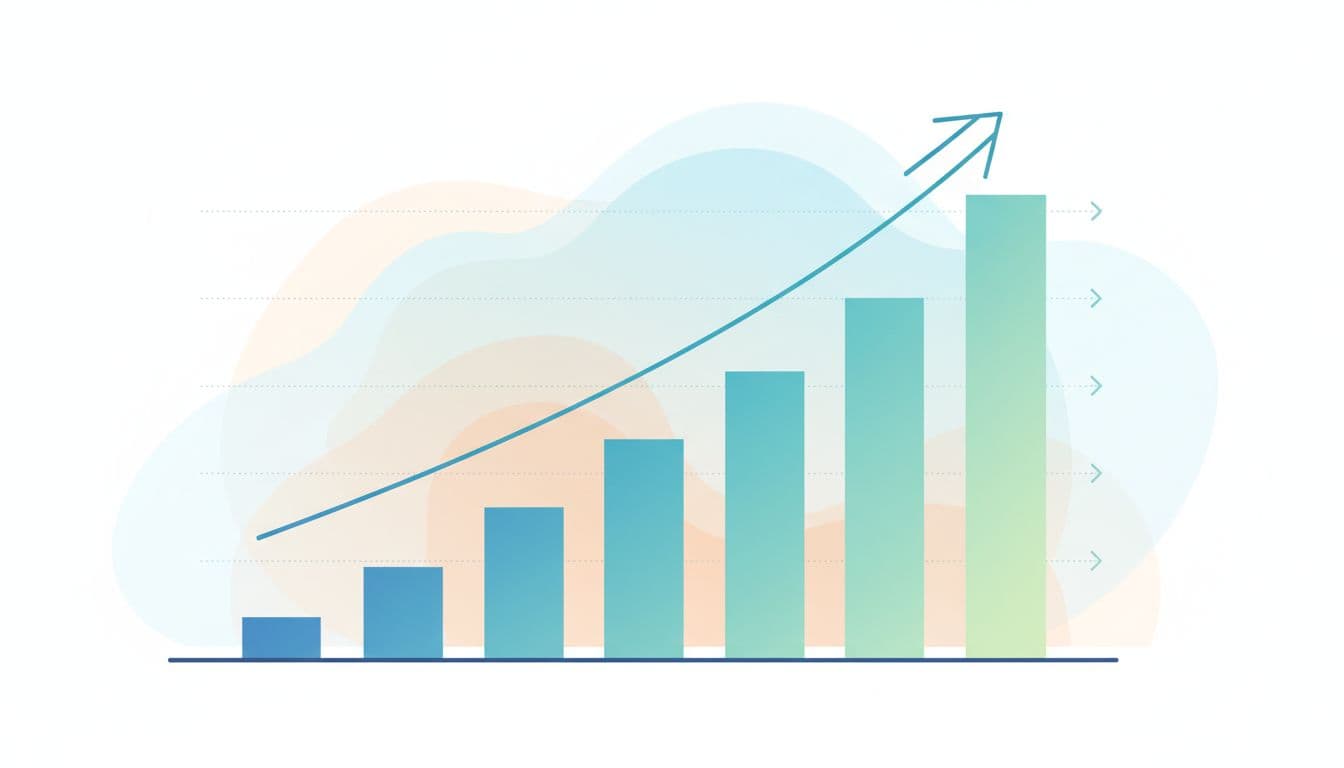
Before automation, a channel often runs on memory, Slack messages, and last-minute uploads. After automation, ideas move through the same path every time: research, draft, review, edit, clip, schedule, report. That change alone can turn YouTube video production from a scramble into a repeatable lead asset.
The metrics that matter most
Track the numbers that connect content to business results.
- Watch time and average view duration show whether the video holds attention.
- Click-through rate shows whether your title and thumbnail earn the first click.
- Leads and booked calls show whether viewers move into your pipeline.
- Production time per video shows whether the system is saving labor.
- Cost per video and cost per lead show whether the investment makes sense.
If those numbers improve while output stays consistent, the automation is doing its job.
Common mistakes that limit results
The biggest mistake is buying tools before building the workflow. The second is letting AI write in a voice your audience would never trust.
Other common misses are skipping final review, automating weak offers, and measuring vanity metrics instead of leads. None of those problems are software problems. They’re process problems.
More content doesn’t help if every video sounds interchangeable.
That’s how teams spend more, publish more, and still feel stuck.
How to build an automation plan that fits your channel and budget
Keep this simple. Start with the bottleneck, not the shopping list.
- Pick the one part of your workflow that breaks most often. For many teams, that is scripting, editing handoff, or publishing.
- Set a budget around output, not features. Decide how many videos and clips you want each month, then back into the tools or support required.
- Map the path from idea to publish. Who approves the script, who edits, where files live, when clips get made, and how performance gets reported.
- Test the system on a small batch. Five videos will teach you more than five hours of comparing software pages.
- Tighten what slows you down. Keep what saves time, cut what adds friction, and review quality every round.
Notice what’s missing: a giant tool stack on day one. Start lean, prove the workflow, then add complexity only if the numbers justify it. If you want a guided setup plan instead of piecing it together tool by tool, Schedule Call.
The setup should make YouTube easier, not heavier
The best channels don’t automate everything. They automate the repetitive parts, protect the human parts, and build a system that keeps publishing moving.
That is how YouTube becomes easier to manage, faster to produce, and more profitable to run. Smart tools matter. Clear workflow matters more.
If you’re ready to compare options, start with the process you need, then choose the stack that fits it. Good automation should remove friction, not add another layer of it.