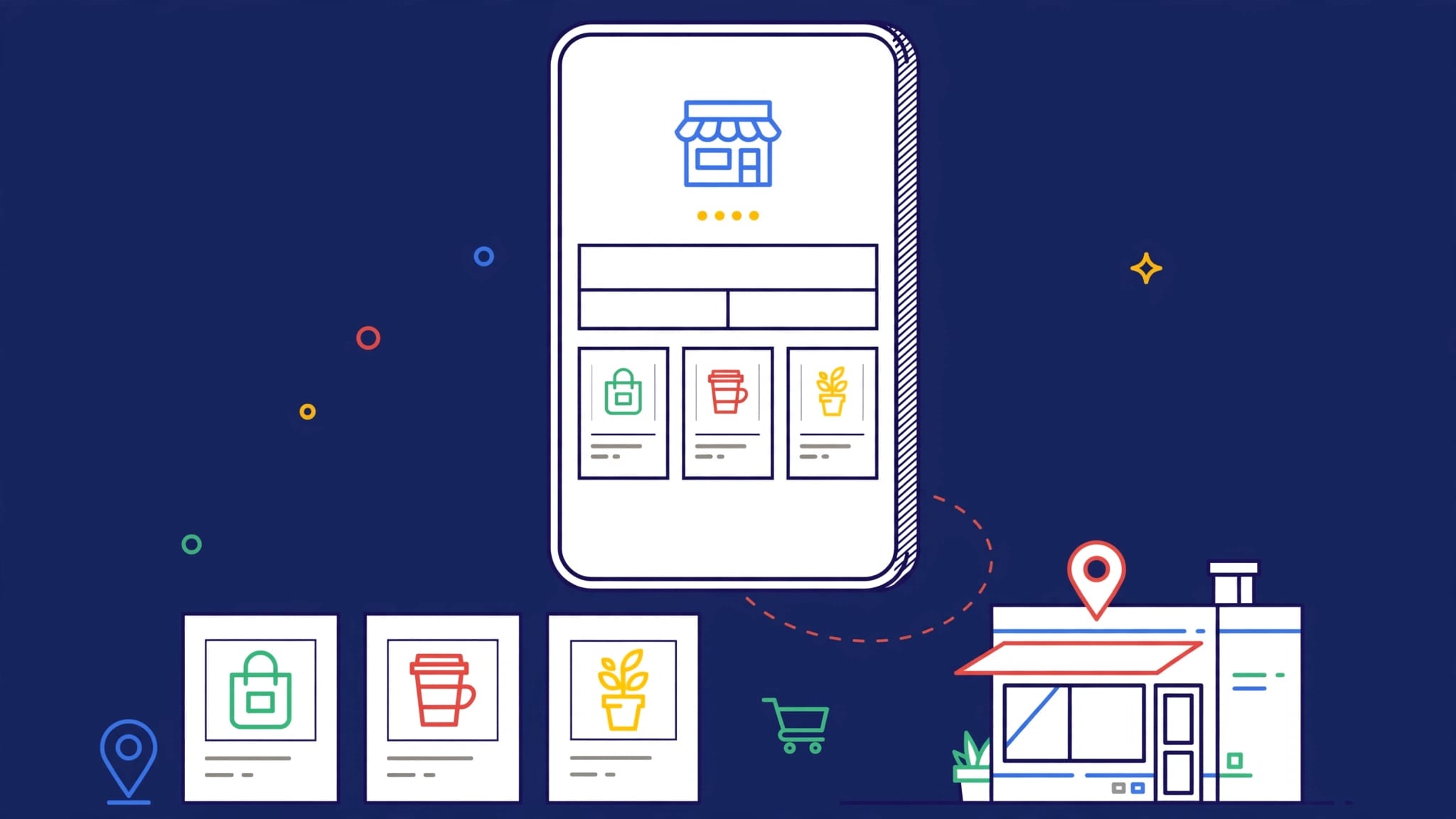
To safely transfer Google Business Profile ownership, the current Primary Owner must first add the new owner as an Owner and wait at least seven days before assigning them Primary Owner status. Verify the new owner’s Google account carefully, avoid sharing passwords, and confirm full access before removing former users. Following this process protects your local SEO, reviews, and business visibility without risking your profile’s security.
A Google Business Profile is a vital asset for any organization. It controls how customers find your company, read your reviews, contact your team, and request directions.
When a local business changes hands, an employee departs, or a professional relationship concludes, you may need to transfer ownership to ensure continuity. A safe transfer protects your local search visibility, customer trust, reviews, and ongoing SEO work without putting the security of your profile at risk.
The process is straightforward when everyone has the right access, follows the required waiting periods, and confirms each step before removing old users. By following these protocols, you ensure your business remains visible and optimized on Google Search and Maps throughout the transition.
Key Takeaways
- Only the current primary owner of a business listing has the authority to transfer primary ownership to a new user.
- To safely transition a Google Business Profile, add the incoming person as an Owner first, then wait at least seven days before attempting to transfer primary ownership.
- Verify the recipient’s Google account through a trusted channel before sending an official invitation.
- Never share passwords or remove former owners and managers until the new primary owner confirms they have full access to the account.
- Review profile users, connected tools, phone numbers, website links, and automated systems after the handoff to ensure a seamless transition.
Know the Difference Between Owner, Primary Owner, and Manager
The first mistake happens when people assume every user has the same level of authority. Google Business Profile access roles have different permissions, and understanding these distinctions is critical during a handoff. When managing your digital presence, knowing the difference between owners and managers ensures you assign the correct level of control to the right people.
A Primary Owner has the highest level of control. This person can manage users, transfer primary ownership, and make significant changes to the profile. Because these role permissions include the ability to delete the business listing entirely, a profile can only have one Primary Owner at a time.
An Owner can make many profile edits and manage access for others. However, an Owner cannot make someone else the Primary Owner unless the current Primary Owner changes their role first.
A Manager can help with daily tasks, such as responding to reviews, posting updates, and updating business information for a local business. A Manager cannot transfer ownership or remove other users from the account.
Google’s role permissions can change as the platform updates its interface. Check Google’s current guidance on Business Profile users before starting a transfer, especially if your screen labels look different.
Giving someone Manager access is not the same as transferring control of the business profile.
For an agency relationship, Manager access is often enough. Your agency can handle local SEO, posts, photos, reviews, and reporting without becoming the legal controller of the listing. Ownership should stay with the business owner unless there is a documented reason to change it.

Prepare Before You Transfer Google Business Profile Ownership
Don’t begin by sending an invitation. Start by confirming exactly what is being transferred and who should control the account following a change in business ownership.
First, verify the identity of the person receiving access. Ask them to send their professional email address through a verified phone number, company account, or during a scheduled meeting. Do not trust an unexpected message that claims to be from a new owner, employee, or vendor.
Google ownership request emails can be targeted by scammers. Review the sender and confirm that any sign-in link leads to business.google.com. Never give anyone your Google password, recovery codes, or two-factor authentication codes. Legitimate ownership transfers do not require password sharing.
Next, record the current details of the business listing. Save screenshots or notes covering the business name, category, address or service area, phone number, website, appointment link, hours, products, services, and recent posts. Keeping this business information on hand provides the incoming owner with a clear baseline for your Google Business Profile.
Also review who currently has access. Old employees, former marketing vendors, and unknown email addresses are common problems. Don’t remove them yet. First, document each user and determine why they have access.
A useful handoff plan should also identify connected assets:
- The website and primary domain
- Google Ads and call-tracking numbers
- Review-management software
- Social media accounts linked in marketing materials
- AI tools, including chat bots and voice receptionists
- Email, SMS, and lead-routing systems
These systems may use the phone number, website URL, or location data associated with the account. A profile transfer does not automatically transfer every connected marketing account.
Steps to Change the Primary Owner in Google Business Profile
Google requires a mandatory waiting period, so plan ahead. The new person must accept the invitation and remain an Owner for at least seven days before they can successfully transfer primary ownership of a Business Profile.
1. Sign in with the Current Primary Owner Account
Go to Google Business Profile using the Google account that currently holds Primary Owner status. If you manage several locations, select the correct business before editing user access.
In the current web experience, look for Business Profile settings, then People and access. In Google Maps, the wording may appear under profile settings or business profile access.
Interface labels can change. Follow the account’s access menu rather than relying on an old screenshot or tutorial.
2. Add the Incoming Owner
Select Add or invite new users. Enter the recipient’s verified Google account email address, then choose the Owner role.
Do not select Manager if the person needs full ownership later. A Manager cannot be promoted directly to Primary Owner without first becoming an Owner. When you invite new users, ensure you use the correct email address to transfer primary ownership of a Business Profile.
Send the invitation and tell the recipient to accept it promptly. They should sign in to the same Google account used for the invitation, not a personal account with a similar address.
3. Confirm the Invitation Was Accepted
Return to People and access after the recipient chooses to accept invitation. Their status should show as Owner within your profile settings.
Take a moment to confirm the email address is correct. This is the last easy point to catch a typo or an invitation sent to the wrong account. Keep the existing Primary Owner in place during this time. The business still needs a responsible user while the process continues.
4. Wait the Required Seven Days
Google requires a new Owner to hold that role for at least seven days before becoming Primary Owner. During this seven-day holding period, Google limits certain actions for recently added users.
Don’t try to work around the timeline by removing access, creating a duplicate profile, or starting unnecessary verification requests. Those actions can create confusion and may put the profile’s standing at risk. Use the week to review the business information. Check that the name, address, phone number, and website match the real business. Consistent information supports local SEO and prevents problems when ownership changes.
5. Assign the Primary Owner Role
After seven days, sign in as the current primary owner. Go back to People and access, select the new Owner, edit their access level, and choose Primary Owner to complete the transfer primary ownership process.
Google may display a confirmation message. Read it carefully, then save the change. The former Primary Owner usually remains listed as an Owner after the transfer. That is helpful during a planned business sale or agency handoff because it gives both parties time to verify the account.
6. Confirm Control Before Removing Anyone
Ask the new primary owner to sign in independently. They should confirm they can edit core details, view users, respond to reviews, and access the profile from Google Search and Maps.
Only after that confirmation should the former owner be removed, if removal is part of the agreement. Keeping a short overlap period is safer than rushing to clean up access. For another perspective on role-based controls, this owner and manager access guide outlines why access should match each person’s responsibility.
What to Do When the Current Owner Is Unreachable
Sometimes the individual who controls the profile has left the company, sold an agency, or stopped responding. You cannot bypass that person by verifying the profile again, so you must request ownership through the official channel.
Begin this transfer ownership process by searching for the existing business listing within the Google Business Profile dashboard. Select the option to request access and submit the form through Google’s guided process. Once submitted, the current owner will have a set amount of time to respond to your request.
Gather proof before escalating your claim. Google may ask for a business license or registration, a utility bill or lease, photos of permanent exterior signage, interior photos of active operations, or access to an email address on the official business domain.
Keep your request factual and professional. Avoid emotional explanations or accusations. Simply state that you represent the business, provide your matching documentation, and explain why you require administrative access.
Do not create a duplicate listing while you wait for a response. Duplicate profiles split your reviews, confuse potential customers, and can weaken the local search signals your SEO strategy depends on. A step-by-step ownership request guide can help you prepare for these hurdles, but keep in mind that Google’s official support path is the final authority. This process is effectively the same as it was under the legacy name of Google My Business, so ensure your documentation is accurate to avoid any delays.
Review the Profile and Connected Settings After the Handoff
Once the ownership transfer is complete, the new Primary Owner should conduct a full review. Think of it as checking the locks after receiving the keys to your Google Business Profile.
Confirm that your business information follows Google guidelines, including your address, service areas, hours, categories, website, and phone number. Review whether customer messages, appointment links, and calls are directed to the correct team members.
Check notifications for business reviews and profile alerts. Make sure the team is prepared to respond to customers within a reasonable timeframe. Since business reviews are public, they significantly impact how future customers perceive your company.
Then, look beyond Google. Update access for social media platforms, analytics, Google Ads, call tracking, chatbots, voice receptionists, and any AI based reputation or lead handling tools. A former agency may still own a tracking number or automation account that feeds leads directly from your profile.
Only after every system has been checked and the new owner has confirmed full control should you add or remove users. Taking this step carefully prevents a situation where a clean looking handoff leaves the business unable to receive or manage leads.
For a complicated sale, multi-location change, or agency transition, a No-cost discovery call can help identify access gaps before they affect your visibility or customer communication.
Frequently Asked Questions
Can I transfer ownership instantly without waiting?
No, you cannot bypass the security waiting period. Google requires the new user to be added as an Owner for at least seven days before the option to promote them to Primary Owner becomes available.
What happens if the previous owner is no longer reachable?
If you cannot reach the current owner, you must use Google’s official request access form located in the business dashboard. You will need to provide documentation, such as business licenses or utility bills, to prove your legal authority to manage the listing.
Should I remove the old owner immediately after the transfer?
It is best practice to keep the previous owner as an additional user for a short period until the new primary owner confirms full access. Removing users too quickly can lead to unexpected loss of access if the new primary owner hasn’t successfully verified their own permissions.
Does changing the Primary Owner affect my reviews or local search rankings?
Transferring ownership does not negatively impact your reviews, ratings, or existing SEO work, provided the business information remains consistent. The transition is a backend administrative change that does not change how your profile appears to customers on Google Search or Maps.
Final Thoughts
A Google Business Profile transfer should be treated like a professional business handoff rather than a quick account edit. To successfully transfer ownership, you must verify the recipient, add them as an Owner, respect the mandatory seven-day waiting period, and confirm control before removing the previous access.
Whether you need to transfer primary ownership to a new partner or simply hand off management duties, the safest approach protects your profile history, customer reviews, local visibility, and connected lead systems. By following these steps to transition into a new primary owner, you ensure the long-term integrity of your Google Business Profile. Always remember that full administrative control should only change hands after access has been thoroughly tested and confirmed.