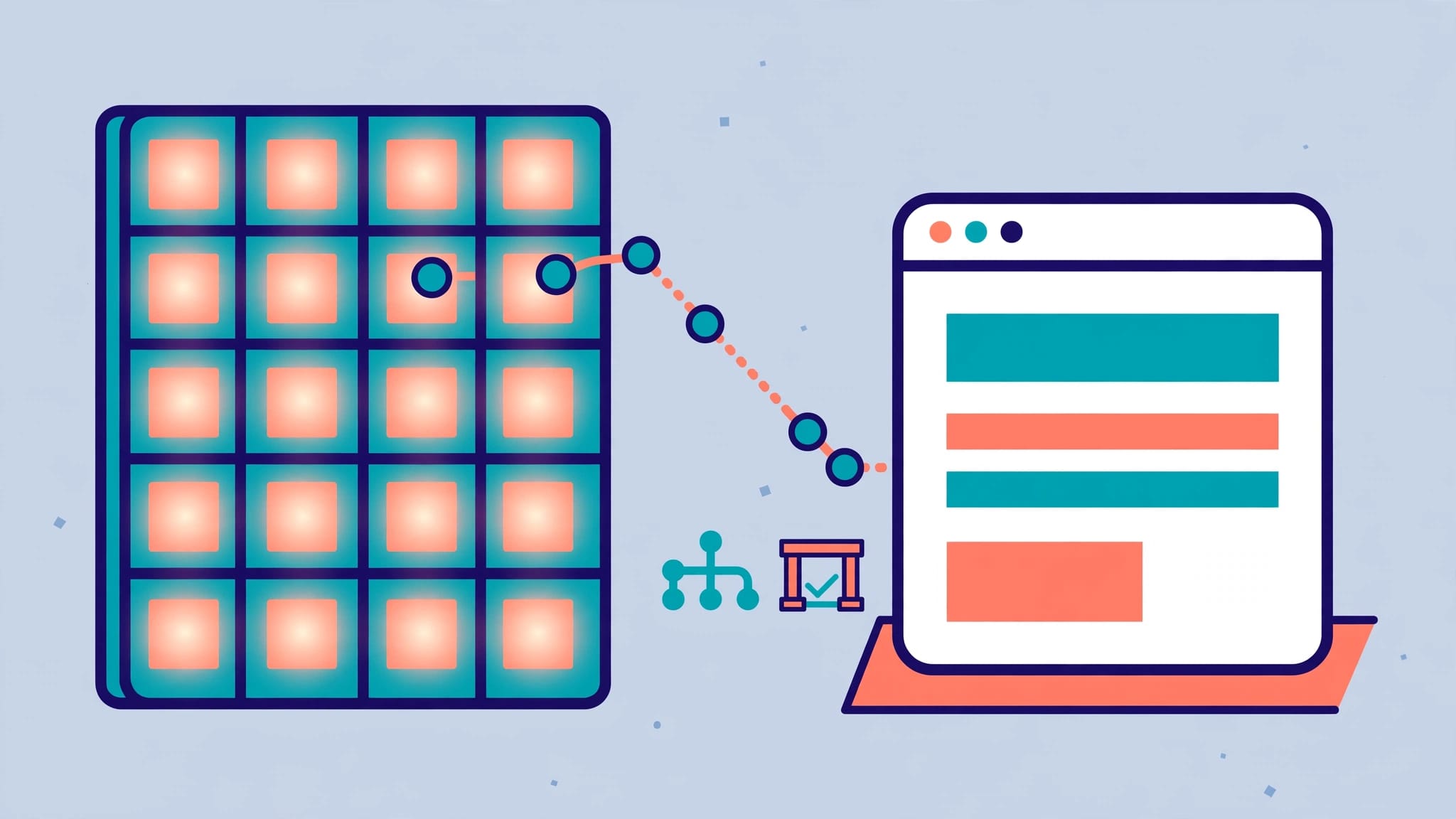
Your customer list isn’t one audience. An emergency plumbing lead, an HVAC customer due for maintenance, and a salon client who booked last month need different reasons to act.
That is why this approach earns its place in email marketing. It organizes contacts into practical groups, so each message fits a customer’s location, service needs, timing, and relationship with your business. Relevant messages can support more bookings, repeat services, referrals, and stronger customer lifetime value. Useful, permission-based messages can also support your sender reputation.
You don’t need a massive list or a complicated CRM to get started. You need useful customer details, a few clear customer personas, and a plan for what happens next. Start with an emergency customer, a maintenance customer, and a recent repeat customer. The same framework can support b2b email marketing for a local contractor serving property managers or commercial clients.
Key Takeaways
- Segment contacts by practical details such as service history, location, customer status, timing, and engagement instead of treating your list as one audience.
- Start with a few useful groups, such as new leads, completed jobs, seasonal customers, and inactive subscribers, then send each group a message that supports a clear business goal.
- Use automated workflows for quote requests, completed services, rebooking reminders, and other meaningful customer actions, while keeping human review in the process.
- Keep customer data accurate, collect clear permission, honor opt-out requests, and measure booked appointments, repeat revenue, referrals, and customer lifetime value—not only opens and clicks.
How Email List Segmentation Creates More Relevant Campaigns
A generic monthly newsletter may keep your company visible, but it rarely moves a customer toward a decision. A targeted email gives customers information that matches the problem they have now.
For a local service business, timing and location matter. A homeowner may need a seasonal inspection, while a past customer may be ready to book the same service again.
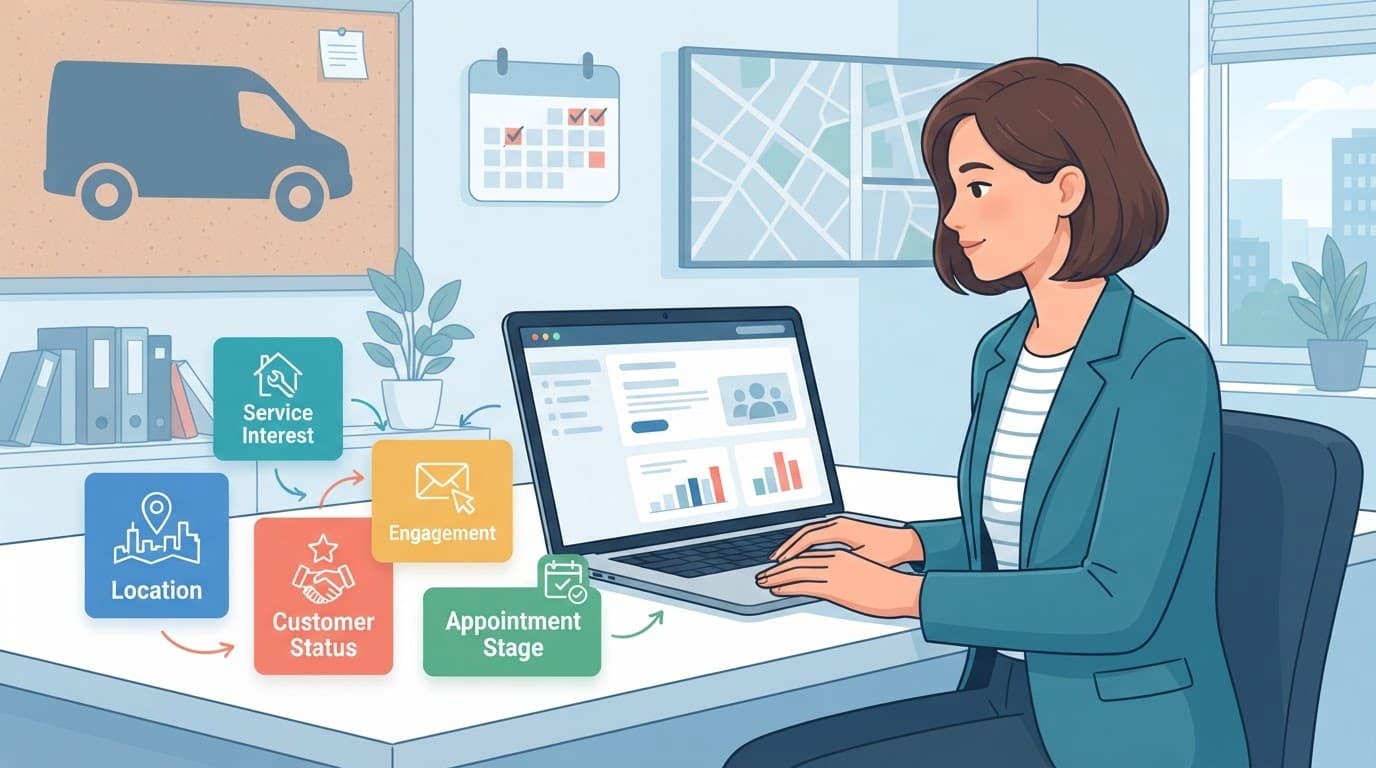
Segmentation and email personalization have different jobs
Segmentation determines who receives an email. Personalization adapts details within that email, such as a first name, city, technician, or service type.
For example, an electrician can segment past panel-upgrade customers separately from people who only requested outlet repairs. Each group receives a different campaign. The first email can discuss safety inspections, while the second can offer an upgrade consultation.
Then personalization can make the message feel more direct: “Hi Maria, here is a spring electrical safety checklist for homes in Toms River.” Segmentation creates relevance first. Personalization adds a human touch after that.
Relevance helps reduce unsubscribes
Unsubscribe rates often rise when every email feels unrelated, too frequent, or overly promotional. Sending a pool-opening reminder to customers who only booked snow removal wastes attention and weakens trust.
This approach also helps protect email deliverability. When customers open, click, book, or reply, email providers receive stronger engagement signals that support sender reputation. Inactive contacts can still weaken those signals when they remain on every campaign.
If a customer has already booked, their next email should prepare them for the appointment, not keep asking them to schedule one.
Practical Email List Segmentation for Local Services
Start with segments connected to service delivery and revenue. Your email marketing software may offer advanced filters, but a spreadsheet with a few accurate columns can work well at the beginning.
Use geography and service interest
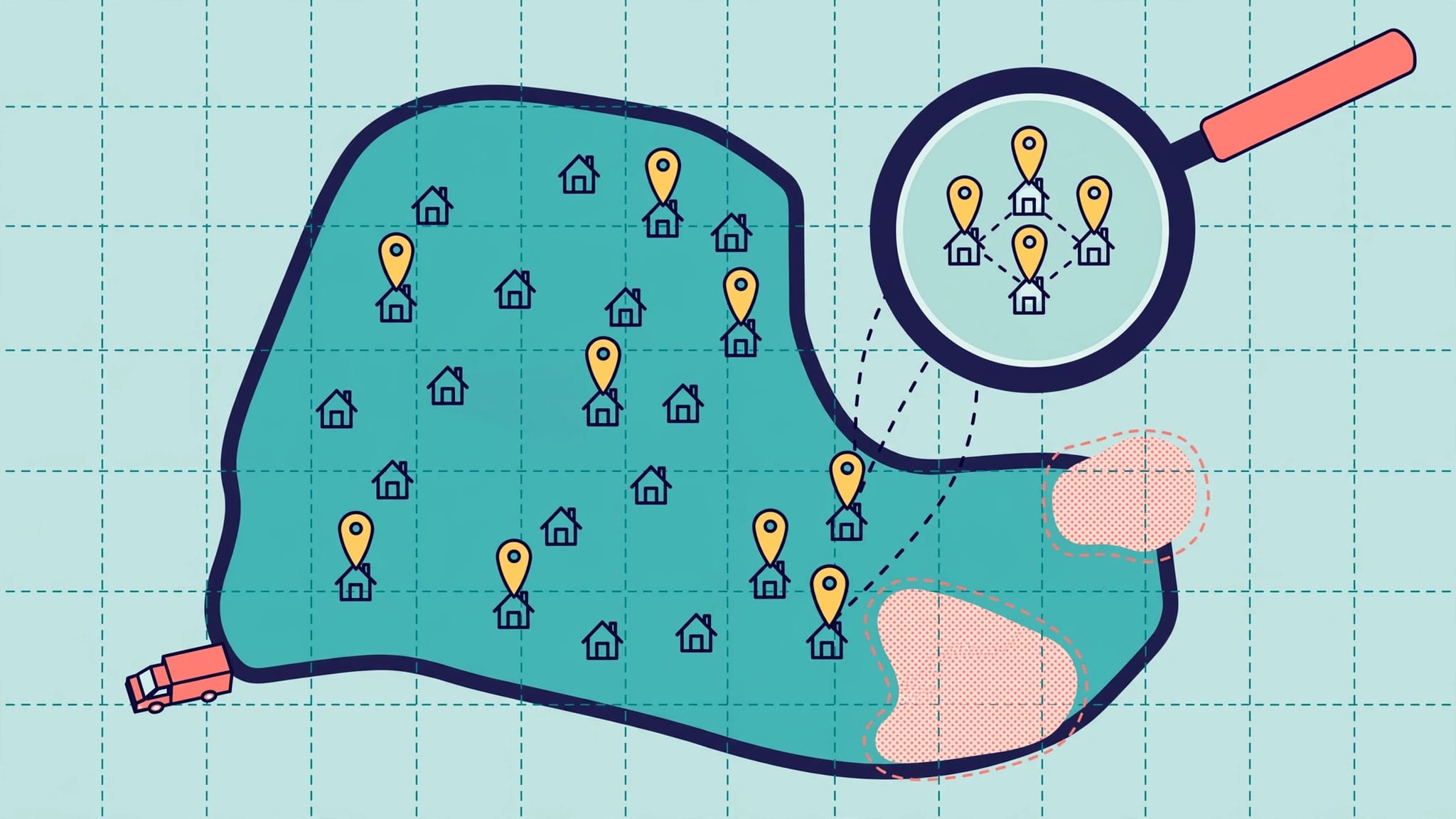
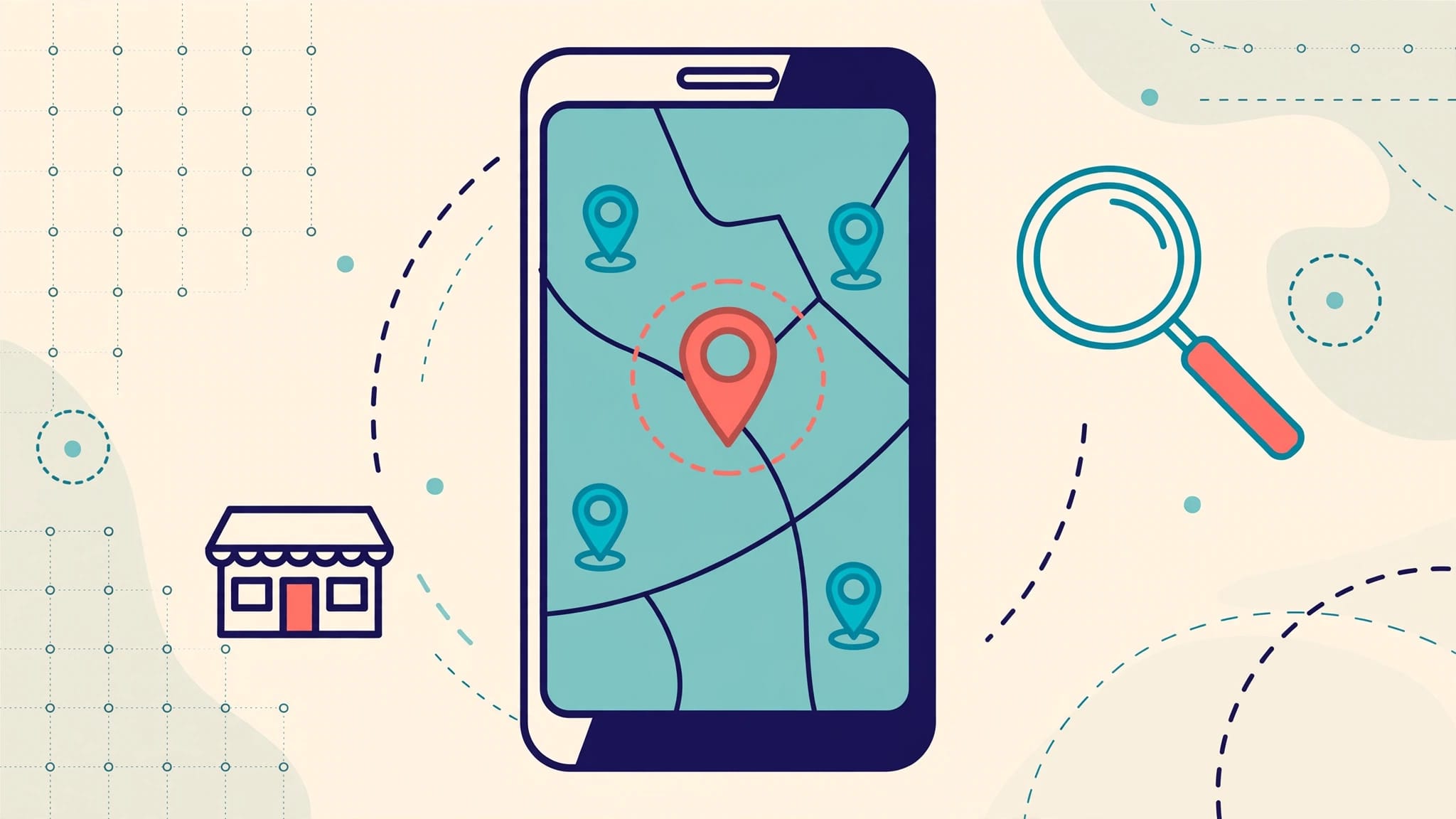
Geographic segmentation is useful for businesses with real service areas. Group contacts by city, ZIP code, neighborhood, or branch location when those details affect available services, pricing, weather conditions, or promotions.
Demographic segmentation can help when customers voluntarily share relevant details, such as property type or household stage. Don’t infer sensitive characteristics, and collect only information your service requires.
A landscaper can send early spring cleanup reminders to customers in one active service area. An HVAC company can promote ductless systems to homeowners who previously asked about cooling issues. A commercial HVAC provider can use b2b email marketing to separate property managers from homeowners and tailor service reminders.
Keep the data honest and collect clear consent to support a healthy sender reputation. Your service area on email forms should match the cities you actually serve on your Google Business Profile.
SEO, social media, and local listings can bring new visitors to your site. Give those visitors a clear opt-in form that asks which service information they want to receive. A preference center can let subscribers choose service topics or message frequency.
Psychographic segmentation can also help when customers volunteer preferences, such as price sensitivity, convenience, or sustainability priorities.
Group people by customer status and behavior
Behavioral segmentation uses actions customers take. That can include a quote request, a booked job, a canceled appointment, a recent service, a referral, purchase history, or a lack of email engagement. For many local providers, service history is more useful than product purchases.
Customer lifecycle segments are often the strongest place to begin because they match how local service relationships develop. For more ideas on grouping customers by lifecycle stage, see this customer lifecycle segmentation guide.
| Segment | Simple definition | Email campaign idea |
|---|---|---|
| New estimate request | Requested a quote but has not booked | Send a short FAQ, proof of work, and a clear booking option. |
| First-time customer | Completed a first job in the last 14 days | Share care tips and ask for feedback or a referral. |
| Seasonal customer | Used a recurring service last year | Send a timely reminder before the usual service window. |
| Inactive subscriber | Has shown a low engagement level across several campaigns | Ask whether they still want updates and let them choose topics. |
The point is not to create dozens of segments. Build groups that lead to a different, useful message.
Build Automated Workflows Around Customer Timing
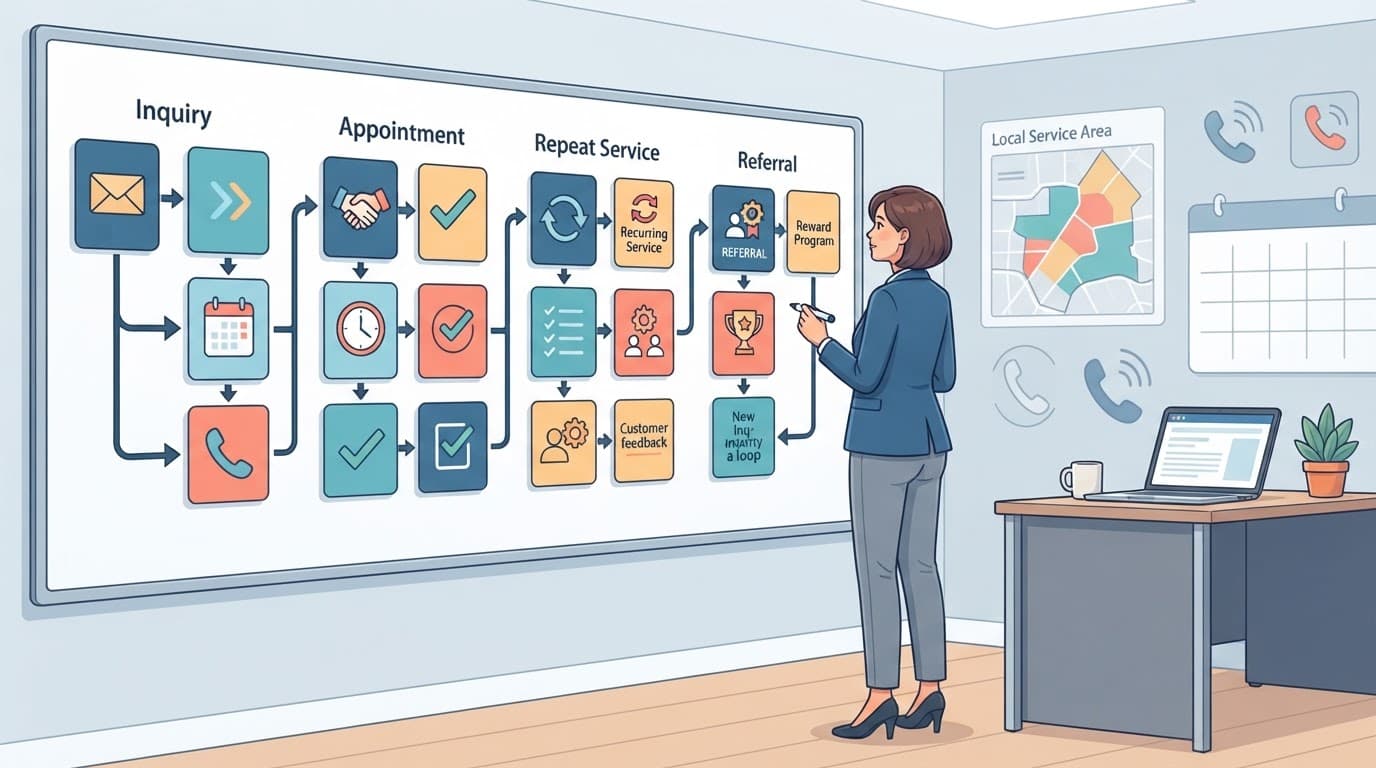
In email marketing, targeted email campaigns work best when they follow a meaningful customer action. A new lead, completed service, upcoming season, or lapsed relationship each calls for different follow-up.
Create two workflows before adding more
Begin with one workflow for new leads and one for completed jobs. A lead who requests a quote can receive a short drip campaign within a day. It answers common questions and guides the prospect toward an appointment, then sends a reminder if none is scheduled. For businesses that accept online deposits or bookings, abandoned cart emails can help someone resume an incomplete booking. Keep the message focused on their requested service, not every service you offer.
After a completed job, send a thank-you email with care guidance. A cleaning company can include maintenance tips. A clinic can share pre-approved aftercare information. A home-service company can invite the customer to save the business number for future needs.
Later, create a rebooking workflow based on the normal service cycle, using predictive analytics only when clean historical data can identify likely maintenance dates. A six-month maintenance reminder feels useful when it reaches customers close to their expected due date.
Let automation support, not replace, your team
AI can help organize lists, suggest subject lines, and identify customers who may be due for service. It should not make unchecked promises, send sensitive information, or replace your team’s judgment.
Chat bots and voice receptionists can capture an after-hours inquiry, service request, and preferred contact method. That information can route into the right lead segment for prompt human follow-up. Keep marketing permission separate from a request for service.
Review your workflows monthly. Check for duplicate messages, outdated offers, and contacts receiving more than one campaign at once. Excessive automated messages can also damage your sender reputation.
A Simple Starting Plan for Small or Incomplete Lists
Small lists can still produce real results. A list of 75 past customers is more valuable than 2,000 unqualified contacts who don’t recognize your business.
Start with fields you already have
Look at your booking system, invoices, contact form submissions, and current CRM. Add only fields your team can keep current: city, service type, last service date, customer status, and email permission.
Businesses that sell products, packages, memberships, or add-ons can also track purchase history. Service-only companies should prioritize service type and last service date instead.
If your data is incomplete, don’t guess. Send a simple preference center email that lets subscribers select service topics and update message frequency. You can use psychographic segmentation to group voluntarily stated priorities, such as convenience, price, or sustainability. Never infer sensitive traits from incomplete data. This improves data quality and reduces unwanted sends without creating extra work for your office.
Use this five-step plan to launch your first email list segmentation effort:
- Pick one revenue goal, such as filling slow-season appointments or increasing maintenance plan renewals.
- Choose one segment that supports that goal, such as past customers whose last service was nine to 12 months ago.
- Write one focused email with a clear offer, useful reminder, and direct booking link or phone number.
- Send it to a small group first, then review opens, clicks, replies, and booked jobs.
- Update the segment based on real results before building another campaign.
If you want help connecting lead forms, CRM fields, and follow-up campaigns, book a No-cost discovery call. You can also use Schedule Call for a practical plan built around your local service goals.
Keep Customer Data and Email Compliance in Order
Good segmentation depends on accurate first-party data. Remove duplicate contacts, correct outdated addresses, and record where each email address came from. A current CRM gives your team a clearer view of who needs service, who has booked, and who should not receive a promotion.
Follow email marketing and privacy requirements
Use clear opt-in language on forms to record consent, offer a preference center, and honor opt-out requests without delay. In the United States, the FTC’s CAN-SPAM compliance guide requires accurate sender information, a valid postal address, and a clear way to unsubscribe from commercial messages. It also requires businesses to honor opt-out requests within 10 business days.
Follow applicable state, industry, and privacy laws, especially if you work in health care, financial services, or multiple regions. Keep appointment notices and marketing promotions properly organized in your system.
Measure bookings, not only opens
Email open rates and click-through rates are useful signals, but they aren’t the finish line. Track conversion rates, the percentage of segment recipients who take the desired booking or inquiry action. Judge each segment by booked appointments, repeat-service revenue, referrals, quote approvals, and revenue quality, not just early engagement. Compare each segment’s engagement rate with customer lifetime value, return on investment, and unsubscribe rates.
Most local businesses send far below Gmail’s bulk-sender threshold, but Google’s email sender guidelines are still a useful reminder to maintain clean lists, authenticate email, and make unsubscribe options easy to find. These practices support email deliverability and sender reputation when you send consistently with permission. A healthy list is built through relevance and permission, not volume.
Frequently Asked Questions
What is email list segmentation?
Email list segmentation divides contacts into practical groups based on details such as service history, location, customer status, or engagement. Each group can then receive messages that better match its needs and timing.
How should a small local business start segmenting its email list?
Start with the customer information you already have, such as city, service type, last service date, customer status, and email permission. Choose one revenue goal and build one focused segment and campaign around it before adding more groups.
What is the difference between segmentation and personalization?
Segmentation determines who receives an email, while personalization changes details within the message, such as a customer’s name, city, technician, or service type. Effective campaigns often use segmentation first and personalization second.
Which metrics should local businesses track?
Track booked appointments, repeat-service revenue, referrals, quote approvals, and revenue quality alongside opens, clicks, and replies. Compare these results with unsubscribe rates, return on investment, and customer lifetime value to understand which segments are truly useful.
How can businesses keep segmented email campaigns compliant?
Use clear opt-in language, maintain accurate customer records, provide a preference center, and honor unsubscribe requests promptly. Commercial emails should also include accurate sender information, a valid postal address, and a clear unsubscribe option as required by applicable laws.
Put Every Email to Work
The strongest email campaigns feel like helpful follow-up, not another interruption. Send messages based on what customers need, where they live, and when service is due.
Start with one customer group and one booking goal. Email list segmentation works best when each campaign addresses a real need and tracks a measurable business outcome.