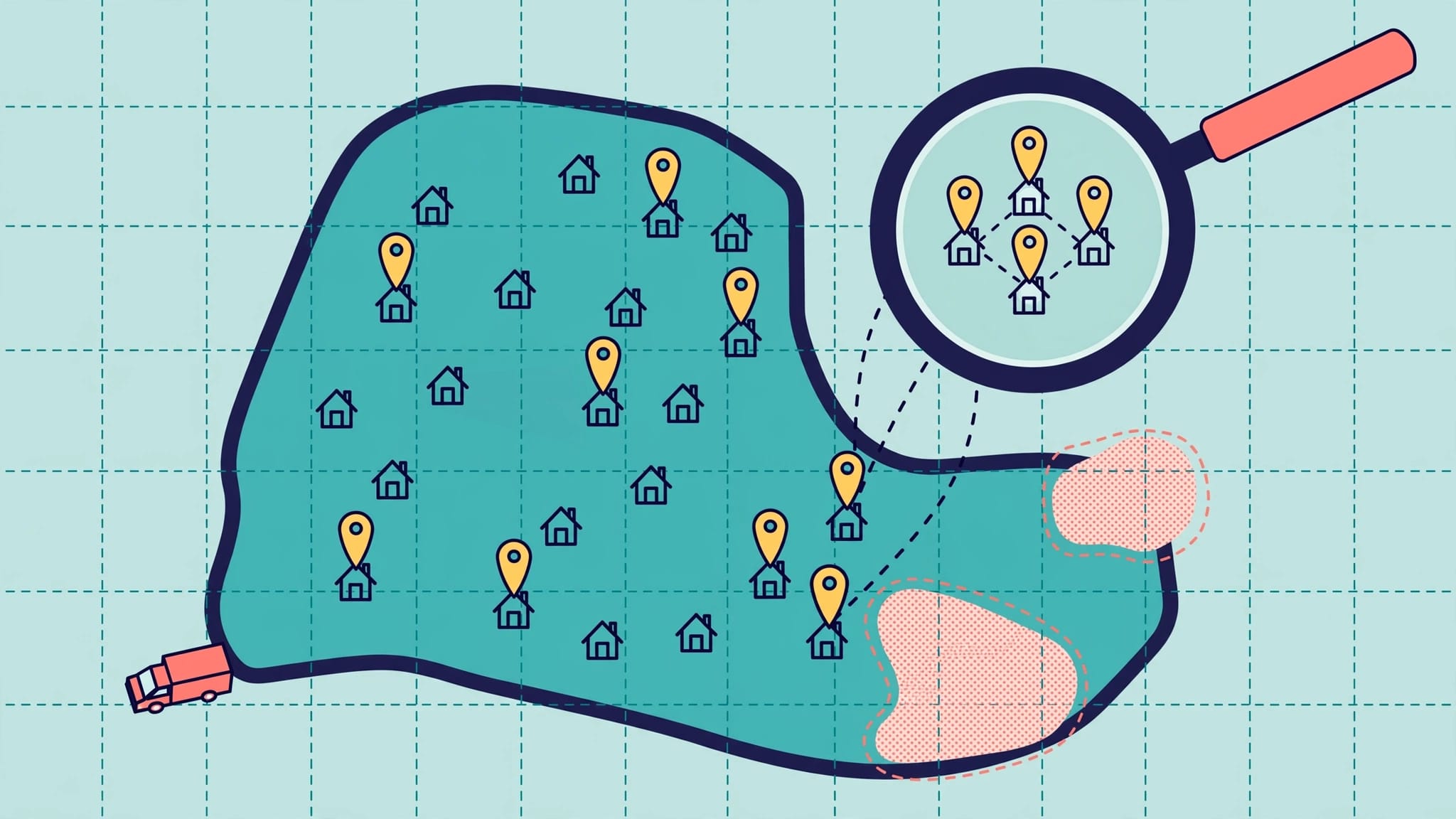
Use your completed customer job locations combined with geo-grid scans of local-pack rankings to pinpoint neighborhoods where demand exists but local SEO performance lags. This practical approach helps prioritize areas with real booking potential and guides focused improvements to your Google Business Profile, website content, and local signals. Regular tracking every 28 days ensures you connect visibility efforts directly to business outcomes.
Customer job locations show where you already win business and where local SEO needs attention. Compare completed jobs with neighborhood-level rankings to find areas where customers need your services but may struggle to find you.
Your booking records provide evidence of real demand and show where you already serve customers. They don’t prove local visibility, so compare them with Maps rankings, website performance, and qualified inquiries.
Key Takeaways
- Completed job locations show where you’ve served customers, but they don’t prove local visibility. Compare job data with Maps rankings, website performance, and qualified inquiries.
- Use a repeatable geo-grid scan to measure sampled local-pack coverage across serviceable neighborhoods. Treat it as a local ranking measure, not total market share.
- Prioritize areas with proven demand, manageable travel, service capacity, and room for profitable growth.
- Review relevant pages, your Google Business Profile, reviews, citations, and local connections, then track inquiries and booked work every 28 days.
What local SEO visibility tells you
Local SEO helps nearby customers find your business through unpaid search results. Local search results include map-based listings and organic website listings. Visibility describes how consistently you appear for relevant searches across the areas you serve.
Separate Maps rankings from website performance
The local pack typically displays a map and three business listings near the top of Google results. Your Google Business Profile supports those listings.
Organic local results usually appear below the pack. Website content, relevant keywords, links, and technical health support these rankings.
An SEO tool’s visibility percentage is a separate metric based on its tracked keywords and ranking model. It doesn’t automatically show your local SEO performance across neighborhoods.
Understand the role of proximity
Google’s local ranking guidance identifies relevance, distance, and prominence as the main factors. Distance, or proximity, varies by searcher, so rankings can change between nearby streets.
Completed jobs demonstrate service experience. They don’t change your proximity to a searcher or guarantee rankings.
The often-repeated 46% local-intent statistic, attributed to Google in 2018, doesn’t measure demand in your service territory. Customer records provide a more useful starting point for geographic decisions.
1. Build a usable customer job-location map
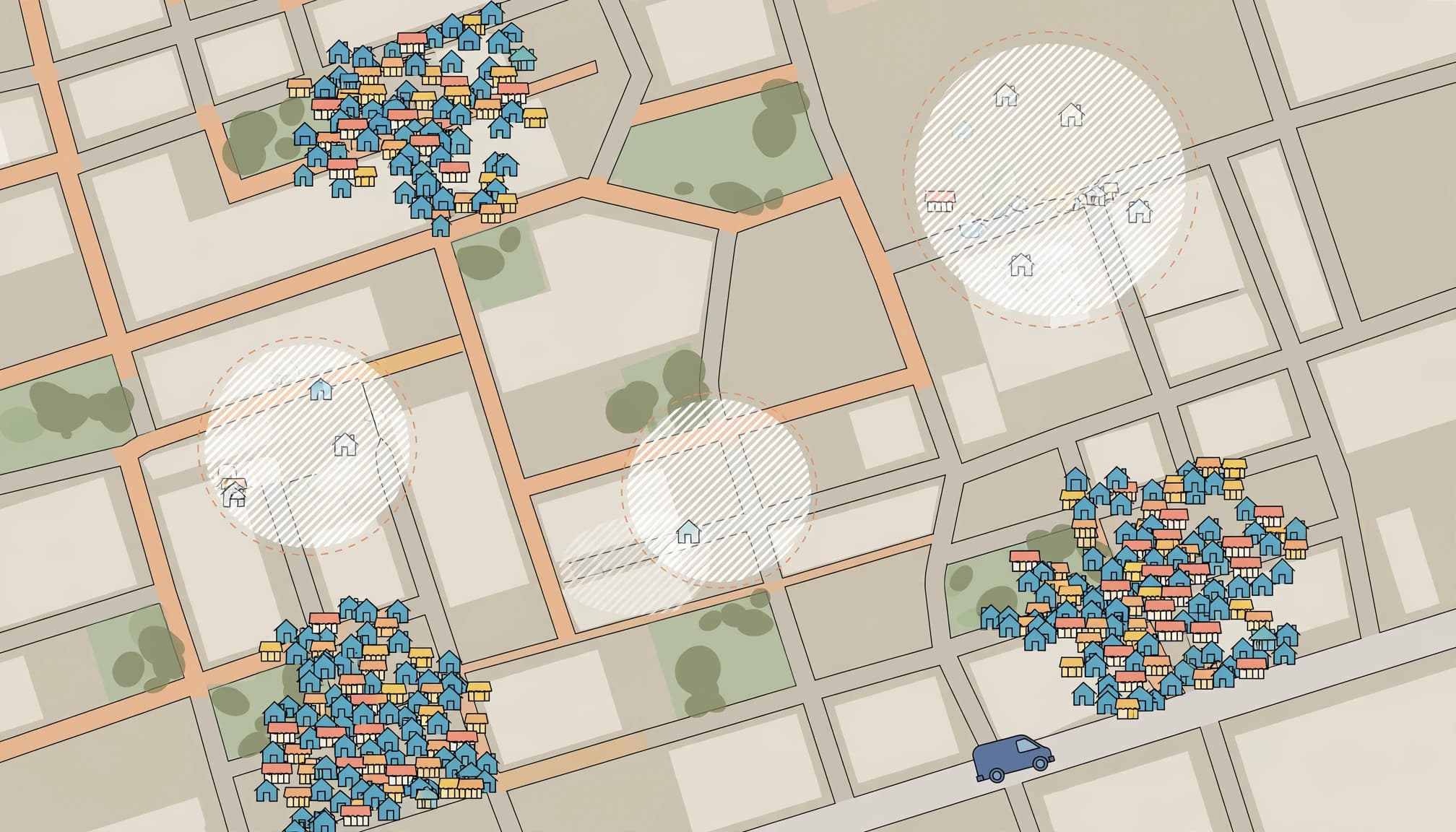
Export completed jobs with useful business details
Start with the previous 12 months of completed work. Include the job date, service type, neighborhood or ZIP code, revenue, and recorded lead source. Add profitability information when available.
Use the service address, not the customer’s billing address. Those locations can differ, especially for landlords and property managers.
Group jobs by service before mapping them. Emergency roof repairs and planned roof replacements involve different needs, search behavior, and booking decisions.
Protect customer information and account for bias
Keep exact addresses inside an approved business system. Share aggregated neighborhood data in marketing reports, and remove names, phone numbers, and other unnecessary identifiers.
Map completed work alongside inquiries and unconverted estimates. Job records alone favor places where you already attract customers.
A neighborhood with few jobs might have weak visibility, low demand, unsuitable properties, or travel costs that make work unprofitable. The map identifies questions to investigate; it doesn’t establish the cause.
Use consistent neighborhood names so reports don’t split one area across several spellings.
2. Compare job clusters with neighborhood rankings
Establish a repeatable geo-grid scan
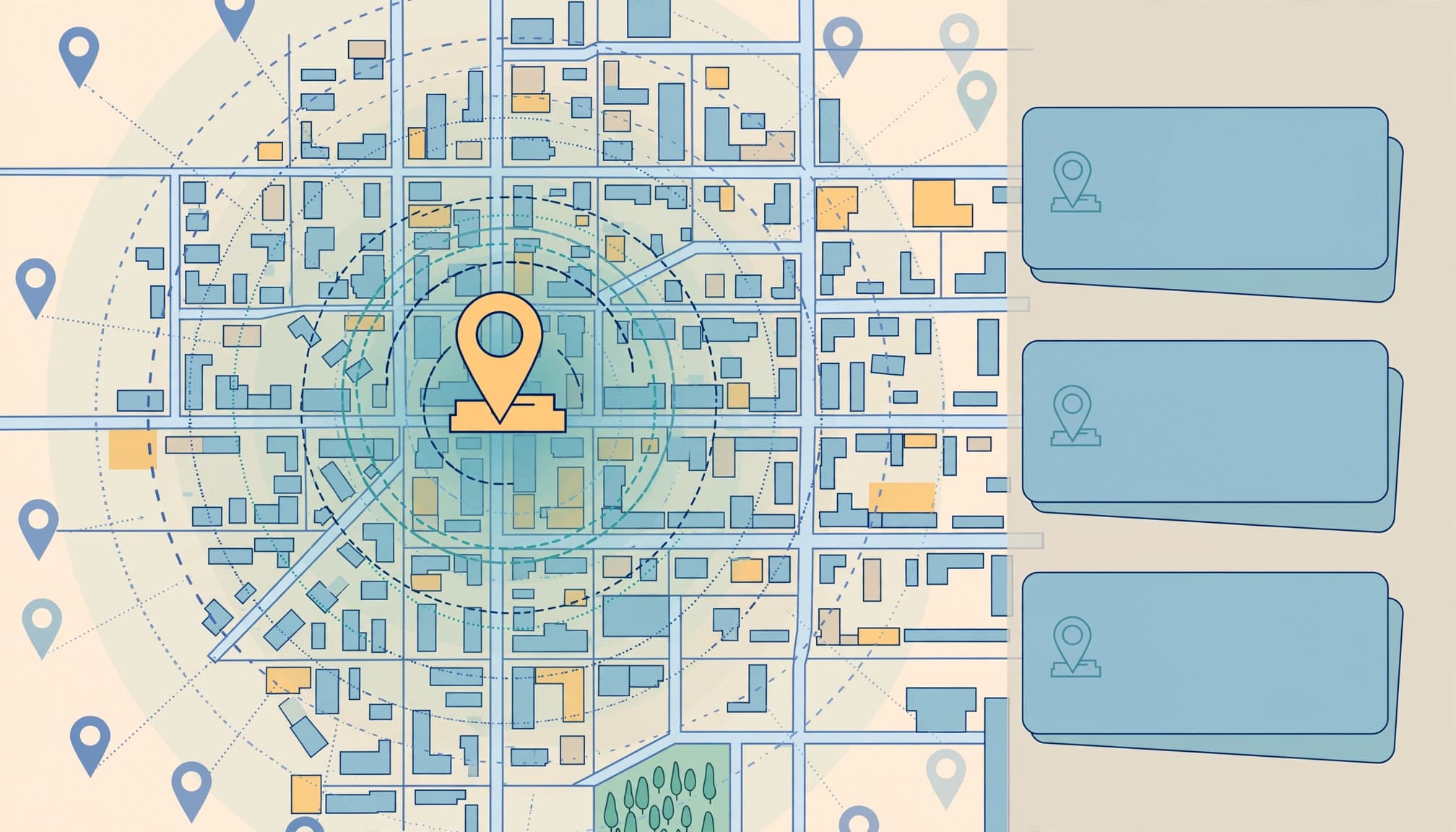
A geo-grid tracker measures rankings for the same search at multiple geographic points. BrightLocal Local Search Grid is one option.
A 5-by-5 grid provides 25 measurement points. Position it across serviceable neighborhoods, including customer clusters and nearby areas you can serve profitably.
Keep the query, grid coordinates, spacing, and scan settings consistent. Track each main service query separately to account for search intent.
Repeat scans with BrightLocal on a regular schedule to compare changes over time. These scans add geographic detail to your local SEO visibility assessment.
Adding more service areas to your profile won’t remove distance limits. Our guide to SEO for service-area businesses explains how coverage and local relevance work together.
Measure coverage instead of one position
Track the percentage of sampled points where your business appears in the top three of the local pack. Label it as sampled local-pack coverage, not total market share.
Compare that coverage with completed jobs by neighborhood. Strong job volume with weak rankings can reveal dependence on referrals, repeat customers, or paid advertising.
Also examine competitors that repeatedly appear in profitable areas. Compare their categories, customer feedback, relevant pages, and local relevance.
Manual searches provide useful context, but one office search doesn’t describe visibility across your service area.
3. Prioritize gaps by demand and business value
Work on areas where improved visibility can support profitable bookings. Distance, travel time, service capacity, and lead quality belong beside ranking data.
Use these patterns to decide what needs attention first.
| Job and search pattern | Likely next step |
|---|---|
| Strong job history, weak search coverage | Improve relevance and investigate referral dependence |
| Few jobs, weak search coverage | Establish demand before expanding SEO work |
| Strong coverage, few inquiries | Review the offer and contact experience |
| Strong inquiries, few bookings | Investigate response time, fit, and sales follow-up |
The priority is a neighborhood with proven service demand, manageable travel, and room for profitable growth.
Consider seasonality before comparing periods. Heating repairs, landscaping, and storm-related roofing work don’t follow the same annual patterns.
Keep urgent and planned services separate. A strong ranking for general roofing doesn’t establish visibility for emergency leak searches.
For each priority area, record the service, visibility baseline, supporting page, business opportunity, and next action. This keeps improvements focused.
4. Diagnose the page behind each weak area
Start with Pages, then examine Queries
In Google Search Console, open the Performance report and select Pages. Filter to one service or location page, then switch to Queries.
Look for service-plus-city searches, neighborhood terms, “near me” variations, and urgent problem-based searches. Compare impressions, clicks, and click-through rate over consistent periods.
“Roof repair Trenton NJ” and “emergency roof leak near me” show different search intent. Titles, descriptions, and page content should reflect those needs.
Search Console doesn’t report local-pack rankings or reliably identify a searcher’s neighborhood. A city name in a query indicates intent, not verified residence.
Improve local content and technical access
Create useful pages around natural phrases such as “[service] in [location].” Build relevance with genuine job photos, common local problems, coverage details, and customer feedback.
Our guidance on building local landing pages supports this work without cloning pages for every neighborhood.
Make pages fast and easy to use on smartphones. Keep contact buttons visible and forms short.
Schema markup helps search engines interpret business details. Validate schema markup with Google’s Rich Results Test. Structured data doesn’t guarantee higher rankings or enhanced results.
5. Fix profile, reputation, and local signals
Maintain an accurate Google Business Profile
Choose the most accurate primary category and relevant secondary categories. Keep services, hours, contact details, and service-area settings current.
Add authentic job photos, publish useful updates, respond to customer feedback, and address questions wherever Q&A is available. These tasks improve the information customers encounter; posting frequency alone isn’t a ranking strategy.
Our Google Business Profile optimization guidance provides a practical maintenance framework. Don’t create duplicate profiles or virtual-office listings for towns where you lack an eligible location.
Correct citations and request honest reviews
Local citations are mentions of your name, address, and phone number, often called NAP. Yelp, Yellow Pages, and Apple Maps are common examples.
Inconsistent details can undermine NAP consistency, confuse customers, and make it harder for search engines to associate listings with your business. BrightLocal’s 2023 discovery and trust report found that 62% of consumers would avoid a business with incorrect information online. A BrightLocal listing audit can help identify directory records that need correction.
Recent reviews help customers assess current service quality. Review volume, ratings, and freshness support prominence.
Ask completed customers for honest feedback without incentives or review gating. Google’s policy-violation guidance describes restrictions associated with fake engagement.
Build genuine local connections
Look beyond sponsorships for relevant local links. Chamber directories, approved contractor listings, supplier installer directories, and community resource pages can provide useful connections.
Pursue listings that match real memberships, qualifications, or relationships. Don’t invent affiliations.
Share approved job photos and helpful service information on social media. This supports discovery and referral traffic without assuming that social activity directly raises Maps rankings.
6. Track booked work every 28 days
Review local SEO visibility alongside business results every 28 days. Consistent reporting helps separate trends from daily fluctuations.
Google Business Profile Performance shows interactions such as call-button clicks and website clicks. A call-button click doesn’t confirm that a conversation occurred.
Use Google Search Console for page-level impressions and clicks. Google Analytics 4 can track website lead events, while your CRM connects inquiries with estimates, booked jobs, and revenue. Semrush and Ahrefs support keyword and backlink research. BrightLocal can supplement local ranking and visibility tracking.
Keep neighborhood, service, and lead-source fields consistent across systems. Tag profile website links with UTM parameters, and distinguish customer-reported sources from tracked visits.
A decline in organic clicks doesn’t always mean rankings fell. Ads, map features, videos, and other changes to search results can affect where customers click.
When rankings improve but bookings don’t, review missed calls and unanswered inquiries. AI voice receptionists and chatbots can support intake and collect service-area information. They don’t replace reliable follow-up or accurate reporting.
Contact us for help connecting customer job data with a focused local search plan. Use Schedule Call to discuss your priority service areas with our team.
Frequently Asked Questions
How can customer job locations help identify local SEO gaps?
Completed service addresses show where your business has already served customers. Compare aggregated job data by neighborhood with local-pack coverage and inquiries, since job records alone don’t explain why an area has few bookings.
What does a geo-grid scan measure?
A geo-grid scan checks the same search at multiple geographic points. Track the percentage of sampled points where your business appears in the top three of the local pack, and keep the query and scan settings consistent over time.
Does Google Search Console show local-pack rankings?
No. Search Console reports page-level impressions, clicks, and click-through rate, but it doesn’t report local-pack rankings or reliably identify a searcher’s neighborhood.
How often should I review local SEO and booked work?
Review visibility and business results every 28 days to compare consistent periods. Use Search Console, Google Business Profile Performance, website lead events, and CRM records to connect search activity with inquiries and booked jobs.
Turn customer locations into focused local growth
Use customer job locations, repeatable ranking measurements, and booked-work data to assess local visibility and identify geographic gaps. Prioritize profitable visibility gaps where demand exists and your business can provide dependable service.
Improve the relevant pages and business information, then measure whether more qualified customers contact you.
Ready to identify your next priority neighborhood? Schedule a free No-cost discovery call with us.