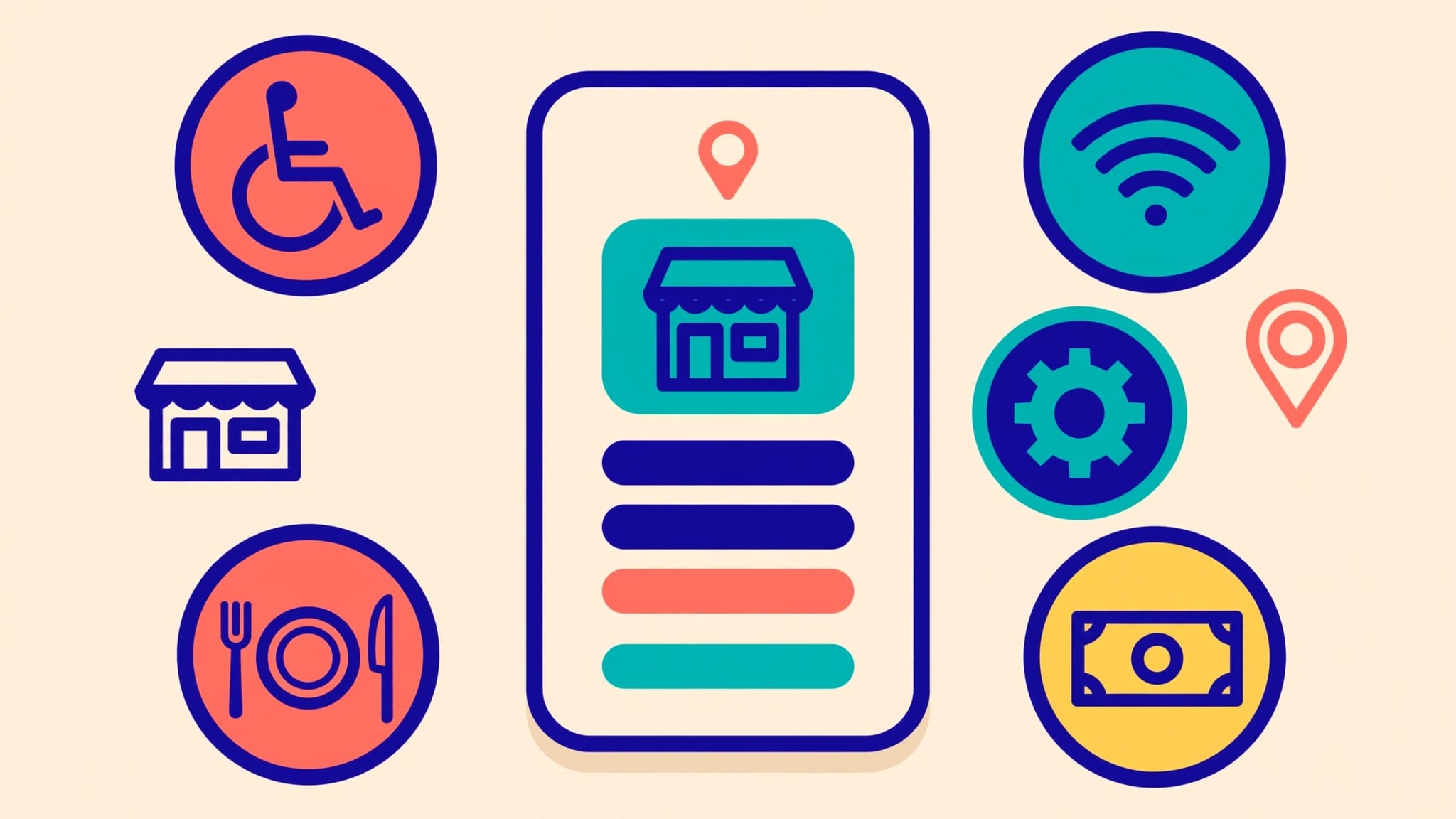
Google Business Profile attributes provide specific details about a business’s accessibility, amenities, services, and payment options, helping match profiles to high-intent local searches. While not a direct ranking factor, accurate attributes improve search relevance and customer trust by clearly answering common local queries. Regularly updating and verifying these attributes ensures your profile reflects your current offerings and enhances the customer experience.
A customer searching on Google Search or Google Maps for “wheelchair-accessible entrance,” “hotel with free Wi-Fi,” or “cash-only coffee shop” wants more than a business name. They want a clear answer before they make a call, request directions, or visit.
That information is maintained on your Business Profile. These attributes help Google describe what your business offers and help customers decide if it fits their needs. Used accurately, they support local relevance, better profile engagement, and a stronger customer experience.
Key Takeaways
- Google Business Profile attributes add specific context about accessibility, amenities, dining, payment, service, and planning options.
- Accurate attributes can help Google match a profile to high-intent local searches, but they are not a shortcut to higher rankings.
- Available attributes vary by business category, country, region, and profile type, so businesses should select only fields that accurately describe each location.
- Review attributes regularly, confirm updates on the public profile, and keep details consistent across your website, directories, and customer communications.
- Multi-location brands should use location-level validation, approval rules, and careful API or bulk-update processes to prevent inaccurate information from spreading.
How Google Business Profile Attributes Add Useful Context
Your primary category tells Google what type of business you are. Google Business Profile attributes add the operational details that help distinguish similar businesses.
A restaurant category may tell Google you serve food. Dining, payment, accessibility, and service details tell users what kind of visit they can expect. That information can appear on Google Search, Google Maps, your profile, and other Google surfaces.
Attributes answer high-intent local questions
Many local searches include an immediate need. Someone may need outdoor seating, curbside pickup, a gender-neutral restroom, wheelchair access, or a specific payment option.
When these business details are available on your profile, Google has a clearer factual record to display. Customers also spend less time guessing.
Common examples include:
- Accessibility attributes, such as wheelchair-accessible entrances, parking, seating, and restrooms.
- Amenity attributes, such as Wi-Fi or restrooms.
- Dining options, such as outdoor seating or family-friendly settings.
- Payment options, such as cash, cards, or a cash-only policy.
- Service options, such as delivery, takeout, curbside pickup, or in-store shopping.
- Planning attributes, including identity information and visit-planning details that may help customers choose where to spend their money.
Google describes attributes as additional information about a business, including accessibility options and amenities, in its Business Profile attribute documentation.
They support relevance, not a ranking shortcut
Attributes aren’t a button you press to claim the top local result. Google doesn’t publish a formula that says selecting a certain field will move a business higher across every search.
However, accurate attributes can support query matching when a customer uses a specific need in their search. A profile with the right category, complete details, accurate hours, customer reviews, and confirmed services gives Google more context than a half-finished listing.
An attribute cannot make a business offer something it doesn’t provide. Incorrect details may create clicks, but they also create disappointed customers and negative reviews.
Google Business Profile Attributes Vary by Category
Not every business sees the same set of fields. Available attributes depend on the primary business category, country, and sometimes the profile’s business model.
Available fields in the current Business Profile can vary. Google My Business, the former name for the product, is the same offering, not a separate product.
A hotel, restaurant, retail store, dental practice, and home service company won’t have identical options. Hotel details and dining options may vary, along with planning attributes that support visit planning or business identity. Accessibility attributes and amenity attributes can differ too, making category selection the starting point.
Merchant-editable objective attributes
Many fields are factual and can be managed by the business owner or authorized profile manager. Examples may include whether a location has Wi-Fi, accepts certain payment methods, provides outdoor seating, or has accessibility features.
Google’s current editing process is straightforward. In Google Business Profile Manager, open the verified profile in Google Search. Choose Edit profile, find the relevant section such as Amenities or Payments, and save the change. Google’s attribute management help page confirms that an authorized manager can review available fields in Google Business Profile Manager.
Do not select every available item. A long list of inaccurate details is worse than a shorter profile that customers can trust.
Google-managed and customer-contributed details
Some information shown in Google Maps may not be available for the merchant to control. Google can display subjective attributes based on customer suggestions, public information, third-party mentions, and user feedback. These can differ from merchant-controlled objective facts.
A business may also find that an available attribute changes in its Business Profile after a category update, a regional change, or a Google product adjustment. There may not always be a direct notification for every display change.
Review what customers see in the local knowledge panel, not only what your dashboard shows. Search for your business name in Google Search and Maps, then compare the public profile with your actual operations.
How Attributes Support Local Query Matching
Google Business Profile attributes help connect a business to intent-heavy searches. The connection is strongest when an attribute directly answers part of a customer’s question.
Think of the business category as the label on a file folder. It establishes the broad business type, while attributes inside the Business Profile add intent-specific context. A local customer searching “Italian restaurant” needs a category match. A customer searching “Italian restaurant with outdoor seating” needs more context.
Match attributes to real customer language
Start with the questions your staff hears every week. A customer may call to ask whether you take reservations, offer pickup, have parking, or accommodate a particular access need.
These questions can point to planning attributes that help customers prepare for a visit. If Google offers a corresponding attribute and it is true for your business, add it.
For example:
- A restaurant that offers takeout should confirm those service options instead of relying on its website menu.
- A retail store with in-store pickup should make available payment options clear.
- A hotel should review its property features, amenity information, and access options.
- A medical office should keep its accessibility attributes and practical visit details accurate, especially when they affect a patient’s ability to book or arrive.
This is a practical form of local SEO. You’re improving the clarity of your public facts, not stuffing phrases into a profile.
Relevance still works with distance and trust
Specific attributes can help a profile fit a specific query, but they don’t replace broader factors that shape local search results. A business still needs category fit, reasonable proximity when location matters, a quality website, consistent citations, positive reviews, and other trust signals.
Your website, reviews, local citations, service pages, and profile category all work together. A profile claiming “pickup available” won’t solve a weak website, inconsistent address, or unanswered customer questions.
The most useful approach is simple: make every public business fact agree with reality.
How to Edit Attributes Without Creating Problems
Attribute maintenance should be part of routine Business Profile management. It is not a one-time setup task.
Review the profile when you add a service, change payment policies, renovate the location, change operating procedures, or open a new location. Holiday schedules and temporary service changes also deserve attention.
Use a simple profile review process
Follow these steps for each location:
- Sign in to Google Business Profile Manager with the account that manages the verified profile.
- Select the location, then choose Edit profile.
- Review available sections, including accessibility attributes and amenity attributes, plus dining options, service options, payment options, and planning attributes.
- Select only objective attributes that accurately describe the location today.
- Save the changes and check the public listing after Google processes the update.
- Record the update date, person responsible, and any issue that needs follow-up.
This process prevents a common problem for multi-location brands: copying the same information across every location even when the customer experience differs.
A quarterly review is usually enough for stable locations. A full profile review should also be part of an annual marketing audit, alongside website performance, customer reviews, citations, and conversion paths.
Check the public profile after every update
A saved update is not the finish line. Look at the public listing in Google Search and on Google Maps using a phone, where many local customers will find you.
Confirm that the phone number works, directions point to the right location, hours are current, and key attributes make sense. If a customer sees a service option that is not available, fix it promptly.
For help reviewing your profile data, resolving local visibility gaps, and setting priorities that support real lead generation, contact the EarningCoach Marketing team.
Managing Attributes Across Multiple Locations
Multi-location brands need a system, not a collection of one-off edits. A chain with 20 locations may share standards, but each location has its own facts.
One office may offer customer parking. Another may not. One restaurant may have outdoor seating. Another may operate inside a food hall. These amenity attributes can differ by location, and incorrect data creates friction before customers arrive.
Create location-level governance
Build a central worksheet for the Business Profile system. List each location, its primary category, approved details, evidence source, last review date, and owner.
Keep the data connected to operations. The people closest to each location should confirm whether a fact is still true. Marketing can manage updates, but operations should validate them.
Shared standards help multi-location brands work efficiently, but each location still needs individual validation. Use the same review process when opening, relocating, acquiring, or closing a location.
Changes to names, addresses, hours, and available services should appear on your website and major directory listings at the same time.
Your social media profiles should also match the core business information. Conflicting hours or phone numbers can turn a ready-to-buy local customer into a missed lead.
Use API support carefully at scale
Google’s Business Profile APIs support attribute management for eligible locations. Teams can review profile data in Google Business Profile Manager before using an automated workflow.
Google notes that supported attributes are dynamic and depend on the category, language, and region. Before automating changes, use the Google API attribute resource to confirm which fields are supported for the relevant location type.
Bulk updates need approval rules. Bulk upload and API workflows should cover only supported fields and eligible locations. Don’t push a system-wide attribute to every profile because it applies to most locations.
Test the process with a small group, check the public result, and keep an audit trail.
Attributes Also Help AI and Voice Search Experiences
Local search is no longer limited to typing a short phrase into Google. Customers ask detailed questions through phones, map tools, and AI-assisted search experiences.
A person may ask for a nearby restaurant with takeout and wheelchair access. Another may ask which local business is open now and accepts a preferred payment method. Accessibility attributes, amenity attributes, and planning attributes provide structured facts. Some signals are subjective attributes rather than confirmed operational details.
Clean data gives AI better source material
AI tools don’t benefit from vague or conflicting business information. They need consistent facts across your Business Profile, website, directories, and customer-facing communications.
This matters for businesses using chat bots or voice receptionists as well. Google Business Profile Manager gives teams a central place to review core facts, which is especially helpful for multi-location brands. If an automated assistant says you offer a service that your profile contradicts, customers lose confidence fast.
Keep your website, FAQs, directory listings, review responses, and profile details aligned. This consistency can support local visibility and reduce confusion across the places customers search. It doesn’t guarantee inclusion in an AI answer or AI recommendations.
If you want a practical review of profile attributes, categories, website signals, and local lead paths, schedule a No-cost discovery call. You can also Schedule Call time with the team to discuss a profile management plan for one location or an entire brand.
Frequently Asked Questions
What are Google Business Profile attributes?
Google Business Profile attributes are details that describe what a business offers and what customers can expect. Examples include wheelchair accessibility, Wi-Fi, outdoor seating, payment methods, pickup, and delivery.
Do attributes improve local search rankings?
Attributes are not a ranking shortcut and do not guarantee a higher position in local results. However, accurate attributes can help Google match a business profile to specific, high-intent searches.
Why are some attributes unavailable on my profile?
Available attributes depend on factors such as the primary business category, country, language, region, and business model. Google may also change the fields available for a profile over time.
How often should I review my business attributes?
Review attributes whenever your services, payment policies, hours, location, or operating procedures change. For stable locations, a quarterly review plus an annual full profile audit is usually a practical schedule.
Can I update attributes for multiple locations at once?
Eligible businesses can use supported bulk-update or API workflows, but they should not apply the same attribute to every location without validation. Test updates with a small group, confirm the public result, and keep an audit trail.
Build a Profile That Answers Customer Questions
Google Business Profile attributes work best when they accurately describe the customer experience. They help Google interpret specific queries and show useful details in local search results, while helping customers make faster decisions.
The goal is not to select every available field. A complete, accurate profile should match how your business operates today; dining options should reflect what customers can actually expect.
Review your attributes regularly, verify what appears publicly, and connect profile maintenance to your wider local marketing process. Consistent business details are easier for Google to match and easier for customers to trust.