Google Business Profile Messaging Discontinued: New Strategies for Lead Follow-Up
Google Business Profile messaging ended in July 2024, but customers can still contact you via calls, website visits, and other profile actions. To capture leads quickly, ensure your contact info is clear, routes inquiries correctly, and follow up promptly. Replace chat with reliable alternatives like website forms, live chat, or SMS—whichever fits your team and customers best.
A customer finds your business listing on Google Maps and wants an answer before choosing who to call. Google Business Profile messaging has been discontinued, but the need for a fast answer hasn’t changed.
You can still turn profile visits into inquiries. The practical approach is to make your contact options clear, route each inquiry to the right person, and follow up when a call goes unanswered. Start with what changed.
What happened to Google Business Profile messaging?
New Google Business Profile messaging chats stopped on July 15, 2024; chat and call history were removed July 31, 2024. Google’s Business Profile chat and call history notice confirms these dates and the removal of its call history features. The retired chat feature can’t be reenabled.

What happened to past conversations?
Google gave businesses a limited period to export available conversation and call records. Its announcement about the shutdown and export window identified August 30, 2024, as the deadline. Google Takeout was the export route at the time, not a way to recover the inbox now.
Check your team’s saved exports or CRM records for conversations tied to your business profiles. Don’t build a reporting process around recovering records from the retired inbox.
Can customers still contact you through Search and Maps?
Yes. Customers can still use available profile actions, including calls, website visits, and directions. Some profiles may show booking or quote-related options, depending on the business and available features. Check your live profile as a customer would before promising any particular contact option.
Because Google Business Profile messaging is no longer available, give customers a reliable route on your website, even if your profile displays another way to inquire.
Make every visible contact option work
A complete business listing helps people find you. Working contact options help them choose you. Review your profile and website together, especially on a phone.
Check the profile from the customer’s side
Search for your business in Google Search and Maps. Tap the phone button, open the website link, and check your posted hours. If you manage several locations, repeat the test for each one. Confirm that every number reaches the correct team and that after-hours callers hear a useful greeting.
Keep your business name, address, phone number, categories, services, and hours accurate. Add real photos and respond to reviews so customers can judge whether you’re a good fit. For a broader maintenance plan, see these local SEO strategies for Google Business Profile.
Make the website ready for the next tap
Your website should show a phone number, a clear appointment or contact button, and a short form. On mobile, ask only for the details needed to begin, such as a name, contact method, and brief description of the job.
Send visitors to a relevant page, not a homepage that makes them search again. A plumber’s service page, for example, can show service hours and the next step for an urgent repair. Test form submissions and notifications on your phone. A form that looks right but emails an unmonitored inbox still loses leads.
Which channel should replace the old chat feature?
There isn’t one answer for every business. Choose channels your customers already use and your team can actually monitor. The goal is a dependable response, not the largest collection of inboxes.
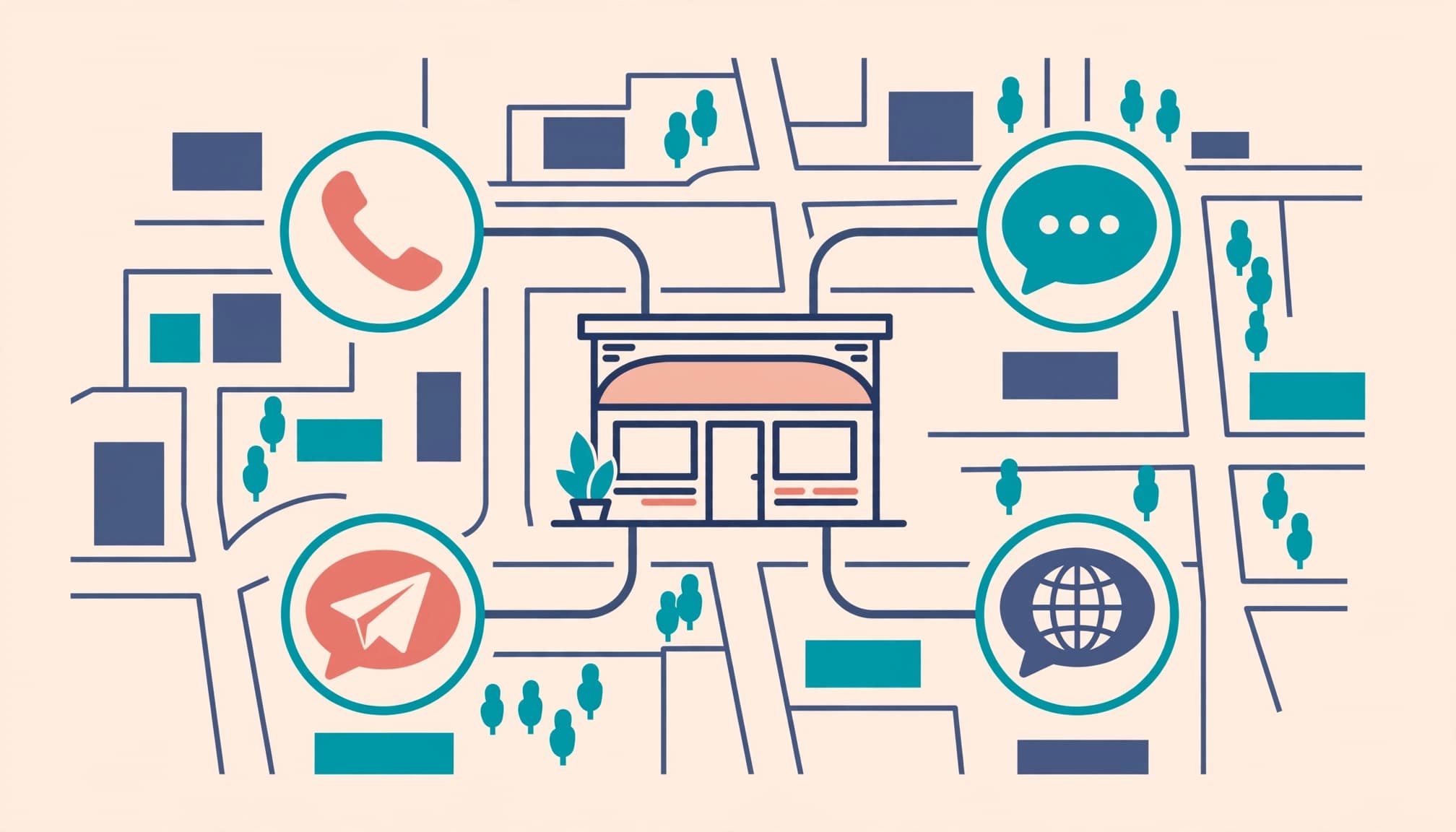
Use this comparison to match the right channel to each inquiry, including alternative chat channels.
| Channel | Best fit | What to set up |
|---|---|---|
| Phone and voicemail | Urgent questions and high-value service calls | Call routing, an after-hours greeting, and a callback owner |
| Website form or booking | Appointments and requests needing job details | A short mobile form and immediate team notification |
| Website live chat | Visitors comparing services or asking quick questions | Staff coverage or a clear handoff when staff are offline |
| SMS or WhatsApp Business | Follow-up with customers who have chosen that channel | Consent practices, shared access, and reply ownership |
| Social media messages | Customers already contacting you on Facebook or Instagram | Notifications and a process for moving inquiries into your CRM |
Tools such as Tidio, LiveChat, and Zendesk can support website conversations. Twilio and SimpleTexting offer ways to manage text messaging. Compare live chat tools and other third-party platforms with your staffing, existing software, and customer preferences before choosing a business messaging setup.
A website chat widget, SMS thread, social inbox, or WhatsApp Business conversation is separate from Google Business Profile messaging and won’t restore Google’s retired feature.
Build a response process your team can keep
Reliable customer support starts with clear ownership and customer communication. If five people receive an alert but nobody is responsible for answering, the lead can still wait all day.
Assign the first response
Decide who handles calls, forms, texts, website chat, and social media messages during business hours. Name a backup for breaks, busy periods, and absences. For multi-location businesses, route each inquiry to the location that can serve the customer.
Set a response target your team can meet, then review actual response times. Urgent calls may need an immediate answer. A booking form submitted after closing can receive an acknowledgment and a clear indication of when a person will follow up. Don’t promise a five-minute response if nobody is on duty, since reliable handoffs and clear expectations shape customer experiences.
Use automation without losing the handoff
An automated reply can confirm receipt, collect basic details, and tell the customer what happens next. A website chatbot can answer routine questions about hours or services. It should pass pricing exceptions, complaints, and complicated jobs to a person.
For call-heavy businesses, AI voice receptionists for call handling and booking can help capture inquiries outside staffed hours. Test how the system handles urgent requests, unclear speech, and callers who want a human.
If you use missed-call text-back, check applicable consent and text messaging requirements before sending automated texts. Your phone and texting provider should also make it easy for staff to see the conversation and take over.
What should a good first reply accomplish?
The first reply doesn’t need to solve every issue. It needs to show the customer that someone received the inquiry and knows the next step.
Answer the question they asked
Lead with the useful answer. If someone asks whether you service their ZIP code, tell them before requesting a long set of details. If availability depends on a schedule check, say when you’ll confirm it.
Keep saved replies for common questions, but leave room to personalize them. A useful response might read: “Yes, we service your area. What’s the best number to reach you, and when would you like an appointment?” That gives the customer one clear action.
Keep private details in the right place
A review response is public. It isn’t the place to request an address, phone number, or account information. Thank the reviewer, address what you can publicly, and direct them to your business phone or secure contact form for follow-up.
The same principle applies across channels. Keep a brief record of customer interactions, needs, and next-step owners for consistent customer experiences. Don’t make them repeat the full story when they move from chat to a call.
A quick automated acknowledgment only helps when a person or reliable system completes the next step it promises.
Measure responses, not just profile activity
Google Business Profile performance data can show useful engagement metrics, but it won’t confirm that every inquiry became a conversation. A call-button click, for example, doesn’t prove that someone answered the phone.
Track what happens after contact
Review profile calls and website clicks alongside your phone system, form submissions, bookings, and CRM records. When possible, record the inquiry source, then track whether someone replied, scheduled, and became a customer.
Compare the same measures by location and time period. If views remain steady but booked jobs fall, test your contact paths before assuming local search visibility has dropped. Calls that reach voicemail or forms that arrive without an alert are operational problems you can fix.
Separate response speed from local rankings
The retired messaging response rate metric isn’t a local ranking factor you need to replace. Google considers factors such as relevance, distance, and prominence for local results. Faster follow-up helps convert the attention your listing earns, but it doesn’t guarantee a higher Maps position.
Keep your business listing accurate, with useful service pages, authentic reviews, and consistent business information. Pair that local SEO work with a contact process customers can trust.
Put the new lead-response plan in place
You don’t need to replace every tool at once. Begin with the paths already bringing customers to your business.
- Test your listing on mobile. Call the displayed number and open the website link from Search and Maps. Repeat this for each location.
- Fix broken handoffs. Confirm who receives calls, forms, texts, and chat notifications during and after business hours.
- Choose one missing channel. Add booking, website chat, or texting only when it solves a clear customer problem and has an owner.
- Run a real inquiry through it. Submit a form or leave a test voicemail. Check the alert, first reply, handoff, and final record.
- Review results regularly. Look for missed calls, unanswered messages, slow responses, and inquiries that never reached an appointment.
This approach supports your existing local visibility and lead follow-up work and local SEO efforts without depending on Google Business Profile messaging. If multiple locations or disconnected tools make the audit difficult, a No-cost discovery call can help identify the first fixes.
Key takeaways
Google’s old Business Profile chat and call history are gone. Customers can still find your phone number and website through your listing, so those paths need regular testing.
Choose contact channels based on customer behavior and staff capacity. Give every inquiry an owner, make after-hours expectations clear, and measure whether responses turn into appointments.
Frequently asked questions
Why did Google remove Business Profile chat?
Google confirmed the shutdown but didn’t provide a single verified reason businesses should use to explain it. You may see claims about adoption, spam, or slow replies. The useful decision now is whether your remaining contact channels work consistently.
Can customers still request a quote on Google?
Quote-related options may vary by profile and eligibility. Check how your own business appears in Search and Maps rather than assuming a quote button is available. A short website quote form gives customers a dependable option you control.
Can WhatsApp Business replace Google chat?
WhatsApp Business can be useful when customers prefer to message there, but it doesn’t restore Google’s retired chat feature. Provide a clear route to WhatsApp where appropriate, assign someone to reply, and keep the conversation visible to your team. Apply the same process to website live chat.
Keep the path to a person clear
A customer who finds you on Google still wants a simple answer: can you help, and how soon? An accurate profile starts that conversation. A tested phone, form, or booking path keeps it moving.
Reliable follow-up is the real replacement for the retired chat feature.