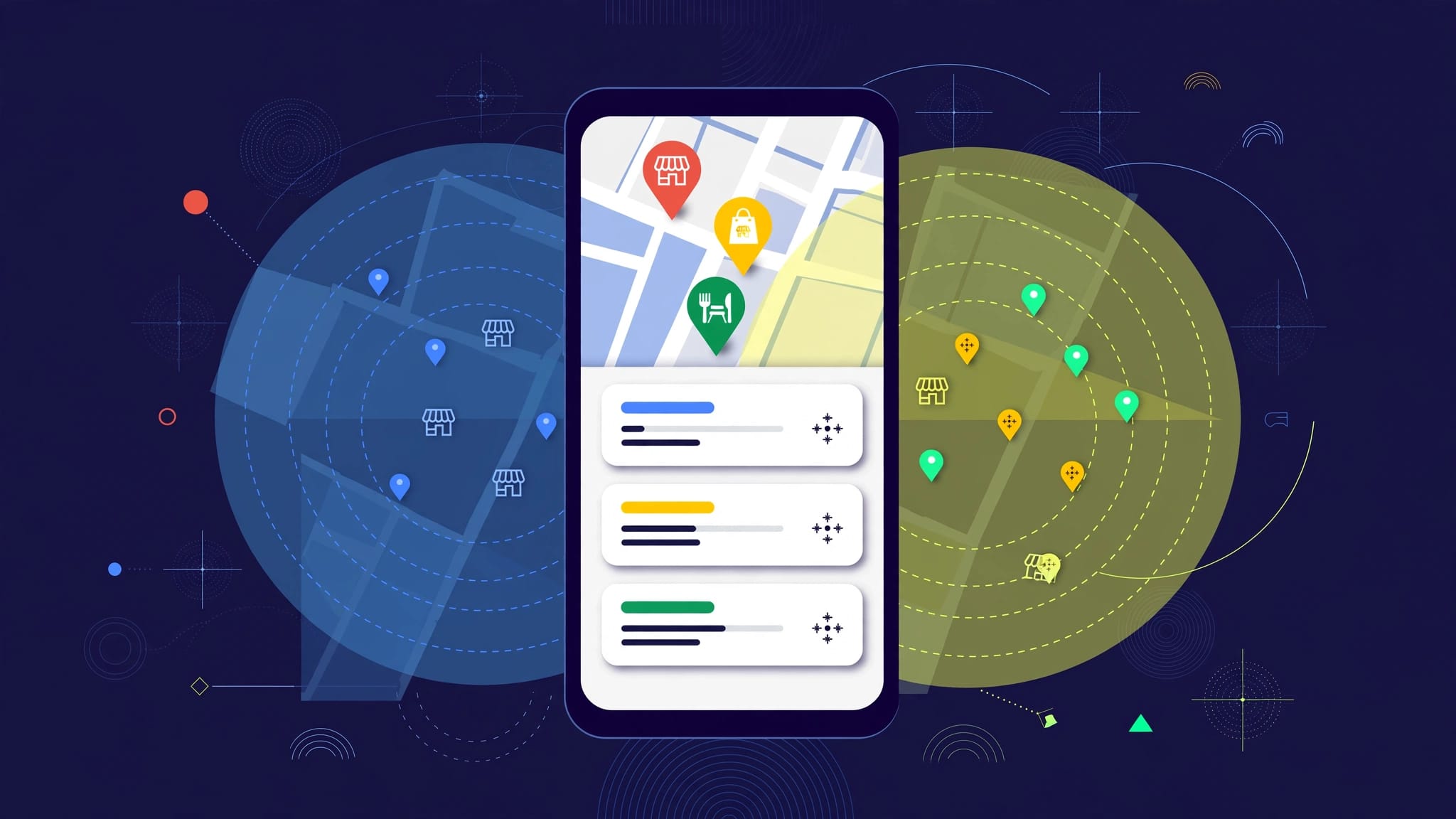
Google Business Profile photos are crucial for attracting local customers by making strong first impressions and boosting trust. While photos don’t directly affect rankings, high-quality, authentic images improve user engagement and help your business appear active to Google. Consistently updating your photo gallery supports both local SEO and conversions, turning casual searchers into paying customers.
People often choose a local business before they read a single word of text. They scan the local pack on Google search, spot one compelling image, and decide instantly who looks real, active, and worth calling.
That is why google business profile photos matter so much for your digital presence. They are not just decoration for your listing. These images shape first impressions, influence clicks, and support the kind of user engagement that helps improve your local visibility over time.
Key Takeaways
- Photos Drive Conversions and Trust: High-quality images act as a primary conversion tool by answering customer questions about your services, team, and location before they even visit your website.
- Support Local SEO: While not a direct ranking factor, frequently updated, relevant photos provide signals to Google that your business is active and help improve engagement metrics that influence visibility.
- Prioritize Authenticity: Avoid stock photography and heavy filters; real-world photos of your storefront, team members, and completed work build significantly more credibility with local searchers.
- Maintain a Consistent Upload Schedule: Treat photo updates as a routine marketing task by capturing and posting fresh images of your operations every few weeks to keep your profile looking current.
What do photos change on a Google Business Profile?
Photos help in two different ways, and mixing those up leads to bad decisions.
On the visibility side, Google Business Profile photos act as a local SEO signal that helps improve your ranking in local search results. Fresh, relevant photos can improve engagement, keep your profile active, and give Google more context about your business. They are not a magic ranking switch. Categories, proximity, review quality, business details, and a solid website still carry more weight.
On the conversion side, photos can do heavy lifting. A strong exterior shot of your storefront helps someone find you on Google Maps. A clean service photo answers the question, “Can they handle my job?” A team image lowers the trust barrier. Google has long said businesses with photos tend to get more direction requests and more website clicks, which matches what local marketers see every day.

A good rule is simple: photos help people choose you, and that behavior can support visibility over time.
Photos can raise interest fast, but they don’t replace weak local basics.
If your primary category is wrong, your hours are outdated, or your service area is inflated, better images won’t fix that. Service-area businesses should be careful here. If you only work in certain cities, show real jobs from those places. Don’t turn your gallery into a wish list of areas you hope to cover. In addition to your own uploads, remember that user-generated content from happy customers can also influence trust and provide social proof that you are the right choice for the job.
This is also where many owners go too far with claims about direct ranking impact. Google doesn’t say, “Upload 10 photos and jump three spots.” What we do know is that complete, active profiles tend to perform better, and photos help make a profile complete. They also help Google and AI-driven local discovery tools connect your business with real-world cues, like storefronts, technicians, products, and completed work.
Which photo types win clicks, calls, and direction requests?
Not every image pulls its weight. The best galleries answer the buyer’s quiet questions before they ask them out loud. Your cover photo and profile logo act as the most prominent assets users see first, so ensure they represent your brand accurately.
Use this quick framework when planning your uploads:
| Photo type | Best use | What to show |
|---|---|---|
| Exterior photos | Recognition and directions | Front entrance, parking, signage, street view |
| Interior photos | Comfort and expectations | Lobby, showroom, treatment room, office, cleanliness |
| Team photos | Trust | Staff helping customers, technicians working, owner on site |
| Product photos | Relevance | Menu items, finished installs, equipment, detailed close-ups |
| Vehicle and equipment photos | Proof for service-area businesses | Branded vans, tools, gear, crews in the field |
| Before-and-after photos | Conversion | Clear outcomes, repaired issues, finished projects |
The best mix depends on your business model. A dentist needs welcoming interior photos and professional team photos. A roofer needs jobsite images, trucks, and materials. A restaurant needs product photos of their food, comfortable seating, and exterior photos that make the entrance and signage easy to spot.
If you want a practical snapshot of what local SEOs keep recommending, this discussion from local SEO practitioners lines up with what converts in the field.
A few categories often beat the rest:
First, exterior photos. People need to recognize the place when they arrive. If your storefront changed, update the image fast so customers can easily find your signage.
Second, team photos. Buyers trust faces more than empty rooms. A real technician, stylist, agent, or consultant tells a stronger story than a staged stock image ever could.
Third, outcome photos. This is where many home service businesses leave money on the table. Finished work sells, and before-and-after images make the result concrete.
Keep your best photos aligned across your website and social media too. By using consistent branding photos, you help build familiarity. When someone sees the same team, office, or truck in multiple places, your brand feels more believable. Ultimately, a diverse selection of high-quality Google Business Profile photos is the best way to turn casual searchers into paying customers.
How should you take photos people and Google trust?
The photo strategy is not complicated. It is mostly about being real, clear, and current.
Google’s own photo guidelines state that the basics still matter: keep images in focus, well lit, and true to life. Avoid using stock photos, heavy filters, misleading edits, or random graphics, as these work against you. Instead, consider professional photography for your most important assets, such as your exterior storefront or primary team headshots.

That sounds simple, but it is where many profiles slip.
A few practical standards make a big difference. Shoot in natural light when possible, clean the lens, stand far enough back to show context, and keep the frame straight. If the image makes the business look darker, messier, or smaller than it really is, redo it. Quality visuals are essential for users viewing your profile on mobile devices, where clarity is paramount.
When preparing your files, ensure you use the jpg or png format. Regarding technical specs, higher image resolution helps your pictures look sharp across all devices, while maintaining a reasonable file size ensures fast loading times. You do not need fancy gear; a recent smartphone is often enough if the light is good. Following these specific photo guidelines will help your images appear professional and trustworthy.
Service-area businesses need a slightly different approach. If you have no storefront, your strategy to upload photos should focus on what proves you are active and local, such as vans, uniforms, equipment, crews at real jobs, and finished work. Skip generic city skylines or fake office shots. When you upload your Google Business Profile photos, ensure the visuals match the regions you serve, as consistency is key to building local authority.
This is also a smart place to use AI, but with limits. AI can help sort your gallery, label image types, build an upload calendar, or flag duplicates. It should not create fake staff photos, fake jobsites, or made-up locations. That might look polished for a moment, but it breaks trust quickly.
What is a simple workflow for ongoing photo uploads?
Most businesses do not need a complicated content system. They need a routine they will actually follow.
Start with one short session each month. Take 15 to 20 fresh photos during normal operations. Then choose the best four to eight. Space out your efforts to upload photos over the next few weeks instead of dumping everything at once.

A simple workflow looks like this:
- Pick two or three categories each month, such as your exterior, your team, and your completed work, so you always have new content to upload photos to your profile.
- Shoot during real business hours so the images feel lived-in and authentic.
- Upload photos to your listing every one to two weeks to keep your presence active for users browsing on Google Maps.
- Review performance monthly, not hourly.
Track the basics that matter: profile views, calls, direction requests, website clicks, and total photo views inside your reporting. It is also important to check how your profile appears on mobile devices to ensure the user experience is smooth for someone searching on Google Maps. If website clicks rise but leads do not, the problem may be the landing page rather than the images. A slow mobile page can waste the trust your gallery built in seconds.
That is where the rest of your marketing stack matters. Better Google Business Profile photos often create more calls after hours. If that happens, voice receptionists and chat bots should be ready to catch the leads you worked to earn. Photos open the door. Response systems keep it from swinging shut.
If you want a second set of eyes on your profile gallery, local pages, and conversion path, a No-cost discovery call is a practical next step.
What mistakes cancel out the benefit?
The biggest mistake is treating photos like filler. Empty office shots, blurry images, outdated storefronts, screenshots, and graphics with heavy text usually add little value. They take up space without building trust, and in some cases, you may need to remove photos that reflect poorly on your brand. If you find that Google has selected a low-quality image as your primary shot, you should remove photos that distract from your services and upload professional alternatives to improve your professional appearance.
The second mistake is ignoring the rest of your listing. Photos work best when your business name, phone number, hours, and categories are accurate. To manage this effectively, including knowing how to transfer Google Business Profile ownership when team members change, you must verify business profile details to ensure your information is consistent. Your cover photo and profile logo are highly visible in the knowledge panel on Google search, so ensure these assets are high-resolution. Note that large file size issues can sometimes prevent successful uploads, so optimize your images before posting.
The third mistake is stopping after one session. A gallery from last year tells a quiet story: maybe the business is not active or the experience no longer matches the listing. Fresh content keeps your profile logo and cover photo looking current.
Finally, do not expect images to fix a broken follow-up process. If your listing earns clicks but your forms are too long or your phone goes unanswered, conversions will lag. Ensure your contact information is easy to find, as photos are meant to drive engagement, not compensate for a poor user experience. Keep the next step obvious and ensure your business data remains consistent across all platforms.
Frequently Asked Questions
Can I use AI-generated images for my profile?
It is best to avoid AI-generated images for core business assets like your team, office, or completed projects. These tools can create fake representations that damage customer trust if discovered, whereas Google prioritizes authentic, real-world imagery.
How often should I update my photos?
Aim to take a fresh batch of photos once a month and space out your uploads over the following few weeks. Regular updates signal to both customers and Google that your business is active and currently operating.
Do photos directly improve my search ranking?
Google does not use a specific number of photos as a direct ranking signal to boost your position. Instead, high-quality images drive engagement and clicks, which provide positive data signals that can help your overall visibility in local search over time.
What should service-area businesses post if they don’t have a storefront?
Focus on photos that prove you are active in the field, such as branded vehicles, crew members in uniforms, high-quality equipment, and photos of your team completing real jobs. These images replace the need for a physical storefront photo by demonstrating your expertise and operational reach.
Final thoughts
The first image on your Google Business Profile often shapes a potential customer’s decision before your reviews or website get a chance to make an impact. This is why Google Business Profile photos deserve the same strategic attention you give to categories, review management, and on-page SEO. By choosing a high-quality cover photo, you signal relevance to users and improve your ability to climb in local search results.
Keep your imagery authentic and current. When the gallery accurately reflects the reality of your operations, local visibility improves and winning customer trust becomes much simpler. Ultimately, maintaining a consistent schedule to upload photos ensures your business looks active and professional across both Google Search and Google Maps, keeping you ahead of the local competition.