Pinterest marketing still matters in 2026 because it can send traffic long after a post goes live. Unlike fast-moving feeds, pins can keep working for months by aligning with evolving Pinterest trends, which makes Pinterest a strong channel for product discovery, blog visits, and lead generation.
A smart Pinterest Business Setup with a Pinterest business account is also free. You get Pinterest analytics, ad options, shopping tools, and website tracking that personal accounts don’t offer. If you’re a business owner or social media manager, this guide keeps it simple and practical so you can set things up the right way from day one.
https://www.youtube.com/watch?v=_pFzWlmLcmM
Start with the right Pinterest Business Setup
The first choice is simple, but it shapes everything after it. You can create a brand-new Pinterest business account, or convert personal account to one.
Choose whether to create a new account or convert an existing one
A new Pinterest business account works best if you want a clean start. It gives you one clear brand identity, fresh boards, and no leftover personal content to sort through.
Converting makes sense when your current account already has pins, followers, and topics that match your business. That option to convert personal account keeps your existing content and audience, which can save time. However, the account must be public before you convert it. In Pinterest, the path is Settings, then Account management, then convert to a business account. Be sure to review the business terms of service during this process, and provide community information as prompted in the onboarding.
Either way, have the basics ready first: email, birthdate, password, business name, website URL, profile picture, and a short bio. Pinterest business accounts are still free, and the setup is quick. The bigger mistake is rushing through it and leaving key fields blank, especially in account management.
If you want the official overview before you start, Pinterest’s own business account starter guide is a solid reference.
Fill out your profile so people instantly know what you do
Your business profile should answer one question fast: what does this business help people do?
Use your real business name, not a clever phrase that hides your service. Add a short bio that helps you describe your business, saying who you help and what you offer. Keep it plain and clear. “Interior designer for small city apartments” beats “creating beautiful spaces” every time because it tells people what to expect. Use this space to describe your business effectively.
Choose a profile picture that fits your brand. A logo works well for a company page. A headshot fits a personal brand or service-led business. Then add your website URL and try to keep your username close to your other social handles so people can find your business profile easily.

A clear business profile acts like a storefront sign. If people can’t tell what you sell, they won’t stay long.
Claim your website and turn on the features that help you track results
Many businesses stop after creating the account. That’s like opening a shop and never turning on the lights.
Claim your website so your brand gets credit for your content
Claim your website is one of the most important setup steps. It tells Pinterest that your business is the official source behind your content. That adds trust, connects pins from your site back to your profile, and gives your brand visibility across the platform.
It also helps with tracking outbound clicks. When your site is claimed, Pinterest analytics let you see more clearly how pins tied to your domain perform. That matters when you’re trying to connect Pinterest activity to traffic or leads. Head to the Pinterest Business Hub to claim your website using verification methods like an HTML tag or DNS TXT record.
If your site isn’t claimed, your content can still circulate, but your brand loses visibility and data on outbound clicks.
This part often gets skipped because it feels technical. Still, it’s worth doing early. A practical account setup walkthrough can help if you want another step-by-step reference.
Set up Pinterest Tag, Rich Pins, and shopping tools early
Pinterest Tag is your tracking tool. Think of it like a bridge between your website and Pinterest. It helps you measure outbound clicks, sign-ups, sales, and ad results. If you plan to run ads later, install it now, not after the traffic starts coming in. It’s essential if you want to run ads effectively.
Rich Pins pull extra details from your site into the pin itself. For product-based brands, Rich Pins can include info like pricing or availability. For publishers and service businesses, Rich Pins still help by adding more context and tying the pin back to the source page. To encourage pinning from your site, add Pinterest widgets and the save button.
Shopping tools matter most for stores with catalogs, especially now that Pinterest keeps improving product discovery and simple ad boosts like Promote a Pin. If you sell products, connect your catalog early. If you sell services, don’t skip the setup just because you don’t have a shop. Tag and Rich Pins still support better reporting and stronger pin quality.
Get your account ready to bring in traffic, leads, and sales
A finished setup is good. A setup built around customer intent is much better.
Build boards and pins around what your customers actually search for
Think of Pinterest boards as aisles in a store. Each one should match a topic your customer already cares about.
Create Pinterest boards around services, products, customer problems, and seasonal interests. Check Pinterest Predicts to spot trending topics for your boards. A wedding florist might use boards for bridal bouquets, ceremony decor, and spring wedding ideas. A local roofer might build boards for storm damage tips, roof styles, and home exterior projects.
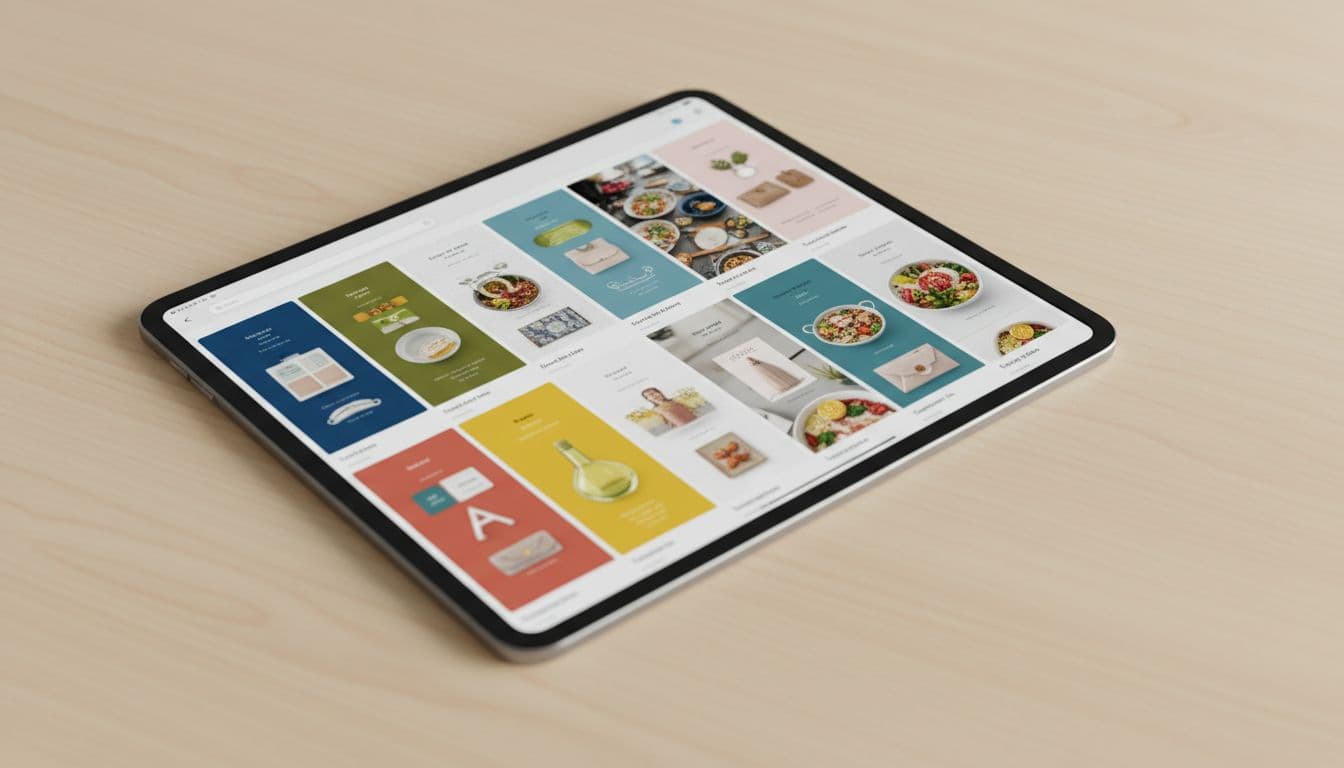
Use vertical images or short video pins. For more engagement, try Idea pins or carousel pins. Write clear titles and natural descriptions. Pinterest’s newer image reading tools also reward strong visuals, so original photos often beat bland stock images. Use audience insights to refine your board topics based on viewer data. If you want a current view of what’s changed, this guide on Pinterest updates in 2026 is useful.
Keep personal content off your business account. If you want to save private inspiration, move it to secret boards.
Avoid the setup mistakes that slow growth
Small setup mistakes can quietly hurt results for months. One common issue is using a generic shared email that no one checks. Another is skipping website claiming, which weakens attribution and brand trust.
Weak bio text that fails to describe your business is another problem. So is inconsistent branding across your photo, username, and site link. Many accounts also stall because the Pinterest Tag never gets installed, which leaves Pinterest analytics blind and the business guessing instead of measuring.
Then there’s content mix. When business boards sit next to random recipes, memes, or vacation ideas, the account loses focus fast. Pinterest needs a clear signal about what your brand is about.
If you want help getting the setup, tracking, and lead path in place, you can Schedule Call for hands-on support.
A strong Pinterest business account does more than create a profile. It gives your business a clean brand presence, trusted website connection, improved brand visibility, and the tracking needed to see what’s working, plus community information to connect with your audience.
Start with the right account type, finish the business profile, claim your website URL, install the Tag, and organize content around customer interest. On a solid Pinterest business account, you can even run ads to scale performance. That’s how Pinterest becomes a growth channel instead of another account you forget to use.