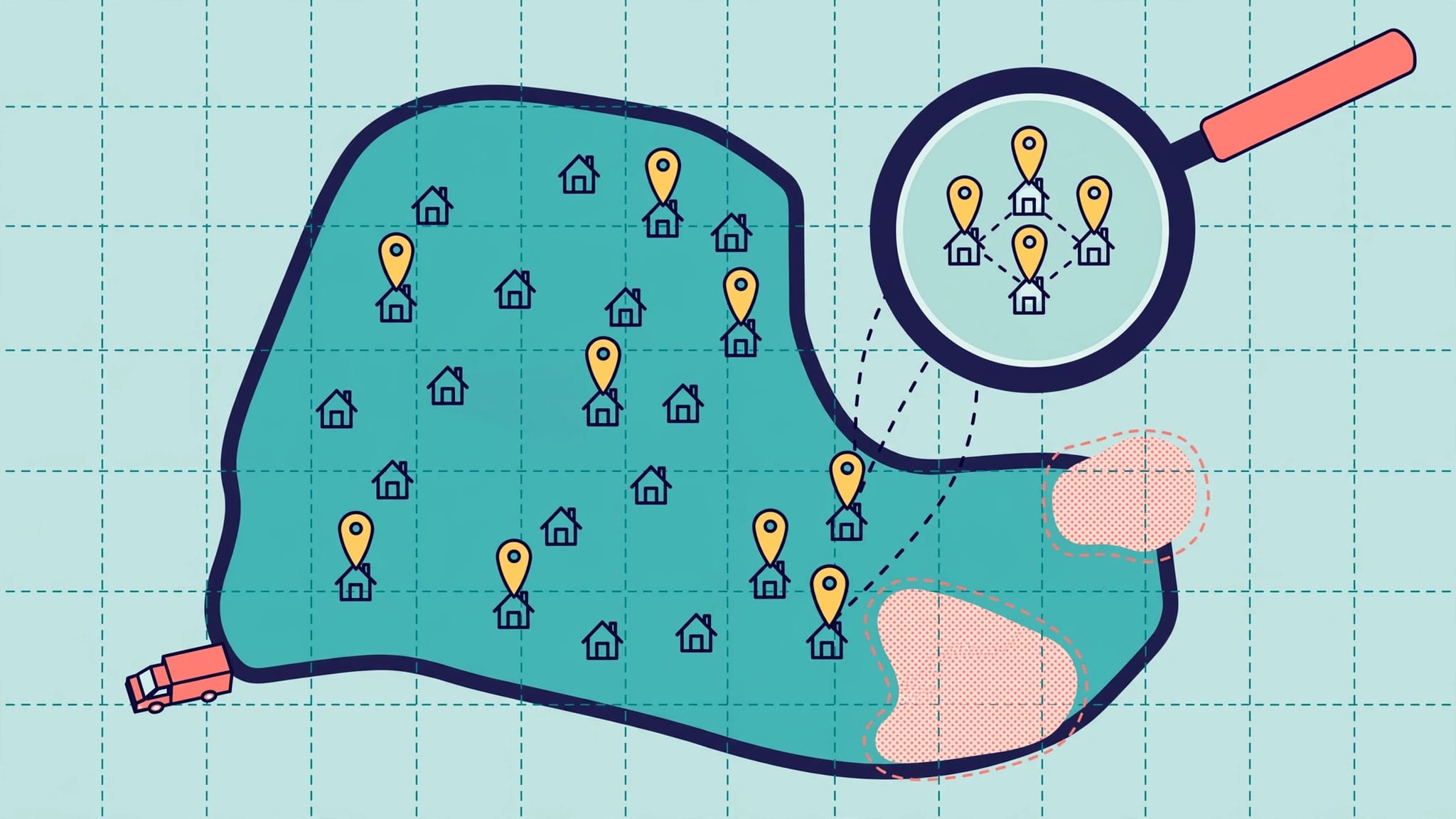
A customer 30 miles away may need your service today, but they won’t call if your business appears closed, too far away, or hard to reach. Accurate coverage matters as much as visibility when you serve small towns and rural areas.
Rural local SEO, or local search engine optimization, helps customers find you on Google Search and Maps and check your coverage. Start with a clear service area, an accurate Google Business Profile, and an easy-to-use website to support online visibility and your digital presence.
Why rural local SEO starts with distance
Across small towns and rural areas, one county can mean more miles than several city neighborhoods. That changes your local SEO strategy. Someone searching nearby may see different local search results than a customer near your office.
Google says local search rankings depend mainly on relevance, distance, and prominence, factors that also shape the Google Maps Pack. A complete profile helps Google understand your offer. Reviews and your wider online presence support prominence and reputation management, but neither overrides distance.
That matters when you compete with a regional chain. You may have fewer locations, but effective local business optimization means giving customers clearer answers about your actual coverage, response times, and services. Start with the communities you can serve well, then build your search presence around them.
Define the territory you can actually serve

Which towns deserve attention first?
List the towns where you already complete jobs, deliver products, or draw store visitors. Then note travel time, demand, and any limits that affect service. A well-drilling company might reach several counties but offer emergency visits only within a smaller area.
This exercise gives you a practical priority order. Your nearest towns may bring more calls, while a farther community may be valuable for a specialized service. Don’t give every ZIP code equal attention simply because it falls inside your territory.
Use the same distinctions in customer-facing information. State where you offer routine appointments, where travel fees apply, and whether visitors need to book before coming to your location.
Does your business have a public address?
Service-area businesses that don’t receive customers at their location should hide their address on Google Business Profile and show the area they serve. A staffed location that welcomes visitors and has foot traffic, while also traveling to customers, may show both its address and service area.
Follow Google’s business representation guidelines when choosing the correct setup. A P.O. box isn’t a substitute for a real business location. Likewise, serving several towns doesn’t justify creating a profile in each one without a qualifying location.
Keep your stated coverage realistic. Adding distant towns to a profile won’t make the business rank beside searchers in those towns.
Keep your Google Business Profile useful after setup
Complete the details customers check
Claim and verify your profile first. Choose a primary category that describes your main business, then add relevant secondary categories and services. A rural plumber, for example, should make it easy to distinguish drain cleaning from water heater repair.
Check your phone number, website link, hours, holiday hours, and business description. Use photos of your actual shop, vehicles, products, or completed work. An agritourism business should make seasonal opening dates clear; a contractor should explain how customers request an estimate.
Your profile needs ongoing attention because your operations change. Review it when hours, staff availability, or services change. Posts and photos can help customers see what’s current, but regular posting doesn’t guarantee a ranking increase. For a closer look at the service menu, see our guidance on Google Business Profile services.
Correct conflicting location data
Your business name, public address, and phone number should agree across your website and important local citations. An old roadside address or disconnected phone number can cost you a call before a customer reaches your site.
Check Google Maps, Apple Maps, Bing Places, Yelp, local directories, relevant trade listings, and your local chamber listing where applicable. Keeping these details accurate is a basic part of local business optimization, so prioritize the sources customers use and keep your digital presence current. If an older listing uses “Google My Business,” treat that name as legacy terminology and check whether its details still match your current profile.
Consistency means accuracy, not publishing a hidden home address everywhere. If you don’t receive visitors, show a service area publicly and use contact information customers can rely on.
Build pages for services and towns, not empty map coverage
Start with the work customers request
Local keyword research doesn’t require a huge spreadsheet. Review your calls and inquiries: do people ask for septic pumping, mobile pet grooming, farm equipment repair, or wedding venue tours? These local search queries are better starting points than a broad claim that you serve an entire region.
Give each core service a useful page for your target audience, such as customers seeking a specific repair or venue service. Explain what the service includes, who it’s for, how scheduling works, and which areas you cover. A venue can clarify tour appointments and lodging options. A home service company can state whether after-hours calls are available.
This helps your website support the services listed on your profile. Our SEO guidance for home service businesses offers more examples of local business optimization that connects service pages with local customer needs. A useful page can strengthen your site, but it doesn’t guarantee placement in the Google Maps Pack.
Add town pages only when you have something to say
A page for every town on a county map is rarely useful. Create a town page when you can share details local customers need. These might include travel availability, relevant services, or project photos you have permission to use. For a storefront or visitor-facing business, add directions and details that help customers plan a visit and support foot traffic.
For a remote wedding venue, a nearby-town page might explain the drive, tour scheduling, and what guests should know before arriving. A contractor’s page might describe the properties served and how estimates work, helping attract qualified high-intent leads in that area.
Avoid copying one page and changing only the town name. Clear, distinct information gives customers a reason to use the page and gives your business a more credible local presence.
Make every mobile visit easy to act on

Check the contact path on a phone
A customer traveling between towns may have little patience for a slow page or a form that won’t load. Good mobile optimization puts your phone number, hours, coverage details, and primary contact option where they’re easy to find on your mobile-friendly website. Keep images reasonably sized and test forms on an actual phone so high-intent leads can reach you quickly.
Google uses a site’s mobile version for indexing and search engine rankings, as explained in its mobile-first indexing guidance. Check that key service and location details appear on mobile, match your Google Business Profile, and look clear in phone results such as the Google Maps Pack.
Give AI search clear facts to work with
People may use local search queries phrased as full questions, such as “Who repairs well pumps near my town?” Write service pages that answer those questions plainly. Accurate coverage, current hours, and clear service descriptions also help visitors assess any search result that mentions your business.
Google’s guidance for AI features in Search points businesses toward sound website practices rather than a separate set of tricks. Mobile optimization means keeping key information accessible and current. AI visibility is less useful if a potential customer still can’t tell whether you serve their address.
Earn reviews without straining local relationships

Make requests part of normal service
Ask customers for an honest review after a completed job, purchase, or visit. Make reputation management part of the routine with a short follow-up message and review link, rather than relying on an occasional campaign. Don’t ask only customers you expect to leave five stars, and don’t offer rewards for positive reviews.
In a small community, customer reviews help people assess reliability before they call. They can also reveal what customers value, such as arriving when promised or giving clear directions to a farm shop. Reply with thanks, but avoid sharing private job or customer details.
Social media can reinforce that trust with real updates and customer-approved photos. Keep hours and contact details aligned with your website and profile.
Respond carefully when feedback is negative
A public argument can travel quickly in a tight-knit town. Good reputation management starts with a calm response: acknowledge the concern, stick to facts, and invite the customer to continue the conversation privately. Look into the issue before making a promise you can’t keep.
If a review violates policy, you can report it. Google explains that only policy-violating reviews are eligible for removal. An unfavorable account of a real experience generally calls for a professional response rather than a removal request.
Measure leads before expanding the workload
Look beyond map position
Track calls, contact forms, booked visits, and direction requests as business outcomes. Compare them with activity in local search results, local search visibility, and organic search traffic to see what’s driving reach. Ask new customers which town they’re in and how they found you. A faraway inquiry may not be among your high-intent leads if the trip prevents you from taking the job.
Track local search rankings and search engine rankings using the same searches and locations over time. Map results can differ across a large county, so one Google Maps Pack check beside your office won’t describe the entire service area. Compare changes with actual inquiries before changing your priorities.
What should a small SEO package include?
Owners can manage the basics in-house, but a local marketing agency can focus on local business optimization when time is limited. A focused package might include an audit of your Google Business Profile and local directories, corrections, a few priority service pages, a review-request process, reputation management, and monthly lead reporting. Scope the work around the towns and services that matter most.
For rural local SEO, a useful monthly review of leads and reputation management may be more valuable than a large number of generic pages or directory submissions. Add website work when results show a clear need. AI chat bots or voice receptionists may help handle inquiries outside business hours, but they should support reliable follow-up, not replace it.
Ask EarningCoach Marketing for help with your local SEO if you need a clear assessment of your profile, website, and service-area coverage.
Key Takeaways
- Start with the towns you can serve reliably, then match your profile and website to that coverage.
- Keep business details accurate across Google, your website, and the listings customers use.
- Measure calls and booked work by location. Rankings alone won’t tell you which towns bring valuable leads.
Frequently Asked Questions
What’s the first step for a rural business?
Confirm where you serve customers and whether they can visit your location. Then claim or review your Google Business Profile. Check the category, address settings, phone number, hours, and service area before adding pages or listings.
Can a small business compete with a regional chain?
Yes, in local search results where your services, coverage, and reputation match customer needs. Explain where you serve and how you respond to inquiries. Fewer nearby competitors don’t guarantee a top map position.
Does a wider service area improve Google Maps rankings?
Listing more towns can describe your coverage, but it doesn’t remove the effect of distance or guarantee a spot in the Google Maps Pack. Build useful information for the communities you serve, and measure success by qualified inquiries, not the number of places on your profile.
Conclusion
A wide territory needs a precise local search plan. Start with honest coverage, accurate business information, useful service pages, and a mobile-friendly website with a clear contact path. Use mobile optimization to make the site easy to use across your service area, then track which communities send customers you can serve well.
Ready to identify the best next step for your business? No-cost discovery call appointments are available on our calendar.