A redesign is supposed to improve your site, not cut your organic traffic in half. When a ranking drop hits right after launch, the cause is usually fixable, and usually a technical SEO issue.
The fastest recoveries happen when you stop guessing and compare old performance against the new build. Don’t let strong direct, referral, or social media traffic hide the real issue. To recover SEO traffic, you need to find what changed, fix what broke, and restore value to the pages that mattered before launch.
Key Takeaways
- Compare 28-day pre- and post-launch data in Google Search Console and GA4 to diagnose sitewide vs. page-level issues, ruling out seasonality or algorithm updates.
- Fix technical blockers first: restore 301 redirects for old URLs, correct canonicals/noindex tags, verify JS rendering, and improve Core Web Vitals before content changes.
- Prioritize rebuilding top-performing pages (by clicks/conversions) by restoring content depth, E-E-A-T signals, internal links, and search intent alignment.
- Expect initial recovery in 2-6 weeks from technical fixes, with full restoration taking 1-6 months; track weekly and use crawlers like Screaming Frog for verification.
Start with the data, not opinions
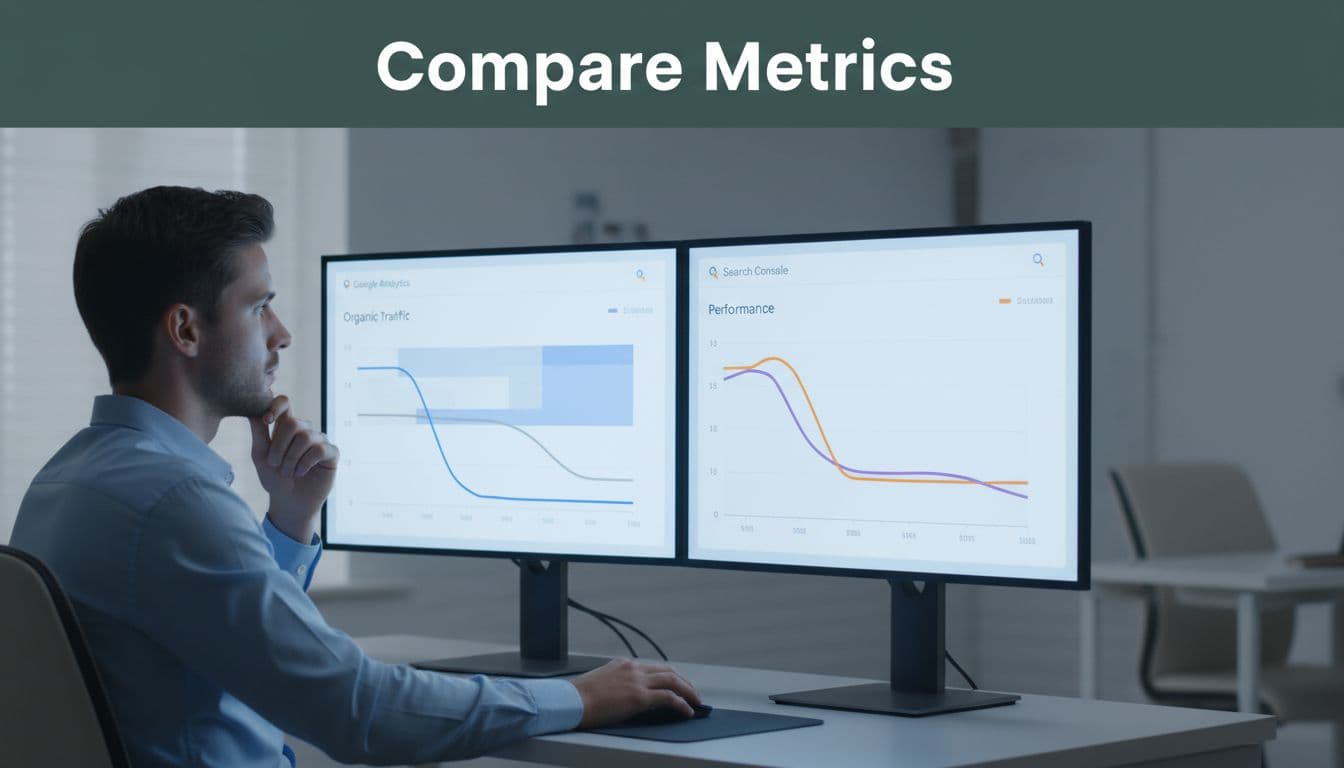
Before you change anything else, compare the 28 days before launch with the 28 days after to diagnose the traffic drop. Then check the same period year over year in case seasonality is clouding the picture. In Google Search Console, use the Pages report and sort by click difference. In Google Analytics (GA4), review organic sessions, conversions, and landing pages. Google’s own traffic drop debugging guide is still one of the clearest ways to separate a sitewide problem from a page-level one.
Pull these reports first:
- Top landing pages by organic clicks and conversions before launch.
- Queries with the largest position and click losses.
- Indexed pages, excluded pages, and crawl errors in Search Console.
- Pages with changed titles, canonicals, or status codes from a fresh crawl.
- Server log samples that show how Googlebot is crawling the new site.
This is where patterns appear. If impressions fell across the whole site, look at indexation, canonicals, robots, and rendering. If impressions stayed close to normal but clicks dropped (indicating a lower click-through rate), the redesign may have weakened titles, meta descriptions, or page relevance to search intent. If only a few high-value pages fell off, the damage is usually tied to redirects, content edits, or internal links.
One more point matters in 2026. If your launch lined up with Google’s algorithm updates like the April core update, or if competitor analysis reveals rivals gaining ground, don’t blame the redesign for every ranking change. Use Search Console’s troubleshooting help to isolate whether the drop tracks with specific URLs, folders, or queries. A redesign problem usually leaves fingerprints.
Fix the technical breaks first
Technical SEO must be the priority: if Google can’t crawl, render, or trust the new URLs due to crawlability problems, recovery stalls. That is why technical cleanup comes before content refreshes or new blog posts. A detailed website redesign SEO checklist is useful even after launch because it doubles as a repair list.

Use a crawler such as Screaming Frog or Sitebulb and compare the live site with your pre-launch crawl. Then test old URLs, not only the new ones. The biggest traffic losses often come from old pages that now 404, redirect in chains, or point to the wrong destination.
This quick table helps with triage:
| Symptom | Likely redesign issue | First check |
|---|---|---|
| Sitewide impressions down | noindex, robots block, bad canonicals | Google Search Console Indexing report and URL Inspection |
| Old pages lost traffic fast | missing or weak 301 redirects | Redirect map and crawl of old URLs |
| Impressions stable, clicks down | metadata loss or weaker snippets | Title tags and meta descriptions |
| A folder dropped hard | template, content, or internal link changes | Page diff, link counts, rendered HTML |
The fix order is usually straightforward. Restore missing 301 redirects first to address indexing issues. Match old URLs to the closest new equivalent, page by page. Avoid sending everything to the home page. Then check canonicals, noindex tags on templates, pagination, faceted pages, and staging leftovers; also verify structured data.
If an old URL had rankings, backlinks, or leads, it needs a tested 301 redirect, not a homepage shortcut.
Next, review JavaScript rendering. Redesigned sites often move key content, links, and metadata into scripts that search engines don’t handle as expected. Inspect rendered HTML in Google Search Console and compare it with the raw source. If core content, links, or headings only appear after scripts run, you may need server-side rendering or a simpler implementation. Also test site speed and Core Web Vitals. New themes, video backgrounds, and third-party scripts can slow templates enough to hurt both crawling and rankings. If the redesign added AI tools, chat bots, or voice receptionists, test them carefully on mobile, as they can impact AI Overviews. Those features can be useful, but not if they block content, shift layout, or flood pages with extra JavaScript.
Rebuild page value in priority order
Once the blockers are fixed, don’t try to repair the whole site at once. Start with the pages that drove the most non-brand clicks, leads, and revenue before launch, prioritizing against content decay in top blog posts. For many sites, that means service pages, top blog posts, category pages, and local landing pages. If you’re a local business, protect any page tied to your google business profile first.
Compare each priority page side by side, old versus new. Did the redesign shorten the copy, remove FAQs, strip headings, drop schema, or bury internal links? Did it compromise content quality, E-E-A-T signals, alignment with search intent, or opportunities for featured snippets? Could it have introduced keyword cannibalization? Did navigation changes reduce link equity to money pages? Did the new template push useful content below oversized banners? Those changes don’t always look dramatic in a design review, but they matter to SEO.
Recovery also depends on internal linking. Re-add links from older blog posts, resource pages, and hub pages to the URLs that lost visibility. Ensure your 301 redirects have preserved your backlink profile. If the old site had strong supporting pages, connect them again. This matters for service pages, location pages, and even branded assets that support other channels like social media. Strengthen internal linking for better Generative Engine Optimization too. If your team needs help sorting revenue pages from low-priority pages, this is a good time to Schedule Call.
Set realistic timelines. Redirect, indexation, and canonical fixes can start showing improvement in 2 to 6 weeks. Template, speed, and internal linking repairs often take 1 to 3 months to settle. If the redesign also changed content strategy, URL structure, and authority signals, full recovery from the ranking drop can take 3 to 6 months. Track weekly, not hourly.
Frequently Asked Questions
How do I know if the redesign caused the traffic drop?
Compare organic metrics from 28 days before and after launch in Google Search Console (Pages report, sorted by click difference) and GA4 (landing pages, sessions). Check year-over-year for seasonality and use Google’s traffic drop debugging guide to isolate redesign fingerprints like missing redirects or metadata changes from algorithm effects.
What are the most common technical issues after a redesign?
Missing or chained 301 redirects from old URLs, bad canonicals/noindex tags, JavaScript-dependent content/links not rendering for Googlebot, and Core Web Vitals degradation from new scripts or themes. Crawl old and new URLs with Screaming Frog or Sitebulb, then verify in Search Console’s URL Inspection tool.
In what order should I fix pages to recover traffic fastest?
Start with pages driving the most non-brand organic clicks, leads, or revenue pre-launch, like service pages, top blogs, or local landings. Side-by-side compare old vs. new for content cuts, weakened headings, lost internal links, or intent mismatches, then rebuild while strengthening sitewide linking.
How long does SEO traffic recovery take after fixes?
Technical repairs like redirects and indexation often show gains in 2-6 weeks, while content, speed, and linking updates settle in 1-3 months. Full recovery from major redesign changes can take 3-6 months; monitor weekly in GSC/GA4 and resubmit fixed URLs via URL Inspection.
Conclusion
Most traffic drops from redesigns are recoverable. The sites that bounce back fastest follow a clear recovery strategy: compare pre-launch and post-launch Google Analytics data, fix technical blockers first, and restore the pages that already proved their value.
If your traffic drop started right after launch, treat it like a repair job, not a mystery. Rule out manual actions or algorithm updates first. A focused SEO audit usually shows where search engines lost the thread. If you want a second review of redirects, templates, crawlability, and Google Analytics before more traffic slips away, a No-cost discovery call is a practical next step.