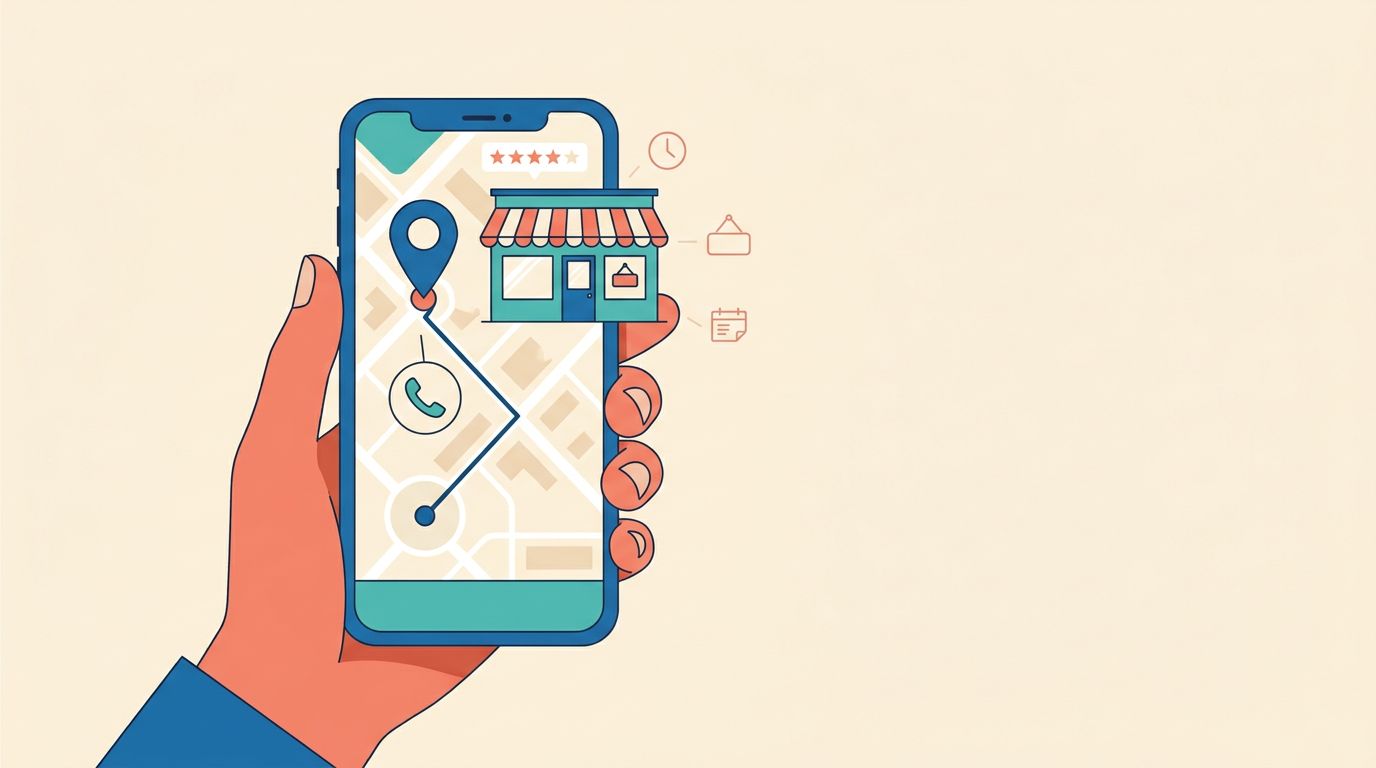
Apple Business Connect is an essential free tool for small businesses to control their presence across Apple Maps, Siri, and related Apple platforms in 2026. By maintaining accurate, consistent business information and optimizing photos and action buttons, businesses can improve local visibility and convert Apple users into customers. Using Apple Business Connect alongside Google Business Profile ensures maximum reach and trust with mobile and voice search audiences.
If Apple users cannot find you quickly, you are missing out on valuable opportunities to reach more customers. Apple Business Connect gives small businesses control over how they appear across Apple Maps and related Apple experiences, and that matters more in 2026 than it did even a year ago.
Too many local businesses still treat their digital presence on Apple platforms as a secondary concern. That is a mistake. A customer can search by voice, tap a map result, and call the first business that looks complete, current, and easy to trust.
Let’s start with what the platform does, then move into the setup choices that affect real leads.
Key Takeaways
- Essential Visibility: Apple Business Connect is a vital tool for controlling your business appearance on Apple Maps, Siri, and other Apple touchpoints, making it an essential component of your 2026 local SEO strategy.
- Consistency is Crucial: To build trust and prevent ranking issues, your business name, address, phone number, and hours must be identical across your Apple profile, Google Business Profile, and your official website.
- Prioritize Accuracy: Start by entering verified, real-world business data before adding photos or action buttons; incorrect information directly leads to lost customers and diminished search performance.
- Optimize for Conversion: Beyond basic contact info, use high-quality photos and functional call-to-action buttons to turn searchers into visitors, and regularly audit these features to ensure they remain functional.
- Manage Performance: Use Apple’s built-in Insights to track user interactions and refine your strategy, ensuring your digital presence is actively contributing to real-world sales and appointments.
What Apple Business Connect does in 2026
Apple Business Connect is Apple’s free business listing tool. It helps you manage the information people see on Apple Maps, Siri, and other Apple touchpoints tied to local discovery. Apple also announced a broader Apple Business platform in 2026, which incorporates Business Essentials to help companies manage their digital presence more effectively as these features fold into that system over time.
That matters for one simple reason: customers do not care where your listing lives. They care whether your business name, hours, phone number, and actions are correct when they need you. You can now use advanced Insights to track how users interact with your profile, helping you monitor performance and optimize your visibility.
If you have spent time on your Google Business Profile, think of Apple Business Connect as the Apple version of that work. It does not replace Google. It complements it.
Here is the simplest way to look at it:
| Need | Apple side | Google side |
|---|---|---|
| Show up in Apple Maps and Siri | Apple Business Connect | Not handled here |
| Show up in Google Search and Maps | Not handled here | Google Business Profile |
| Keep your core business facts accurate | Yes | Yes |
| Turn searchers into callers or visitors | Yes, with actions and profile content | Yes, with actions, reviews, and profile content |
| Track performance and engagement | Yes, using platform Insights | Yes, using Google Insights |
The takeaway is clear. You need both. A complete Apple listing helps you reach iPhone users, CarPlay users, and people who default to Apple Maps without thinking twice. By maintaining accurate data across these platforms, you strengthen your brand recognition and ensure that customers always find the right version of your business when they are ready to engage.
If you want the current menu labels and official feature notes, check Apple’s support guide. For broader context on how the platform fits into local search in 2026, this Apple Maps local SEO guide is also useful.
Set up your profile without missing the basics
Most profile problems for business owners are not fancy technical issues. They are simply basic data problems.
Start with your real business name, the same one you use on signage, invoices, and your website. Don’t stuff it with city names, extra services, or sales language. If your legal or public-facing name is “Lakeside Dental,” don’t turn it into “Best Emergency Dentist Lakewood NJ.” That kind of mismatch creates trust issues and can cause edits later.
Then work through the profile in a practical order:
- Use your Apple ID to claim their location through the Apple Business Connect portal.
- Add your exact business name, address, phone number, website, and hours.
- Pick the category that best matches your main service.
- Add secondary details only if they accurately describe the business.
- Review every field on a phone, not only on a desktop.
- Save screenshots of your final setup for your records.
Category choice matters more than many owners think. Pick the category that fits the main job customers hire you for, not the one that sounds close. A plumber should not choose a supply-related category. A med spa should not choose a generic wellness label if a better match exists.
Start with accuracy. A polished place card won’t fix the wrong phone number.
If you run a service-area business, pay close attention to how Apple currently handles addresses, service areas, and customer-facing locations. Some options can vary by business type or region, so verify what your account allows before you publish.
The same goes for hours. Holiday hours, lunch closings, seasonal schedules, and emergency service windows need regular attention. Old hours cost calls. So do old links.
For multi-location businesses, use one master spreadsheet with the official name, address, phone, hours, landing page, and manager contact for each location. This document, combined with careful device management, ensures that your distributed business profiles remain synchronized across all platforms. That simple approach prevents duplicate profiles, outdated suite numbers, and mixed-up phone lines. Only create separate locations for real, valid business locations. Mailboxes, virtual offices, and fake satellite spots create more problems than they solve.
Use branding, actions, and showcase tools to drive clicks
Once the basics are correct, move to the parts customers notice first. On Apple Maps, your place card is your storefront before your website even loads.
Add strong photos. Use clean exterior shots, helpful interior shots, team photos when they fit, and product or service images that match what customers will actually see. Skip heavy graphics, cluttered collages, and photos from five years ago. To maintain a professional appearance, remember to update photos and logos regularly so your profile reflects your business exactly as it looks today.
Branding options have expanded. Depending on your setup, you may be able to add more visual identity elements and business details inside Apple’s business tools. Apple has also highlighted features tied to place card personalization, brand presentation, and business updates. A good small business guide to Apple Business Connect can help if you want examples before you edit.
Custom Actions matter just as much as visuals. If Apple offers options like calling, getting directions, ordering food, or making a reservation, set those up carefully. Test each one yourself, as broken buttons lose ready-to-buy visitors. These actions can also integrate with Apple Wallet and Apple Messages to further streamline the customer journey, making it easier for users to interact with your brand across the Apple ecosystem.
Some businesses may also see Showcases for offers, updates, or timely highlights. If those options appear in your account, use them with restraint. A seasonal promotion, limited-time menu item, event, or new service can work well, but a wall of repeated promotions does not. Feature availability can change by region or category, so verify what is live in your account instead of assuming another business has the same options.
Keep a simple update rhythm. Fresh photos every quarter, hours reviewed monthly, and action links checked after any website change is a good baseline.
Keep multiple locations and your local SEO aligned
A strong Apple Maps presence helps discovery, but it is not the whole job. Local SEO works best when your business facts agree everywhere, as this consistency is essential for fostering strong customer engagement.
Make your Apple listing match your website, your Google Business Profile, and your top citations. Your name, address, phone number, URL, and hours should be identical wherever possible. Watch for old call tracking numbers, duplicate listings, and closed locations that still linger in directories. Those inconsistencies dilute trust and hurt your visibility on Apple Maps.
Your website matters right after the click. If the page is slow, hard to use on a phone, or hides the phone number, you lose the lead anyway. Run key pages through Google PageSpeed Insights. Aim for fast load times, readable text, easy tap targets, and visible contact options. Local traffic is mobile-heavy, and many visitors arrive ready to act fast.
Don’t forget conversion paths. A listing that sends people to a weak contact page wastes opportunity. Keep forms short at first, usually name, email, and phone. Give visitors options to call now, schedule later, or send a quick message. To streamline the final step of the journey, consider implementing Tap to Pay on iPhone, which allows you to process payments seamlessly for customers arriving from your digital profiles.
This is where your wider marketing tools help you manage your reputation. Good social media profiles reinforce trust when people compare brands. Simple AI tools can help draft updates, sort messages, and speed up follow-up. Website chat bots can answer basic questions after hours, and voice receptionists can pick up calls that would have gone to voicemail. None of that replaces good local data, but it helps capture leads while your listing work does its job.
If your location data, website pages, and citations are all pulling in different directions, a No-cost discovery call can help you sort the first fixes.
One more practical habit: review performance on a schedule. Check views, clicks, calls, and direction requests where available. Don’t stop at vanity numbers. Track which location pages and profile actions lead to real conversations, appointments, and sales.
Frequently Asked Questions
Is Apple Business Connect a replacement for Google Business Profile?
No, it is not a replacement but rather a necessary complement. While Google controls your visibility in Google Search and Maps, Apple Business Connect is the only way to effectively manage how your business appears to users on iPhones, iPads, and CarPlay.
Does my business name need to match my legal registration exactly?
Yes, you should use the official name that appears on your signage, invoices, and website. Avoid adding extra keywords like city names or service descriptions, as this can lead to trust issues and potential penalties.
How often should I update my Apple Business Connect profile?
Establish a routine of reviewing your core business information monthly and refreshing your photos on a quarterly basis. Additionally, always check your action links and hours immediately after any changes are made to your primary website.
Can I manage multiple business locations through one account?
Yes, Apple Business Connect supports multi-location management, which is best handled using a master spreadsheet of your business data. Ensure each entry corresponds to a real, valid physical location to avoid issues with duplicate or suppressed profiles.
Conclusion
The businesses that succeed on Apple Maps are often those that present the most complete profiles and offer the easiest ways for customers to get in touch. In 2026, Apple Business Connect is no longer optional busywork for small businesses that want to maintain steady visibility across all Apple devices.
To see the best results, ensure your facts are accurate from the start. Once the foundation is set, focus on optimizing your photos, action buttons, and location management to improve the user experience. Your place card acts as the final touchpoint for potential customers, so make sure it is polished and informative. If your profile is precise and your lead capture process is simple, Apple Business Connect can help turn your discovery on Apple Maps into real growth and tangible results for your business.