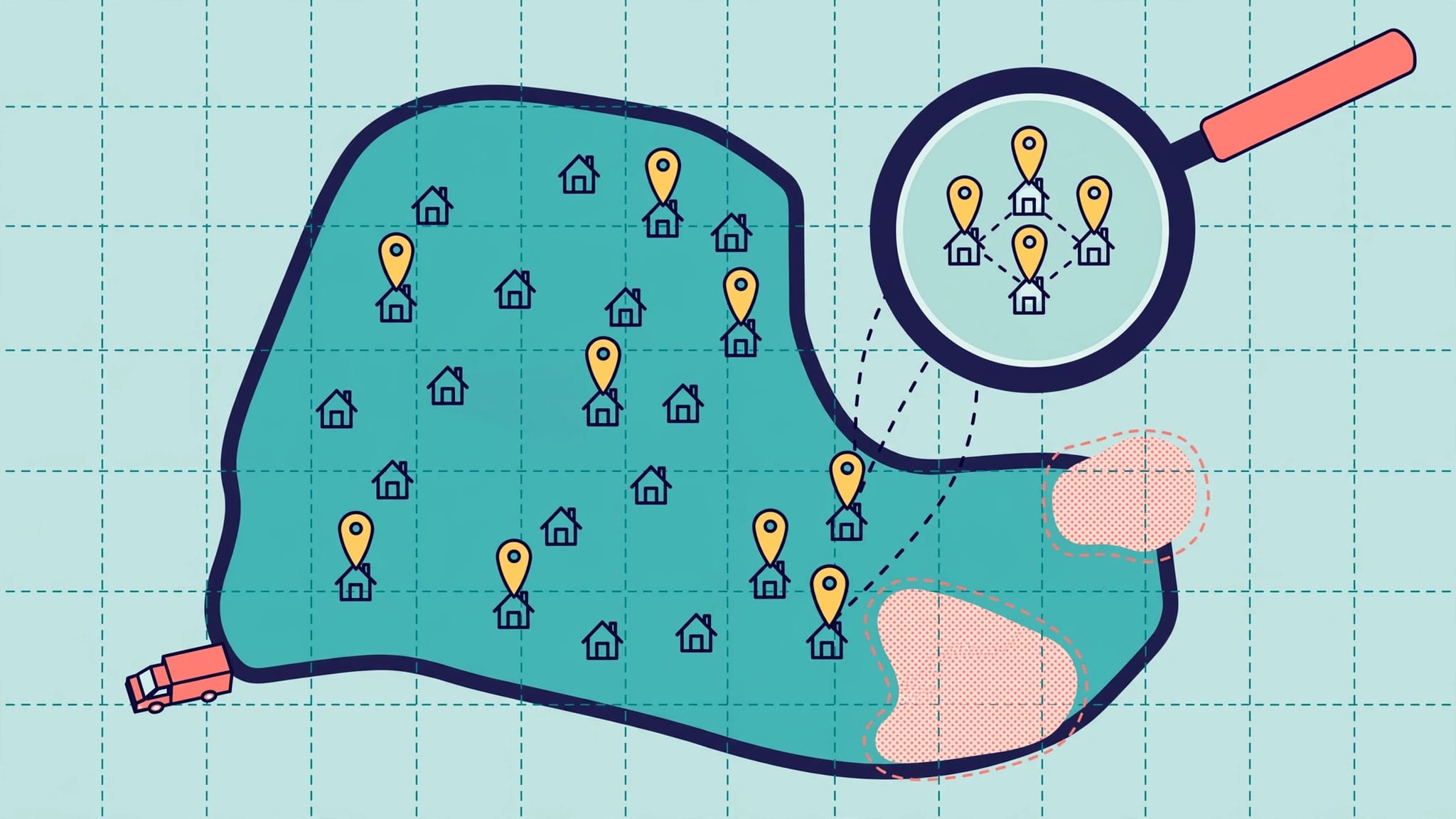
Google Maps rankings near city borders fluctuate because relevance, distance, and prominence shape local search results rather than strict municipal boundaries. To maximize visibility and qualified leads across neighboring areas, focus on accurate Google Business Profile details, strategic service-area pages, and consistent location-based tracking. Regularly measure performance with geo-grid scans and prioritize improvements based on real customer interactions.
Your business may serve both sides of a city border but appear prominently on only one. Google Maps rankings vary by search location, and you can’t choose your ranking radius. A strong position near your office doesn’t confirm local visibility across neighboring communities.
The practical goal is qualified local leads, supported by accurate details for your local business and location-by-location tracking. These local SEO steps can guide decisions, but they don’t guarantee rankings.
Key Takeaways
- City limits don’t set a fixed local ranking; search location, Google Business Profile relevance, and competition shape visibility.
- Your service area describes where you work, but it doesn’t guarantee visibility across every community.
- Track neighborhood-level performance and qualified leads to guide what you invest in as a local business.
Why Google Maps rankings shift at city borders

Relevance, distance, and prominence work together
Google’s local ranking guidance identifies relevance, distance, and prominence as the main local ranking factors. Relevance is how well a business matches a search; distance is how far it is from the search location. Prominence reflects how well-known it is. “Entity relevance” is practitioner shorthand for how clearly a business, its services, and its location fit together, not a separately confirmed Google ranking factor.
A local business near city limits can be closer to customers in a neighboring city than competitors within its boundaries. Proximity can influence Google Maps rankings, but it doesn’t guarantee a spot in the map pack. Accurate categories, website details, reviews, and broader recognition also matter.
City names and search locations create different tests
In local search, “plumber near me” beside your office tests a different location than “plumber in Lakewood” searched across town. Google Maps can show different search results based on wording and geographic context. The map pack, also called the local pack, may therefore change.
Municipal borders don’t create a fixed ranking boundary, and businesses can’t choose a ranking radius. Compare nearby streets on both sides, then review distance, competitors, and service-area details; city-name mentions alone won’t guarantee visibility. Practitioners use entity relevance as shorthand for how clearly your business, services, and locations align, not as a confirmed standalone ranking factor.
A weak result across the border doesn’t prove your address is wrong. Changing an accurate address creates a policy risk without solving the underlying visibility gap.
Build an accurate Google Business Profile first
Choose categories and services that match your work
Choose the most accurate primary option among your business categories. “Plumber” is more useful than “Contractor” when plumbing is your core service. Add secondary categories only for additional work you perform.
There’s no target number of services that guarantees better Google Maps rankings. List distinct offerings customers can book, such as drain cleaning or water heater repair. Remove duplicates and avoid repeating city names throughout the menu.
Complete your Google Business Profile with your hours, contact information, website link, description, and relevant attributes. Keep these details accurate and consistent to support entity relevance. Use recent photos that show your local business, team, or completed work.
Keep addresses and service areas compliant
Follow Google’s business representation guidelines. A business that serves customers at their locations must hide its address if customers don’t visit there. Google can still use the address privately for verification.
A storefront or hybrid local business can display an eligible, staffed customer-facing location. Virtual offices, P.O. boxes, and empty rentals aren’t substitutes for a legitimate location.
Google’s service-area guidance allows up to 20 areas, such as cities or postal codes. Set your service area within about two hours’ driving time of your base.
Choose only places you genuinely serve within your service area. Adding a neighboring city doesn’t create a staffed location or erase distance-related ranking limits. One business operating from one real base should use one profile, not separate listings for each target town.
Make your website prove local relevance
Connect your homepage and core service pages
Your website should reinforce the same business and services shown on your profile. This alignment supports local SEO by making your core offering, operating area, and contact options clear on the homepage.
Build substantial pages for your most valuable services. Explain the work, common customer needs, availability, and what happens after someone contacts you. Descriptive internal links create a clear website structure.
Keep business details accurate across your website and listings. Consistent business, service, and location information can support entity relevance. A service-area business doesn’t need to publish a private home address to stay consistent.
Our on-page SEO services support clear page structure, relevant content, and practical improvements to the customer journey.
Publish city pages with unique local value
Prioritize neighboring cities where you already work and want more qualified leads. Each page should provide useful information, rather than repeat another page with a different city name.
Include genuine project photos, documented customer experiences, neighborhoods served, and realistic scheduling details. Discuss local property conditions or permit requirements only when they’re accurate and relevant.
There isn’t a required page count. Thirty cloned pages won’t establish thirty credible local connections.
Traditional blog posts can educate customers and attract organic traffic. However, unrelated informational traffic doesn’t establish relevance for a specific local service or improve map visibility by itself. Strengthen service and city pages before expanding a broad publishing schedule.
Test these pages on a phone. Customers should find service details and contact options without navigating crowded menus or slow-loading images.
Track Google Maps rankings across your service area
Set up a repeatable geo-grid scan
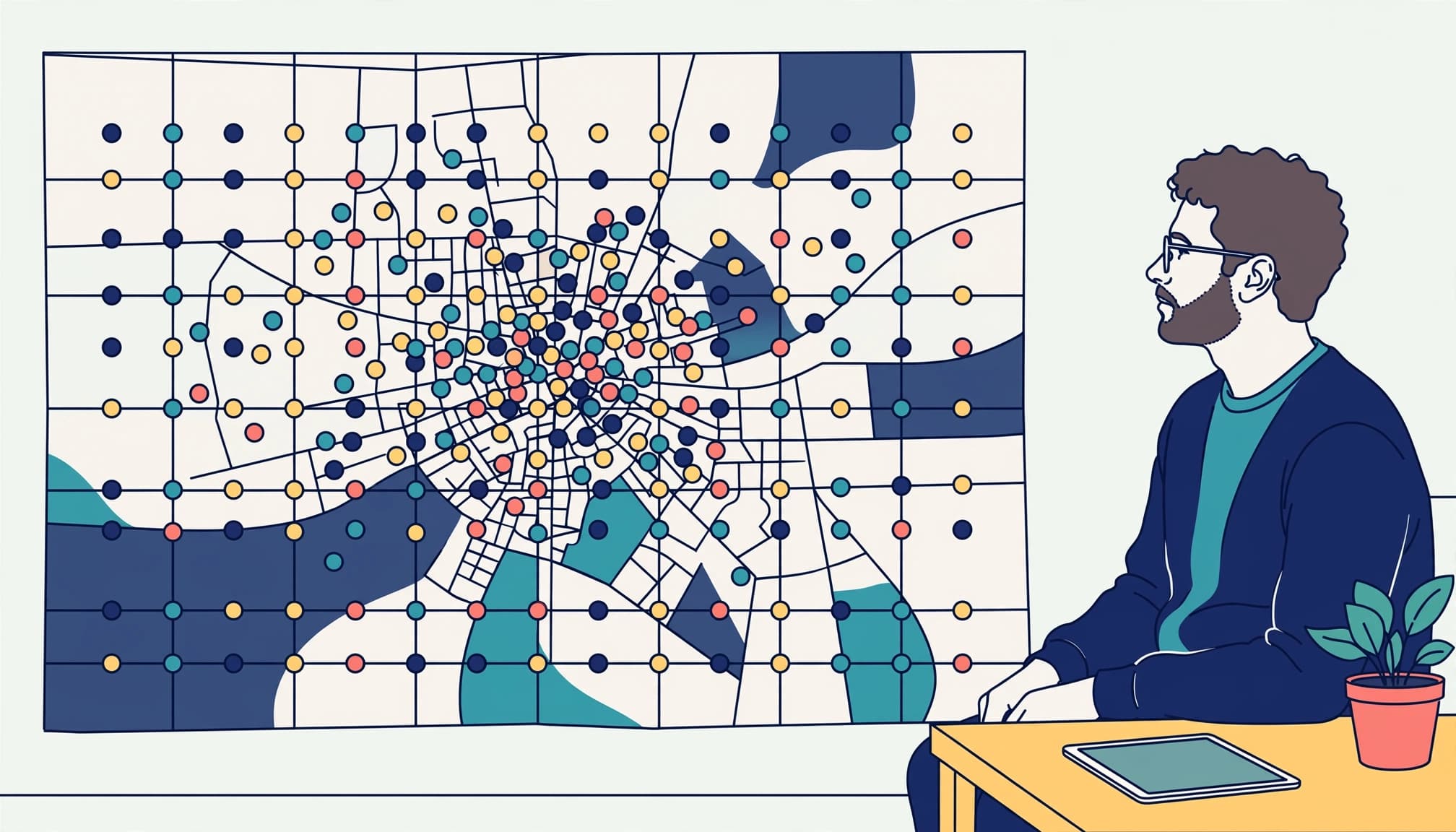
A geo-grid scan uses a rank tracker to check a search term at multiple geographic points. Unlike a traditional rank check, it shows how keyword rankings vary beyond one location.
BrightLocal Local Search Grid can map search results and compare scans over time. A 5-by-5 grid has 25 measurement points and offers a manageable starting structure.
Choose spacing that covers priority neighborhoods and both sides of the border. Dense spacing helps reveal street-level changes, while wider spacing shows broader coverage.
Keep the keyword, center, spacing, and settings consistent in your rank tracker. Start with a small group of high-value service searches, including relevant city-qualified terms.
Compare coverage rather than one average
Review where your business appears in the local pack, also called the map pack, where it ranks lower, and where it isn’t detected. Record the share of scanned points with top-three visibility in each priority area.
Treat undetected results consistently. Excluding them from an average can make weak coverage appear stronger than it is. Interpret location-specific measurements alongside your profile, website context, and entity relevance.
Use competitor tracking in your rank tracker to compare businesses at the same points. Similar patterns don’t prove what caused a visibility change.
Run the rank tracker on a consistent schedule, such as weekly, and note major changes between scans. Each geo-grid scan is a location-specific snapshot, not an official Google report or a permanent citywide ranking.
Build local reputation without shortcuts
Customer reviews support trust and local prominence. Create a consistent request process after completed work, using the same approach for every customer regardless of expected feedback.
Ask for an honest review and make the link easy to access. Don’t offer rewards, request five-star ratings, suggest keywords, or route dissatisfied customers into a separate private process. Monitor review velocity as a descriptive trend in your online reputation, not a ranking target or reason to solicit reviews improperly.
Reply professionally and protect customer privacy. Customer reviews should reflect real experiences, not scripted SEO campaigns. Track review velocity over time to understand how feedback is arriving, not to set solicitation quotas.
Strengthen your online reputation through legitimate local relationships. A chamber of commerce membership, trade association profile, or documented community partnership can provide useful external validation. Choose relationships that make sense for your local business, rather than buying links solely for rankings.
Social media can support brand familiarity through project photos, service updates, and customer stories shared with permission. It doesn’t replace accurate business details or strong service pages for Google Maps.
Maintain local citations, but prioritize accuracy over volume. Fix outdated phone numbers, incorrect locations, and duplicate records to protect NAP consistency. Keep business information accurate and coherent to support entity relevance, without assuming it’s a confirmed ranking factor.
Turn visibility gaps into a 30-day action plan
Use local SEO data to answer three business questions: Which services produce profitable jobs? Which neighboring areas need more qualified calls? Where do customers abandon the contact process?
Use those answers to organize the work:
- During week one, audit profile eligibility, categories, services, hours, duplicates, and contact details. Keep business and service information accurate and consistent to support entity relevance, though it isn’t a confirmed Google ranking factor. Save your starting settings, use a rank tracker, and run a baseline geo-grid scan.
- In week two, improve your highest-value service page and one priority city page. Add genuine local evidence and test the mobile contact path.
- During week three, establish review follow-up and correct important listings. Document completed projects for future website and profile updates.
- During week four, repeat the scans and use a rank tracker to compare local visibility at consistent locations, including competitor tracking. Compare calls, forms, booked jobs, and customer locations, then choose the next improvement for your local business.
Use Google Search Console for organic search performance and profile performance reports for available customer interactions. Keep map visibility separate from website traffic in your reporting.
AI voice receptionists can capture missed calls, while chatbots can qualify website inquiries. Measure these tools by response speed and booked leads, not as ranking factors.
If you need help diagnosing the gaps, contact EarningCoach Marketing for Google Business Profile optimization support. Use Schedule Call to arrange a review of your target areas and current setup.
Frequently Asked Questions
Do website rankings match Google Maps positions?
No. Organic website results and the map pack are different search surfaces. A city page can attract organic visitors while your Google Business Profile has limited visibility in the local pack or at distant Google Maps geo-grid points.
Compare Google Search Console results with geographic map scans. Consistent business information can clarify entity relevance, but it doesn’t make organic rankings and map pack visibility interchangeable. Connect both to qualified inquiries and booked work to keep strong website traffic from hiding a local visibility problem.
Can paid ads help reach neighboring cities?
Paid campaigns can complement your local SEO work when organic visibility is limited. Eligible businesses can evaluate Local Services Ads for high-intent leads, subject to Google’s availability and screening requirements.
Advertising doesn’t buy a higher organic map position. Track paid leads separately, and compare costs against completed jobs before increasing the budget. Keep the same accurate service boundaries in your advertising and customer communications.
Build visibility around the customers you can serve
Accurate business information, useful local content, a credible online reputation, and consistent geographic measurement support city-border visibility in Google Maps. Coherent business, service, and location details build entity relevance and can support visibility in the map pack or local pack. Measure success by qualified leads, not one favorable ranking.
Choose your priority service and neighboring area first. Measure the starting position, improve the relevant signals, and evaluate the customer response.
For help building that plan, book a free No-cost discovery call with EarningCoach Marketing.